Personify vs Timebolt
In the battle of Personify vs Timebolt, which AI Video Editing tool comes out on top? We compare reviews, pricing, alternatives, upvotes, features, and more.
Between Personify and Timebolt, which one is superior?
Upon comparing Personify with Timebolt, which are both AI-powered video editing tools, Timebolt stands out as the clear frontrunner in terms of upvotes. Timebolt has attracted 18 upvotes from aitools.fyi users, and Personify has attracted 6 upvotes.
Disagree with the result? Upvote your favorite tool and help it win!
Personify

What is Personify?
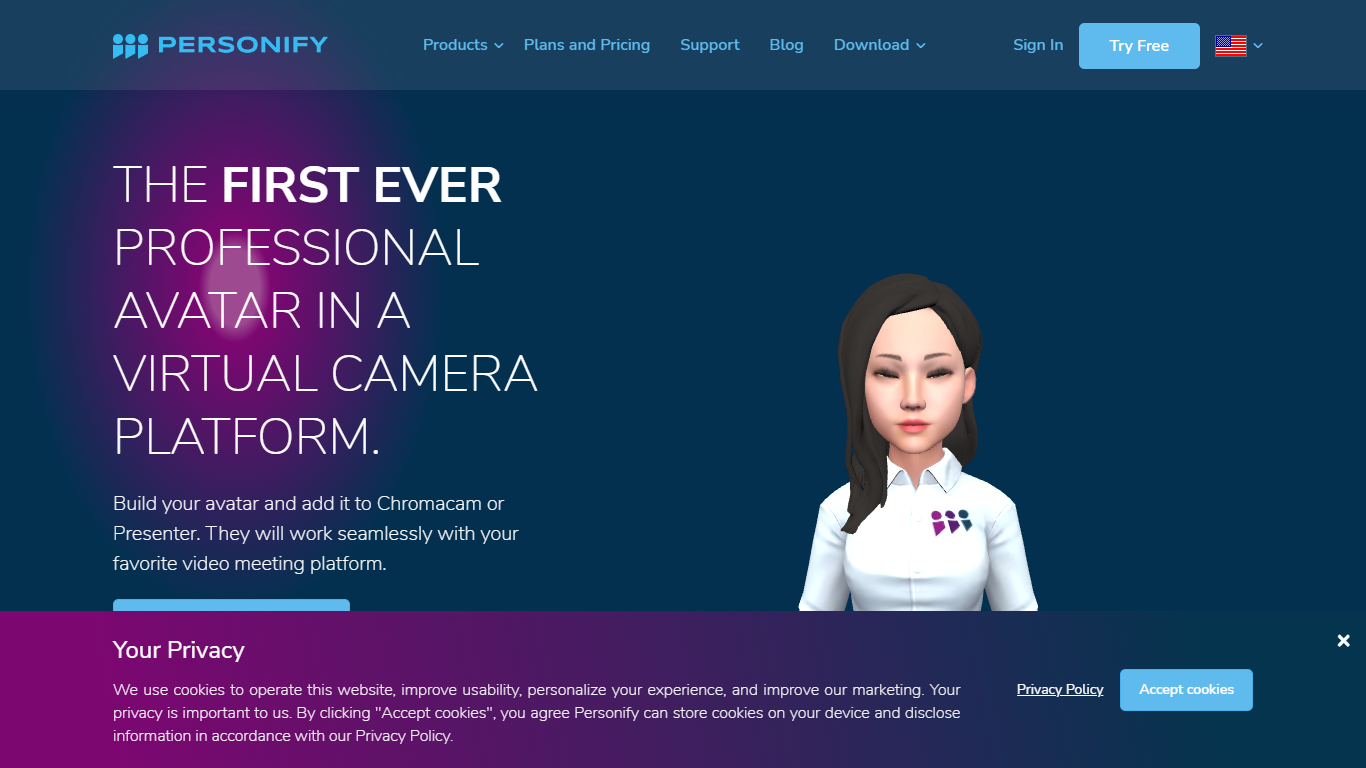
Personify is a virtual camera platform for professional video meetings and presentations. Build a 3D avatar with VRoid Studio, import it into ChromaCam or Presenter, and join Zoom, Teams, WebEx, or other conferencing apps with custom backgrounds or an on-screen avatar.
ChromaCam replaces or blurs your background during webcam calls. Presenter places your live persona or avatar over slides and screen shares. Presenter for Web adds browser-based presentation creation with AI image generation and multiplatform formatting for social channels.
The Personify SDK lets companies embed virtual background tech into their own software. Plans range from free ChromaCam Lite through Pro, Presenter, and Ultimate bundles.
Timebolt
What is Timebolt?
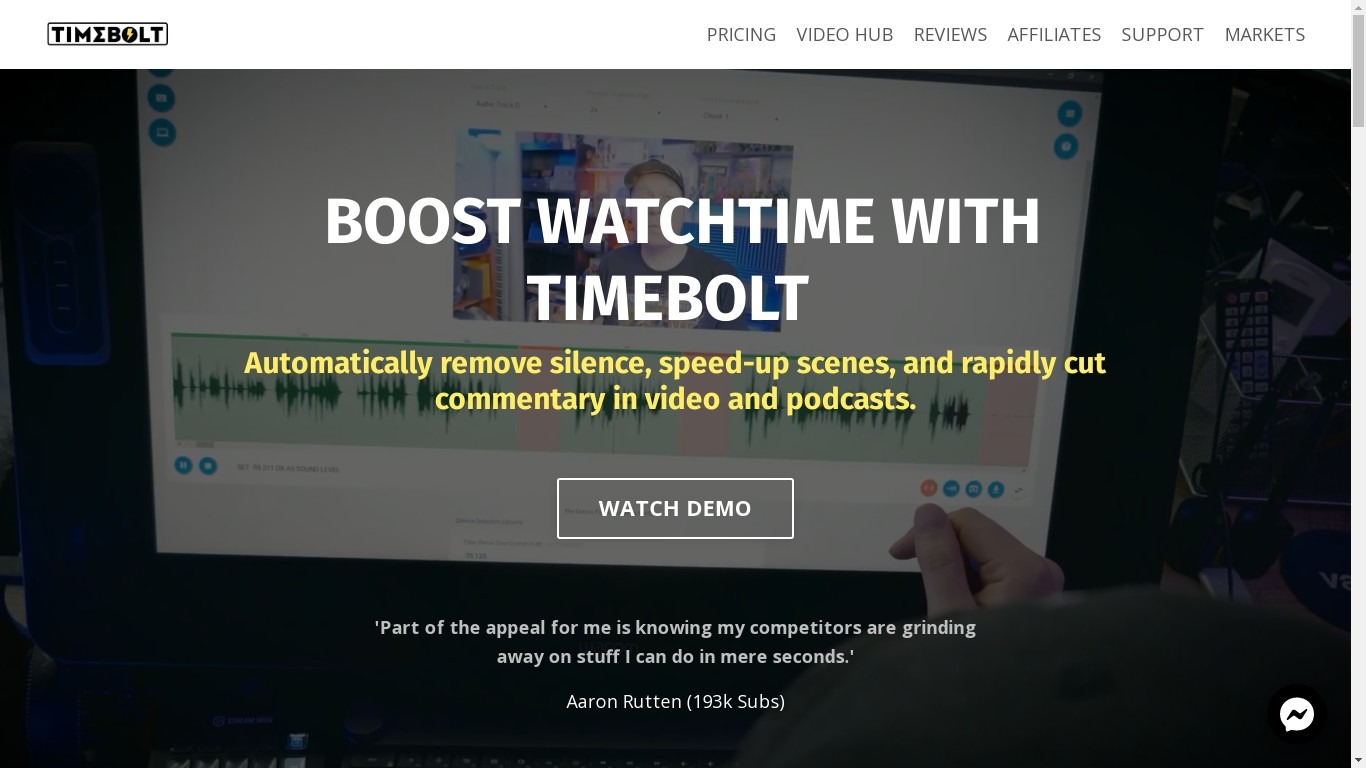
Timebolt is a desktop video editor built around waveform-first jump cuts for podcasts, interviews, and screen recordings. It strips silence, filler words, and bad takes with 0.01 second cut control, then exports timelines to Premiere Pro, Final Cut Pro, DaVinci Resolve, or Camtasia without re-cutting by hand.
Most text-based AI editors guess where pauses live and leave hundreds of missed cuts per hour. Timebolt measures the audio waveform first, which is why its benchmark claims zero mistakes left per hour while rivals like Descript and Gling still need manual cleanup. That trade-off favors editors who want frame-tight cuts over a chat-style transcript workflow.
Podcasters, YouTubers, and course creators use Timebolt to shrink raw talking-head footage before publishing. Post-production teams also route Riverside multicam sessions through Timebolt XML exports so senior editors finish polish work in their preferred NLE.
Personify Upvotes
Timebolt Upvotes
Personify Top Features
Build and import custom 3D avatars from VRoid Studio into ChromaCam or Presenter
ChromaCam Pro for virtual green screen, blur, video backgrounds, and Twitch bot support
Presenter for placing yourself over slides with Studio Mode and MP4 recording
Presenter for Web with AI image generation and social media formatting
Personify SDK for embedding virtual background capabilities in third-party apps
Timebolt Top Features
0.01 second cut control on waveform-based silence removal
Processes an hour of footage in about 13 seconds for jump cuts
Exports XML timelines to Premiere Pro, Final Cut Pro, and DaVinci Resolve
UMCHECK removes filler words automatically from recorded speech
Free 4K screen capture tool for Mac and Windows
Benchmark reports zero missed cuts per hour versus hundreds on rival AI editors
Personify Category
- Video Editing
Timebolt Category
- Video Editing
Personify Pricing Type
- Freemium
Timebolt Pricing Type
- Freemium