Petal vs AI Consulting Tools
In the contest of Petal vs AI Consulting Tools, which AI Research tool is the champion? We evaluate pricing, alternatives, upvotes, features, reviews, and more.
If you had to choose between Petal and AI Consulting Tools, which one would you go for?
When we examine Petal and AI Consulting Tools, both of which are AI-enabled research tools, what unique characteristics do we discover? The upvote count favors Petal, making it the clear winner. Petal has received 7 upvotes from aitools.fyi users, while AI Consulting Tools has received 6 upvotes.
You don't agree with the result? Cast your vote to help us decide!
Petal

What is Petal?
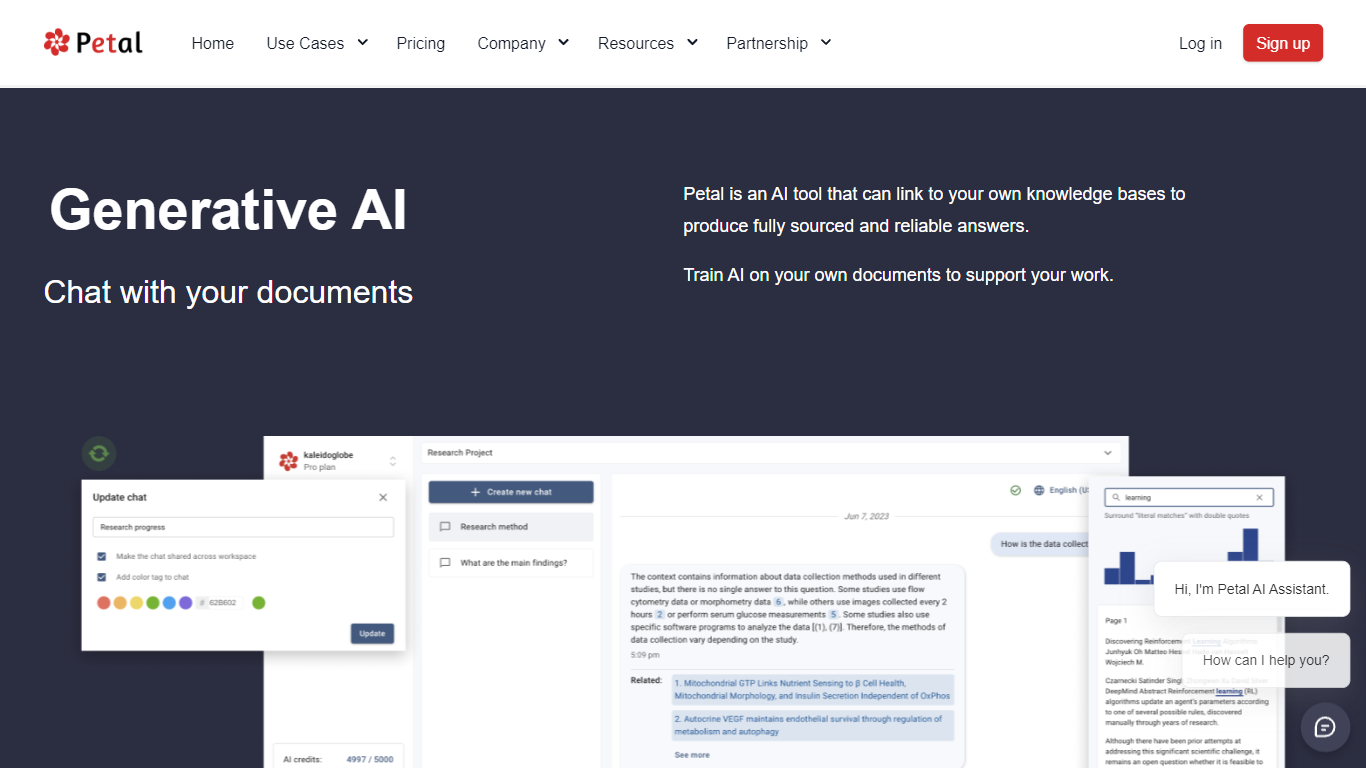
Petal turns PDFs and research files into a library you can query with sourced answers, citations, and team annotations. Upload documents to the cloud drive, chat with a single file or multiple papers, and export citation lists without leaving the workspace at cite.petal.org.
Compared with a general chatbot, Petal anchors replies to documents you upload and highlights where each answer came from. It also bundles a reference manager, citation generator, browser capture plugin, and multi-document AI Table filters that general note apps usually lack.
Researchers, R&D teams, and faculty groups use Petal to scan technical PDFs, share annotated libraries, and compare studies across collections. The homepage cites 20,000+ researchers and lists MIT, UT Austin, Caltech, and Intuit logos among its users.
AI Consulting Tools
What is AI Consulting Tools?
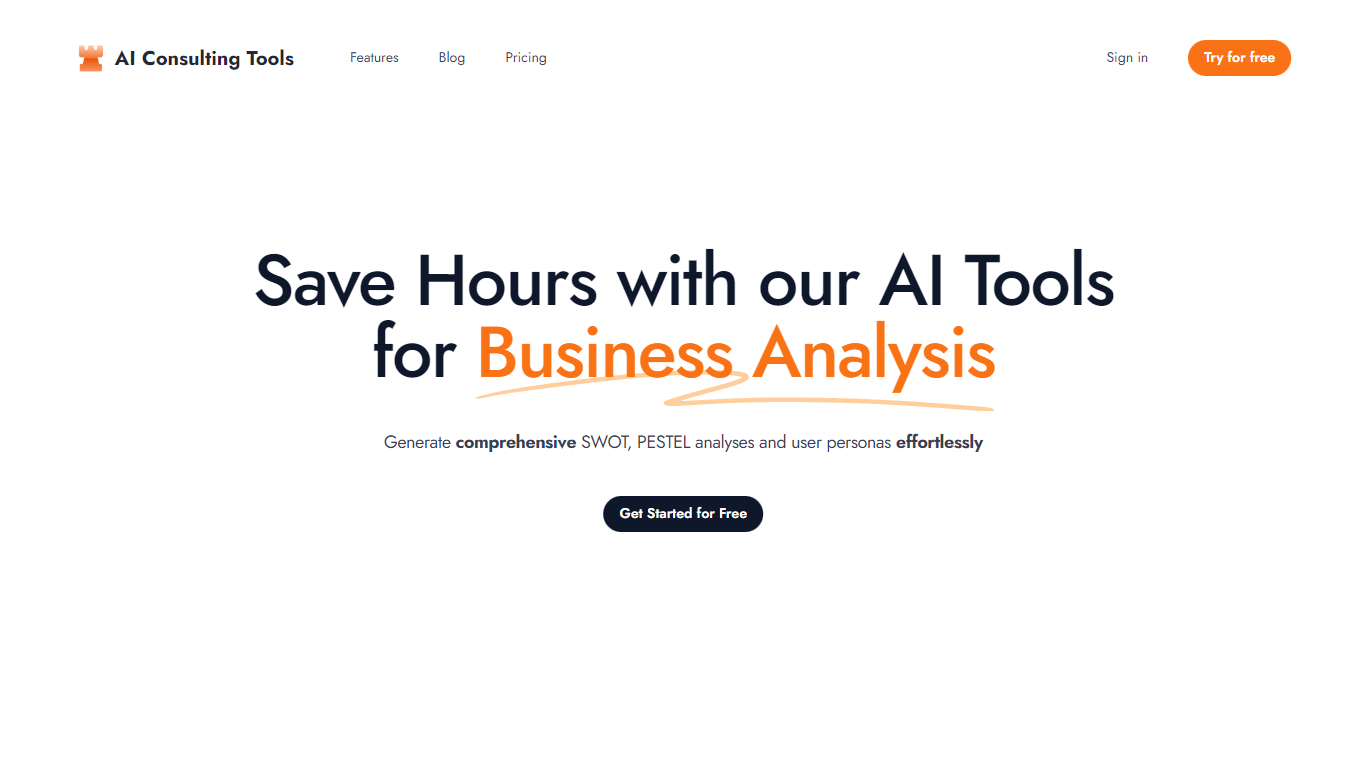
Optimize your business analysis efforts with our advanced AI Tools, specifically designed to enhance productivity and efficiency. With these tools at your disposal, you can streamline your analysis process and incorporate intelligent insights directly into your presentations without hassle. Our AI Tools are engineered to process large datasets swiftly and provide comprehensive analytics, enabling you to make data-driven decisions confidently.
The user-friendly interface of our AI Tools ensures a smooth experience even for non-technical users, making it easier to delve into complex data and derive meaningful conclusions. By automating routine analysis tasks, you can redirect your focus to strategic thinking and decision-making. These tools not only speed up the process but also improve accuracy by reducing human errors. Equipped with the latest AI technologies, our tools are constantly evolving to meet the dynamic needs of business environments.
Petal Upvotes
AI Consulting Tools Upvotes
Petal Top Features
Free plan includes 1 GB storage, 400 AI credits, and unlimited citation lists
Single-document chat on every tier plus 7-day trials for multi-doc chat on Free
AI Table on Plus and above compares documents with conversational filters
Browser plugin auto-fills metadata when you save PDFs to a Petal collection
Advanced plan adds multi-doc chat, AI Create, and 1,200 monthly AI credits for $8.49 per month annual
AI Consulting Tools Top Features
Ease of Use: User-friendly interface suitable for tech and non-tech users alike.
Efficient Data Handling: Quickly processes large datasets for comprehensive analysis.
Integration Capabilities: Seamlessly integrate insights into presentations.
Accuracy Improvement: Reduces human errors by automating routine tasks.
Advanced AI Technology: Leverages the latest AI developments for constant improvement.
Petal Category
- Research
AI Consulting Tools Category
- Research
Petal Pricing Type
- Freemium
AI Consulting Tools Pricing Type
- Freemium