Photo to Cartoon and Caricature By pixstacks vs Profile Picture Maker By Picsart
Explore the showdown between Photo to Cartoon and Caricature By pixstacks vs Profile Picture Maker By Picsart and find out which AI Photo Editing tool wins. We analyze upvotes, features, reviews, pricing, alternatives, and more.
When comparing Photo to Cartoon and Caricature By pixstacks and Profile Picture Maker By Picsart, which one rises above the other?
When we contrast Photo to Cartoon and Caricature By pixstacks with Profile Picture Maker By Picsart, both of which are exceptional AI-operated photo editing tools, and place them side by side, we can spot several crucial similarities and divergences. The community has spoken, Profile Picture Maker By Picsart leads with more upvotes. The upvote count for Profile Picture Maker By Picsart is 9, and for Photo to Cartoon and Caricature By pixstacks it's 6.
Feeling rebellious? Cast your vote and shake things up!
Photo to Cartoon and Caricature By pixstacks
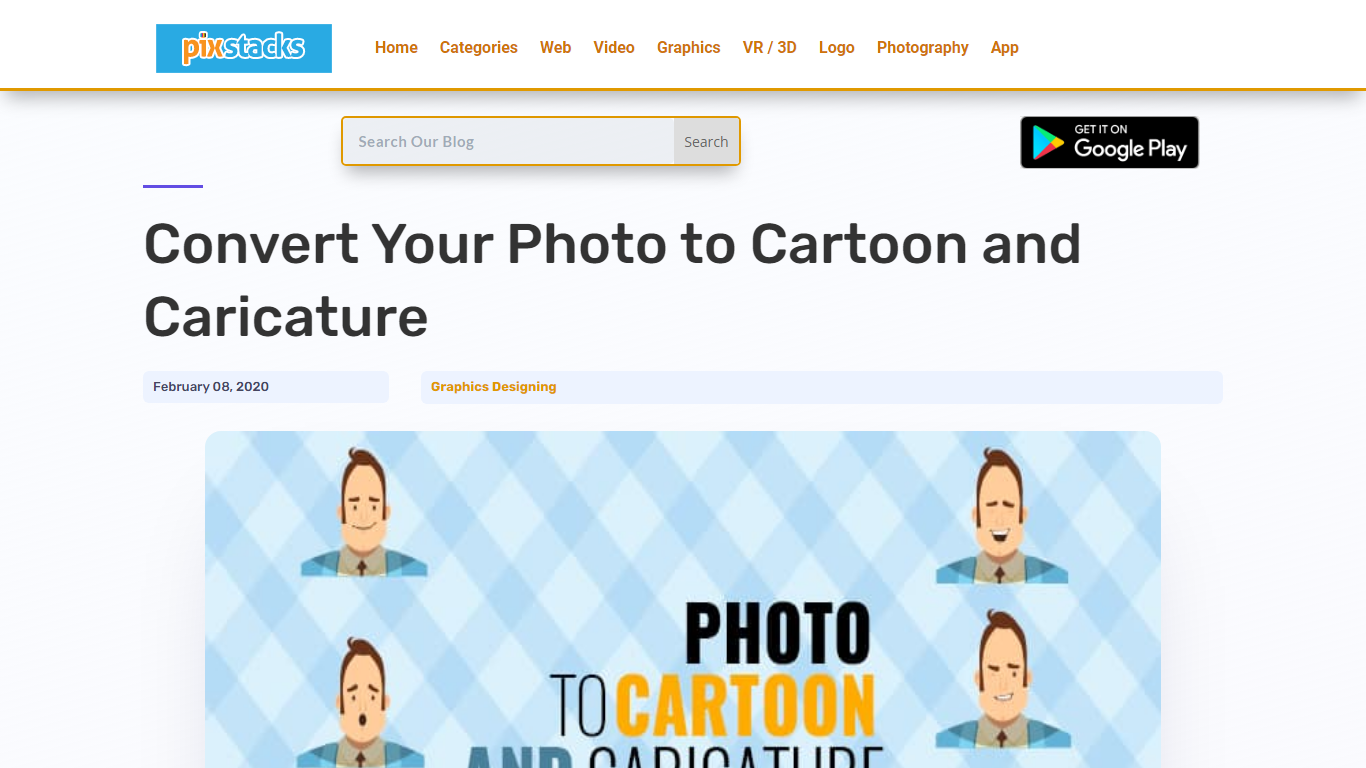

What is Photo to Cartoon and Caricature By pixstacks?
Transform your standard photos into stunning cartoons and caricatures with our easy-to-use online service. Simply upload your portrait, and within seconds, witness an array of incredible face alterations: morph your features, tweak your expressions, or animate your face completely for a dynamic effect. Your lips, cheeks, eyebrows, and eyelids will come to life, ensuring every animation like a smile or wink feels incredibly real. Engage with our free and intuitive tools like Photocartoon, AnyMaking, or the Toon Artist Photoshop Action to elevate your images to shareable and frameable art pieces.
Profile Picture Maker By Picsart

What is Profile Picture Maker By Picsart?
Profile Picture Maker By Picsart crops, reframes, and styles square avatars for social platforms inside the free Quicktools browser editor. You upload a photo, optionally swap the background, add borders or colors, then export preset sizes for Instagram, LinkedIn, Discord, and other networks.
Most avatar editors auto-remove backgrounds whether you want that or not. Picsart's version lets you keep or replace the backdrop, then rotate, scale, and position the subject before picking platform-specific dimensions like 400x400 for LinkedIn or 128x128 for Discord.
Creators refreshing Instagram, Zoom, or Slack avatars use it because it needs no account, stores no images, and advertises 1 to 2 minute results. The page rates 4.8 out of 5 from 51 reviews and sits inside Picsart's broader Quicktools suite launched in 2021.
Photo to Cartoon and Caricature By pixstacks Upvotes
Profile Picture Maker By Picsart Upvotes
Photo to Cartoon and Caricature By pixstacks Top Features
Photo to Cartoon Conversion: Turn your portrait photos into cartoons effortlessly.
Animated Facial Expressions: Add live movement to your caricatures with animated features.
Caricature Styles Variety: Explore a range of caricature effects from Troll to Tough Guy personas.
Free Online Tools: Utilize free services like Photocartoon and AnyMaking for instant transformations.
Photoshop Action: Access Toon Artist Photoshop Action for professional-grade cartoon illustrations.
Profile Picture Maker By Picsart Top Features
100% free profile picture editor with no sign-up required
Optional background removal or custom colored and patterned backdrops
Border and fine-tune controls for rotate, scale, and positioning
Preset export sizes for Instagram (320x320), LinkedIn (400x400), Discord (128x128), and more
Drag-and-drop upload with advertised 1 to 2 minute processing
No image storage policy stated on the tool page
4.8 star Quicktools rating from 51 reviews
Photo to Cartoon and Caricature By pixstacks Category
- Photo Editing
Profile Picture Maker By Picsart Category
- Photo Editing
Photo to Cartoon and Caricature By pixstacks Pricing Type
- Freemium
Profile Picture Maker By Picsart Pricing Type
- Free