PhotoAid's AI Image Enlarger vs Caricature By PhotoFunia
In the battle of PhotoAid's AI Image Enlarger vs Caricature By PhotoFunia, which AI Photo Editing tool comes out on top? We compare reviews, pricing, alternatives, upvotes, features, and more.
Between PhotoAid's AI Image Enlarger and Caricature By PhotoFunia, which one is superior?
Upon comparing PhotoAid's AI Image Enlarger with Caricature By PhotoFunia, which are both AI-powered photo editing tools, There's no clear winner in terms of upvotes, as both tools have received the same number. Since other aitools.fyi users could decide the winner, the ball is in your court now to cast your vote and help us determine the winner.
Don't agree with the result? Cast your vote and be a part of the decision-making process!
PhotoAid's AI Image Enlarger

What is PhotoAid's AI Image Enlarger?
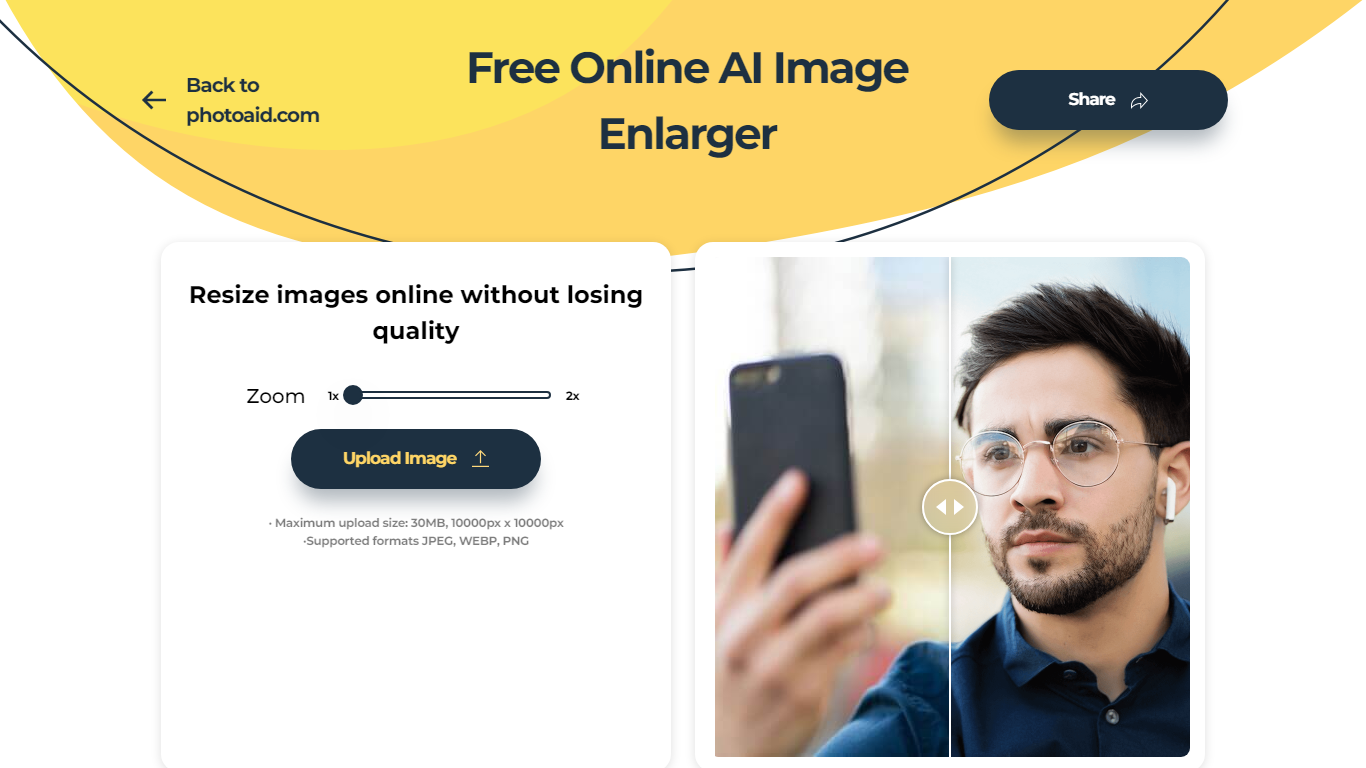
PhotoAid's AI Image Enlarger upscales photos in the browser without a software download. You upload a JPEG, WEBP, or PNG file up to 30MB or 10,000 by 10,000 pixels, pick a 1x or 2x zoom level, and the tool doubles dimensions while smoothing detail instead of leaving blocky pixels.
Standard resize tools stretch pixels and blur faces fast. PhotoAid's upscaler uses AI smoothing tuned especially for portraits, so a 1000 by 1000 px image can become 2000 by 2000 px with fewer artifacts than a basic bicubic stretch.
The enlarger is free and hosted by PhotoAiD, the same team behind passport and visa photo tools on photoaid.com. They released it as a standalone browser utility alongside their biometric photo pipeline, with multilingual site options and links back to other PhotoAid tools.
PhotoAid's AI Image Enlarger fits photographers, ecommerce sellers, and anyone who needs a quick upscale for profile shots or product images. It also helps travelers who already use PhotoAid for passport photos and want a separate enlargement step in the same ecosystem.
Caricature By PhotoFunia

What is Caricature By PhotoFunia?
Caricature By PhotoFunia is a free online photo effect that turns a portrait into a hand-drawn caricature sketch. You upload a photo, the site runs automatic face detection, and the Caricature effect exaggerates facial features into a pencil-style drawing in a few clicks. No drawing skills or desktop software required.
PhotoFunia hosts 642 photo effects, and this caricature filter is one preset in that catalog rather than a standalone portrait editor. That makes it fast for a one-off social post, but you get less control than a dedicated caricature app that lets you tune line weight, pose, or art style.
Caricature By PhotoFunia suits casual creators, families, and social media users who want a playful profile picture or party invite without learning Photoshop. The mobile site supports multiple interface languages, and results are ready to download or share straight from the browser.
PhotoAid's AI Image Enlarger Upvotes
Caricature By PhotoFunia Upvotes
PhotoAid's AI Image Enlarger Top Features
2x zoom doubles image dimensions, for example 1000 by 1000 px to 2000 by 2000 px
Maximum upload size is 30MB or 10,000 by 10,000 pixels
Supports JPEG, WEBP, and PNG input formats
Browser-based workflow requires no desktop software download
AI upscaler emphasizes face photos but handles other image types
Free access with share and tell-friends prompts on the tool page
Multilingual PhotoAid site lists 15 language options in the footer
Caricature By PhotoFunia Top Features
Automatic face detection picks the subject before applying the caricature sketch
One-click Caricaturize button after uploading a portrait photo
Part of PhotoFunia's catalog of 642 free online photo effects
Works in mobile browsers with no app install required
Interface available in 15 languages including English, Spanish, and Japanese
Related drawing effects such as Sketch and Artist in a Hat on the same platform
PhotoAid's AI Image Enlarger Category
- Photo Editing
Caricature By PhotoFunia Category
- Photo Editing
PhotoAid's AI Image Enlarger Pricing Type
- Free
Caricature By PhotoFunia Pricing Type
- Free