PhotoAid's AI Image Enlarger vs SolidGrids
Explore the showdown between PhotoAid's AI Image Enlarger vs SolidGrids and find out which AI Photo Editing tool wins. We analyze upvotes, features, reviews, pricing, alternatives, and more.
In a face-off between PhotoAid's AI Image Enlarger and SolidGrids, which one takes the crown?
When we contrast PhotoAid's AI Image Enlarger with SolidGrids, both of which are exceptional AI-operated photo editing tools, and place them side by side, we can spot several crucial similarities and divergences. The upvote count reveals a draw, with both tools earning the same number of upvotes. Be a part of the decision-making process. Your vote could determine the winner.
Not your cup of tea? Upvote your preferred tool and stir things up!
PhotoAid's AI Image Enlarger


What is PhotoAid's AI Image Enlarger?
PhotoAid's AI Image Enlarger upscales photos in the browser without a software download. You upload a JPEG, WEBP, or PNG file up to 30MB or 10,000 by 10,000 pixels, pick a 1x or 2x zoom level, and the tool doubles dimensions while smoothing detail instead of leaving blocky pixels.
Standard resize tools stretch pixels and blur faces fast. PhotoAid's upscaler uses AI smoothing tuned especially for portraits, so a 1000 by 1000 px image can become 2000 by 2000 px with fewer artifacts than a basic bicubic stretch.
The enlarger is free and hosted by PhotoAiD, the same team behind passport and visa photo tools on photoaid.com. They released it as a standalone browser utility alongside their biometric photo pipeline, with multilingual site options and links back to other PhotoAid tools.
PhotoAid's AI Image Enlarger fits photographers, ecommerce sellers, and anyone who needs a quick upscale for profile shots or product images. It also helps travelers who already use PhotoAid for passport photos and want a separate enlargement step in the same ecosystem.
SolidGrids
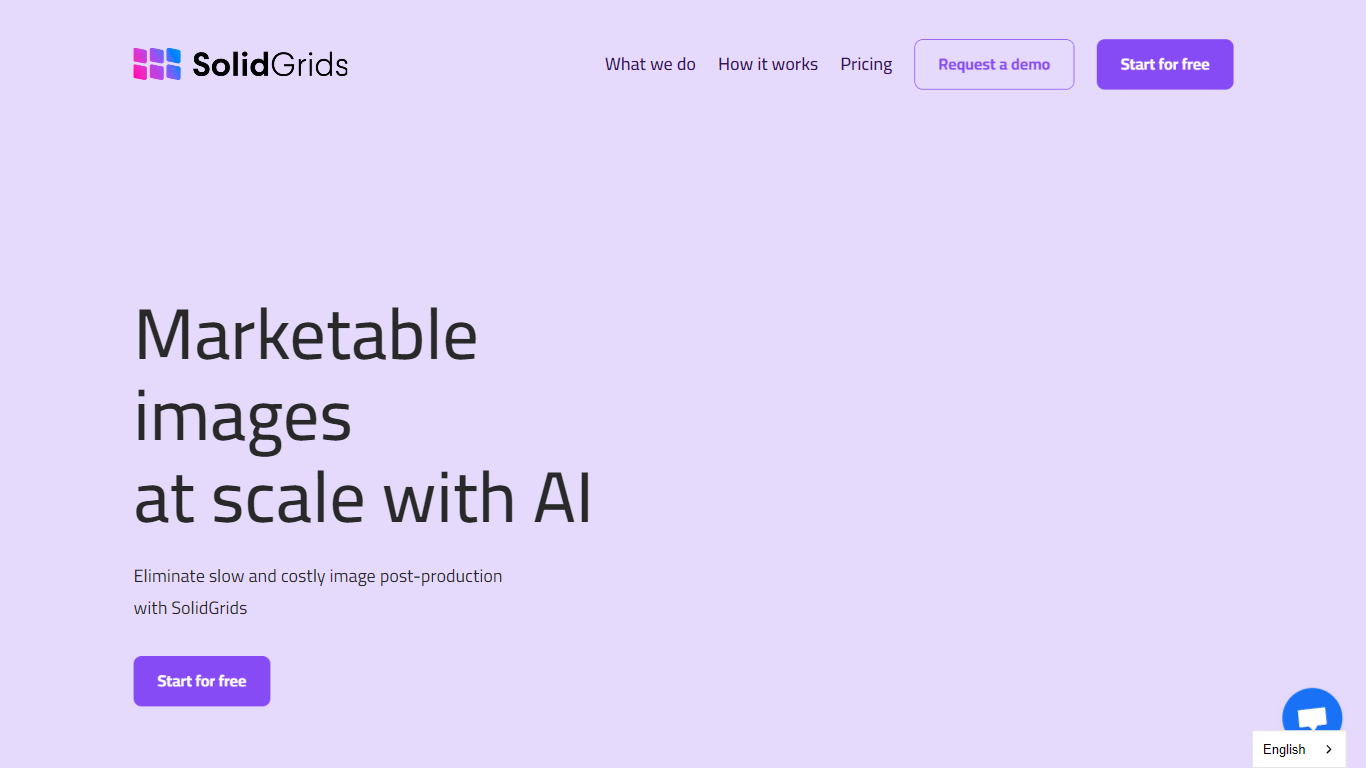
What is SolidGrids?
SolidGrids is the ultimate solution for automating your image editing process. With this powerful tool, you can configure your images once and let the automation take care of the rest. There's no need for manual intervention or constant review. SolidGrids ensures that your photos are ready to be published without any hassle.
One of the key features of SolidGrids is its ability to adjust various aspects of your images to fit your company's branding. You can easily modify backgrounds, lighting, banners, and more to match your brand's specific requirements. This level of customization helps you maintain a consistent and professional look across all your visual content.
SEO Optimized and highly efficient, SolidGrids streamlines your image editing workflow, saving you time and effort. Whether you're a small business owner or a professional photographer, this tool will significantly enhance your productivity. It eliminates the need for manual editing, allowing you to focus on other important tasks in your business.
By automating your image editing process with SolidGrids, you can ensure a high level of consistency and quality in your visuals. No more worries about inconsistent background colors or poorly lit photos. SolidGrids takes care of all these aspects, enabling you to deliver stunning images that perfectly represent your brand.
In addition to its advanced automation capabilities, SolidGrids also provides a user-friendly interface that makes the editing process intuitive and straightforward. You don't need to be a professional graphic designer to use this tool effectively. With just a few clicks, you can transform your raw images into polished and professional-looking visuals.
Overall, SolidGrids is a game-changer in the world of image editing and automation. It allows you to configure your images once and forget about manual editing forever. With its seamless integration into your workflow, you can focus on what you do best while SolidGrids takes care of your image editing needs.
PhotoAid's AI Image Enlarger Upvotes
SolidGrids Upvotes
PhotoAid's AI Image Enlarger Top Features
2x zoom doubles image dimensions, for example 1000 by 1000 px to 2000 by 2000 px
Maximum upload size is 30MB or 10,000 by 10,000 pixels
Supports JPEG, WEBP, and PNG input formats
Browser-based workflow requires no desktop software download
AI upscaler emphasizes face photos but handles other image types
Free access with share and tell-friends prompts on the tool page
Multilingual PhotoAid site lists 15 language options in the footer
SolidGrids Top Features
No top features listedPhotoAid's AI Image Enlarger Category
- Photo Editing
SolidGrids Category
- Photo Editing
PhotoAid's AI Image Enlarger Pricing Type
- Free
SolidGrids Pricing Type
- Freemium