Photogenic AI vs Magic Brush AI
In the face-off between Photogenic AI vs Magic Brush AI, which AI Design tool takes the crown? We scrutinize features, alternatives, upvotes, reviews, pricing, and more.
In a face-off between Photogenic AI and Magic Brush AI, which one takes the crown?
If we were to analyze Photogenic AI and Magic Brush AI, both of which are AI-powered design tools, what would we find? There's no clear winner in terms of upvotes, as both tools have received the same number. The power is in your hands! Cast your vote and have a say in deciding the winner.
Feeling rebellious? Cast your vote and shake things up!
Photogenic AI

What is Photogenic AI?
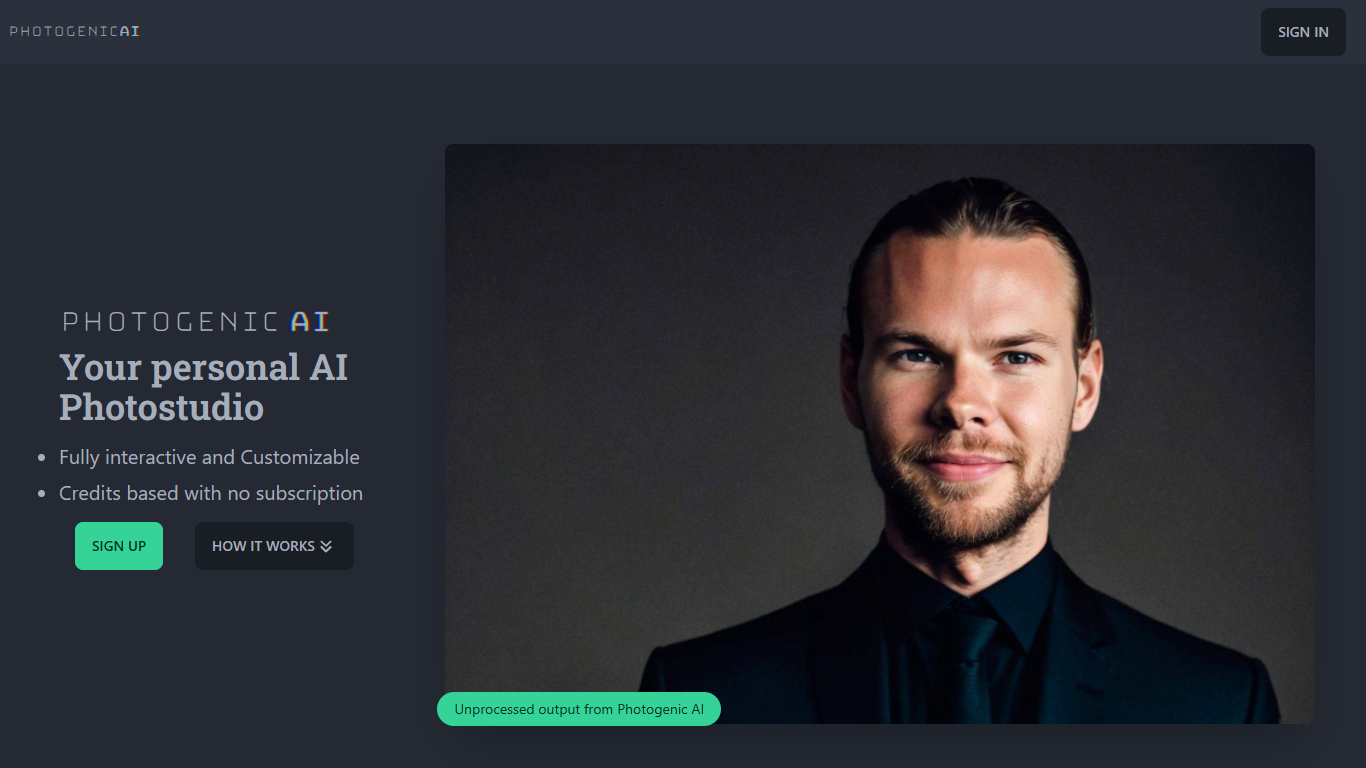
Photogenic AI is a personal AI photostudio that turns your selfies into professional-looking portraits. You upload reference photos, the service builds an AI Persona of you, and you generate customized images from there. It is built for anyone who needs polished headshots or social photos without booking a real studio session.
The workflow starts with your uploads. Photogenic AI trains an AI Persona from those images, then lets you generate new photos with fine-tuned control over the output. Style Copy goes further: upload any reference image and the AI transfers its pose, clothing, environment, framing, and lighting onto your persona.
Pricing runs on credits, not subscriptions. You buy a package, spend one credit per generated image, and keep generating until your credits run out. The first session takes a few minutes to spin up your persona; after that, each image renders in seconds.
Magic Brush AI

What is Magic Brush AI?
Magic Brush AI introduces an innovative AI-powered plugin specifically designed for Figma users who wish to enhance their design process. The Magic Brush AI plugin seamlessly integrates with Figma, allowing designers to generate and edit images directly within the application. If you're looking to speed up your design workflow and leverage artificial intelligence in your projects, Magic Brush AI offers a simple yet powerful solution. With easy installation and a user-friendly interface, Magic Brush expands creative possibilities without ever leaving your favorite design platform. Additionally, the community aspect is emphasized with an invitation to join their Discord, suggesting a focus on user engagement and support. Designed by Elie Toubiana from sunshine-filled Los Angeles, CA, Magic Brush AI is poised to transform how creatives interact with Figma and image editing.
Photogenic AI Upvotes
Magic Brush AI Upvotes
Photogenic AI Top Features
Upload your photos and Photogenic AI builds a custom AI Persona from them
Style Copy transfers pose, clothing, lighting, and framing from any reference photo
One credit equals one generated image, with no subscription required
First persona setup takes about 3 to 5 minutes, then images render in 10 to 20 seconds
Fully interactive studio with fine-tuned control over each generated portrait
Magic Brush AI Top Features
AI Powered Plugin: A convenient Figma plugin that utilizes AI for image generation and editing.
Seamless Integration: Integrates with Figma for a streamlined design workflow.
Easy Installation: Simple process to install the plugin directly on Figma.
Community Support: Access to a Discord community for networking and support.
Frequent Updates: Continual improvements and feature additions to enhance user experience.
Photogenic AI Category
- Design
Magic Brush AI Category
- Design
Photogenic AI Pricing Type
- Paid
Magic Brush AI Pricing Type
- Freemium