Photoleap vs Palette.fm
Dive into the comparison of Photoleap vs Palette.fm and discover which AI Photo Editing tool stands out. We examine alternatives, upvotes, features, reviews, pricing, and beyond.
In a comparison between Photoleap and Palette.fm, which one comes out on top?
When we compare Photoleap and Palette.fm, two exceptional photo editing tools powered by artificial intelligence, and place them side by side, several key similarities and differences come to light. With more upvotes, Palette.fm is the preferred choice. The upvote count for Palette.fm is 33, and for Photoleap it's 10.
Does the result make you go "hmm"? Cast your vote and turn that frown upside down!
Photoleap
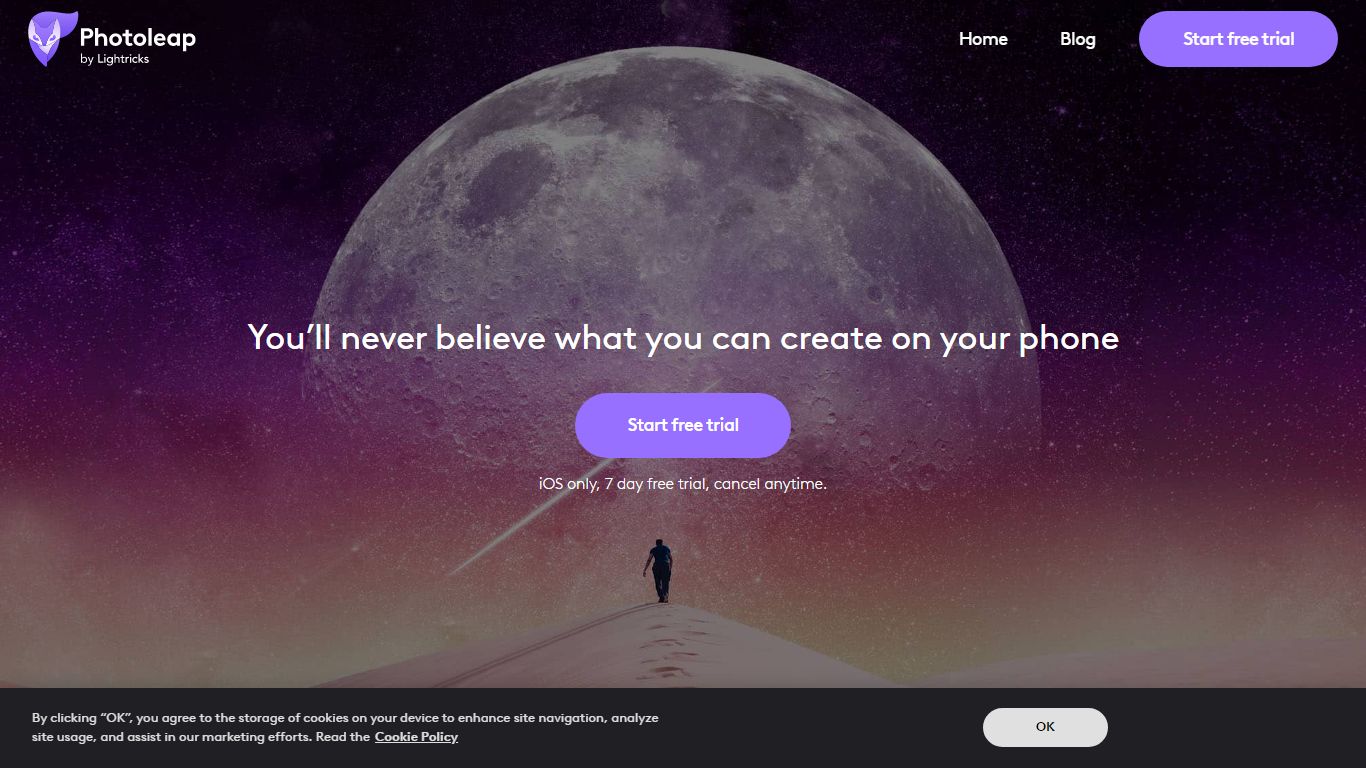

What is Photoleap?
Lightricks built Photoleap as a phone-first photo editor where AI handles retouching, background swaps, text-to-image generation, and novelty filters through tap-friendly controls. Free tools include the Cutout background remover, and a Pro subscription unlocks the full creative suite after a 7-day trial.
Desktop editors like Photoshop expect manual layers and masking. Photoleap instead ships one-tap AI transforms such as face swaps, yearbook filters, tattoo previews, and sketch-to-image directly on mobile. Text-to-Image works in the browser, but Sketch-to-Image, AI Rooms, and AI Selfies remain app-only, so the web experience stays narrower than the full mobile app.
With 65M+ downloads and a 4.7/5 rating from 600K users, Photoleap fits Instagram creators, small business marketers, and casual photographers who edit on iOS or Android without design training. Pro subscribers get up to 12 layers plus every AI tool listed on the site.
Palette.fm
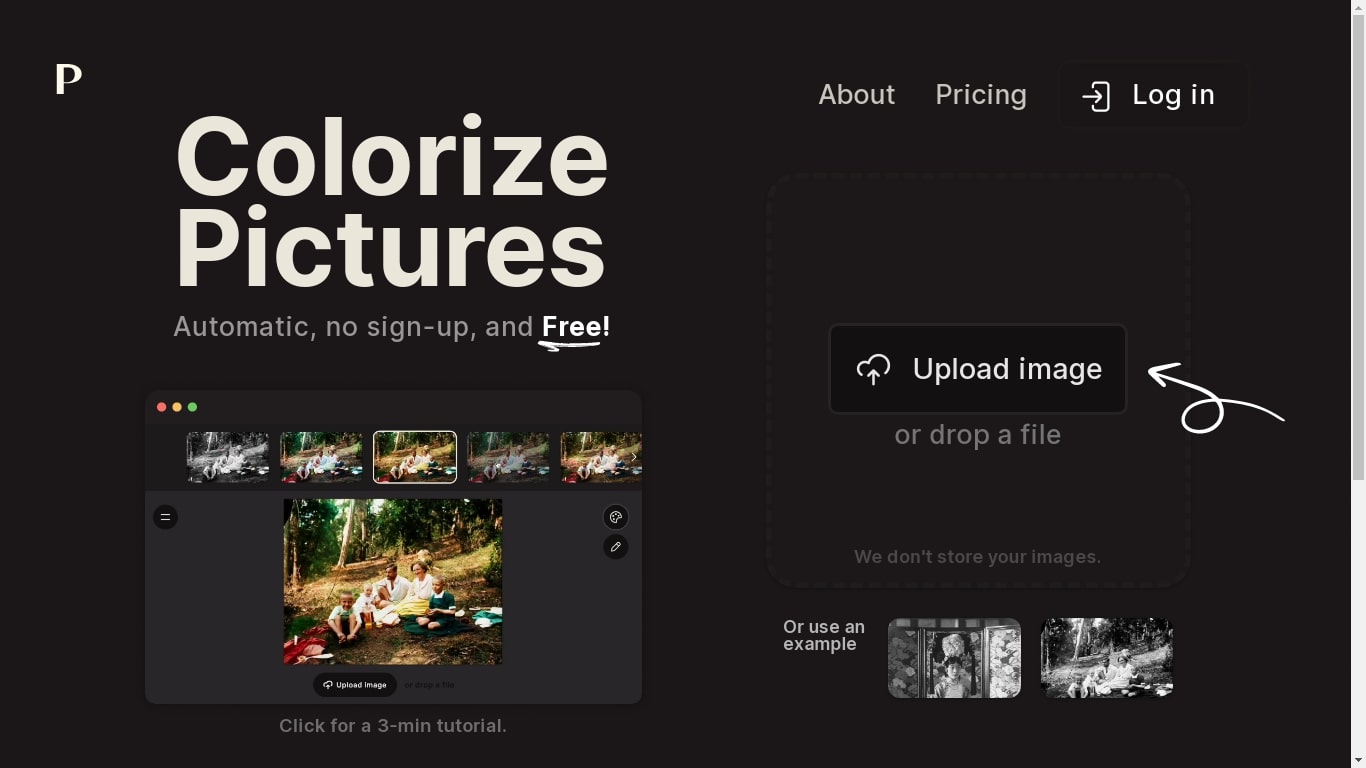
What is Palette.fm?
Palette.fm colorizes black-and-white photos through a browser upload flow with 21+ filter presets and keyword-based color tweaks. Upload an image, pick a filter, adjust descriptive keywords if needed, then download a full-resolution result or keep iterating on previews. The photo editing workflow targets family historians, photographers, and creators restoring old prints without opening Photoshop.
Most colorizers lean on heavy sepia and purple casts with little room to steer skin tones or fabric colors. Palette.fm lets you click a filter then fine-tune hues through plain-language keywords, and it sells one-time credit packs alongside subscriptions. Free previews cap at 500x500 pixels with a watermark, while paid credits remove the logo and support files up to 5000x5000 pixels.
Genealogy researchers, photo archivists, and YouTube educators use Palette.fm to batch-test color looks before committing credits. The site reports 54 million photos colorized and 6.6 million registered users, with an API option for teams that want programmatic access.
Photoleap Upvotes
Palette.fm Upvotes
Photoleap Top Features
65M+ downloads across iOS and Android app stores
7-day free Pro trial before subscription billing starts
Annual Pro plan bills at $47.99 per year ($3.99 per month effective)
Text-to-Image runs in the browser; Sketch-to-Image and AI Rooms are app-only
Cutout tool removes or replaces backgrounds with preset or custom backdrops
Pro unlocks up to 12 layers for complex edits
Palette.fm Top Features
21+ color filters with before-and-after previews on sample photos
Free plan includes unlimited 500x500 previews with Palette watermark
Paid credits export up to 5000x5000 pixels without the logo
Keyword adjustment panel fine-tunes colors after picking a filter
Annual subscription is $72 per year for 480 credits ($0.15 each)
One-time pack is $49 for 75 credits valid for 2 years
API and video integration options listed in the site footer
Photoleap Category
- Photo Editing
Palette.fm Category
- Photo Editing
Photoleap Pricing Type
- Freemium
Palette.fm Pricing Type
- Freemium