Picapiu vs AI Headshot - Photo Generator (formerly AI Portrait Generator)
Compare Picapiu vs AI Headshot - Photo Generator (formerly AI Portrait Generator) and see which AI Avatar Generation tool is better when we compare features, reviews, pricing, alternatives, upvotes, etc.
Which one is better? Picapiu or AI Headshot - Photo Generator (formerly AI Portrait Generator)?
When we compare Picapiu with AI Headshot - Photo Generator (formerly AI Portrait Generator), which are both AI-powered avatar generation tools, There's no clear winner in terms of upvotes, as both tools have received the same number. You can help us determine the winner by casting your vote and tipping the scales in favor of one of the tools.
Feeling rebellious? Cast your vote and shake things up!
Picapiu
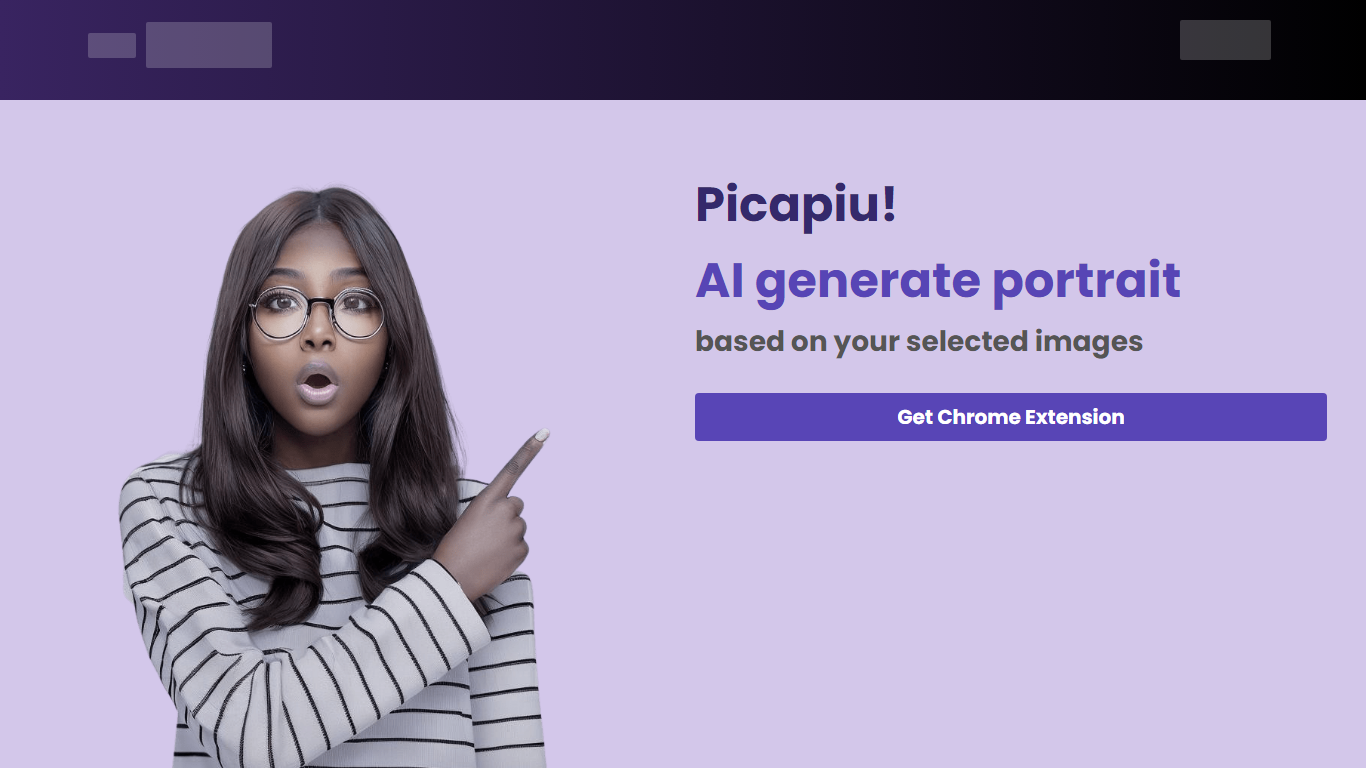

What is Picapiu?
Unleash the power of AI with Picapiu! Create stunning, personalized portraits with a simple click. Our AI technology transforms your selected images into captivating portraits, perfect for personal use, branding, or as unique gifts. Each portrait is crafted with attention to detail, reflecting your individual style and preferences. The intuitive interface ensures a seamless experience, making it easy for anyone to generate professional-quality portraits in no time. Discover the magic of AI-generated art with Picapiu and elevate your imagery to the next level.
AI Headshot - Photo Generator (formerly AI Portrait Generator)
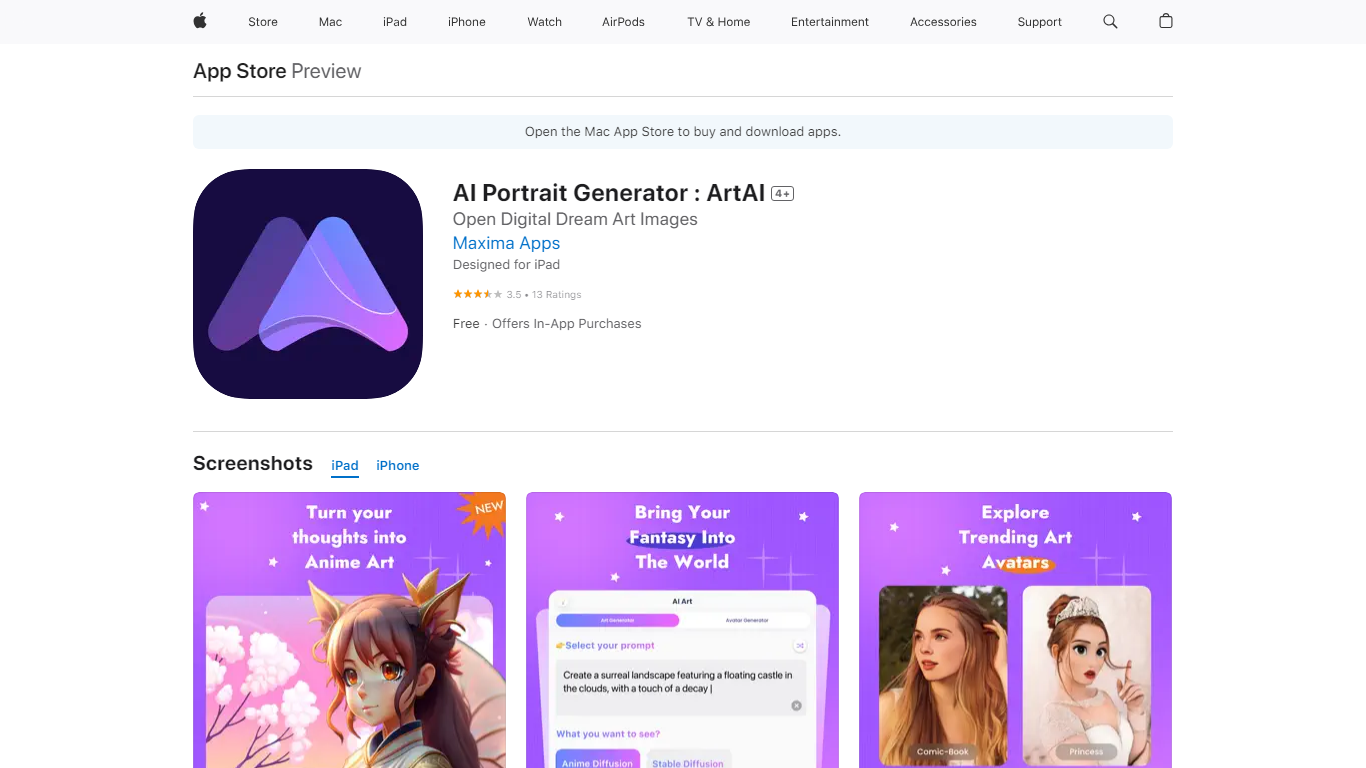
What is AI Headshot - Photo Generator (formerly AI Portrait Generator)?
Turn a short text prompt into anime avatars, illustrated scenes, or digital paintings on your iPhone or iPad with AI Headshot - Photo Generator. You type an idea, pick an art style, and the app renders a finished image through its built-in text-to-image model. Maxima Apps lists it on the App Store under Photo and Video as a mobile art generator rather than a studio headshot editor.
Compared with desktop AI art suites, this app keeps the workflow inside three steps on mobile: enter a prompt, choose a style preset, and wait for the render. The App Store description highlights anime avatar generation and text-to-image painting in one interface, which is a narrower focus than general photo editors that add AI as a filter. Free download with in-app purchases is the model, so casual creators can try it before committing to weekly or monthly premium plans.
The app targets iOS users who want quick AI illustrations without learning complex tools. It requires iOS 15.6 or later and runs on iPhone, iPad, iPod touch, Mac with Apple silicon, and Apple Vision. English is the only listed language, and the 137.6 MB install size keeps it in typical mobile app territory for on-the-go generation.
Picapiu Upvotes
AI Headshot - Photo Generator (formerly AI Portrait Generator) Upvotes
Picapiu Top Features
AI-Powered Portraits: Leverage cutting-edge algorithms to turn your images into beautiful portraits.
Personal Customization: Create portraits that mirror your unique style and preferences.
User-Friendly Interface: Enjoy a smooth and effortless portrait generation process.
Versatile Use Cases: Ideal for both personal and professional use enhancing your brand with AI art.
Instant Results: Quickly obtain professional-level portraits without requiring any design skills.
AI Headshot - Photo Generator (formerly AI Portrait Generator) Top Features
Text-to-image generation from a typed prompt and selected art style
Anime avatar and illustration presets bundled in one Photo and Video app
Free download with AiArt Premium Weekly at $2.99 and Monthly at $5.99
Credit packs at $1.99 and $4.99 for additional generations
Runs on iOS 15.6+, iPadOS, Mac with M1 chip, and Apple Vision
137.6 MB app size listed on the App Store
Picapiu Category
- Avatar Generation
AI Headshot - Photo Generator (formerly AI Portrait Generator) Category
- Avatar Generation
Picapiu Pricing Type
- Freemium
AI Headshot - Photo Generator (formerly AI Portrait Generator) Pricing Type
- Freemium