Pickles vs Free TTS
Explore the showdown between Pickles vs Free TTS and find out which AI Text to Speech (TTS) tool wins. We analyze upvotes, features, reviews, pricing, alternatives, and more.
In a face-off between Pickles and Free TTS, which one takes the crown?
When we contrast Pickles with Free TTS, both of which are exceptional AI-operated text to speech (tts) tools, and place them side by side, we can spot several crucial similarities and divergences. The upvote count favors Free TTS, making it the clear winner. The upvote count for Free TTS is 19, and for Pickles it's 6.
Think we got it wrong? Cast your vote and show us who's boss!
Pickles

What is Pickles?
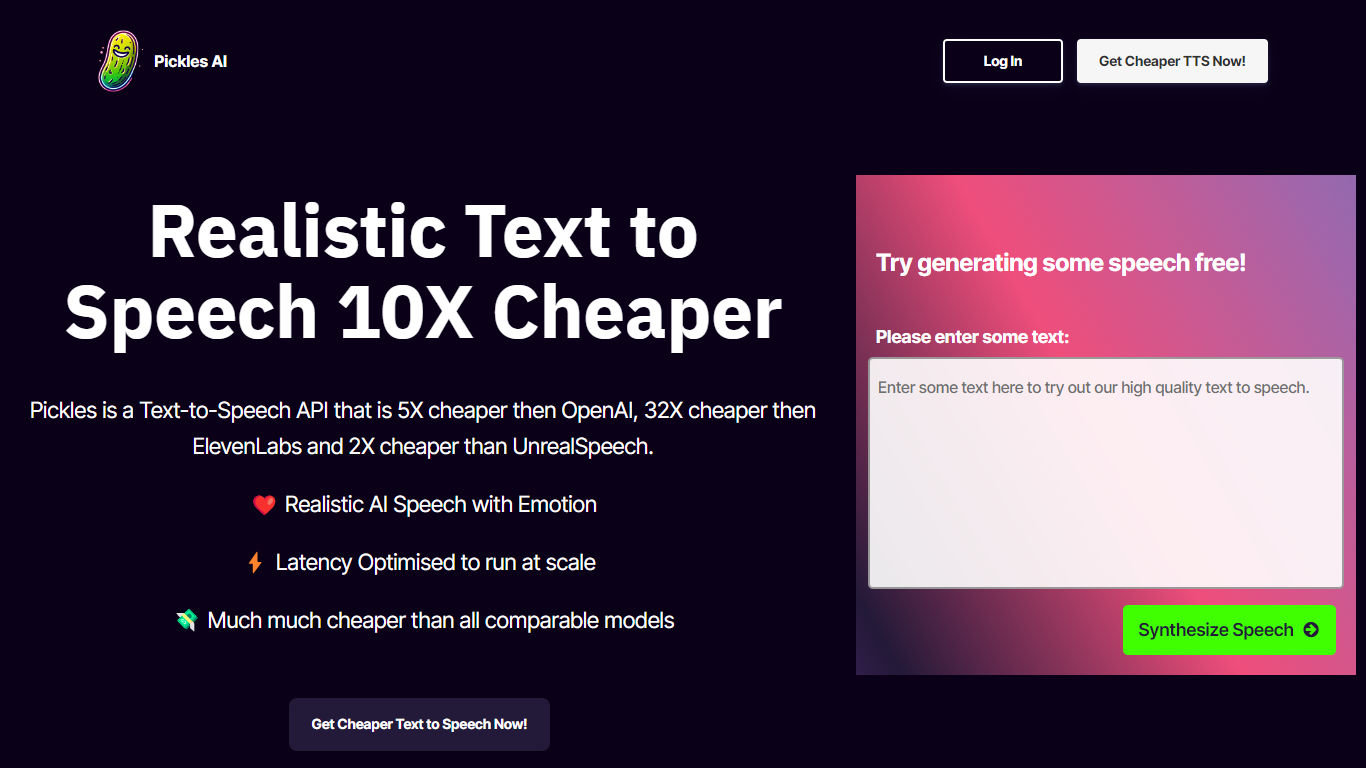
Pickles is a text-to-speech API built for developers who need realistic synthesized speech without paying premium voice-model rates. You send text over a simple HTTPS call and get back a hosted WAV file ready to play or store. It fits teams wiring voice into apps, bots, audiobook pipelines, or any product where cost per character is the main constraint.
Pickles leads with unit economics. The homepage claims roughly 5x lower cost than OpenAI TTS, 32x lower than ElevenLabs, and 2x lower than UnrealSpeech on comparable usage. Sample clips on the site generate in 0.1 to 0.2 seconds, which signals a latency-first design for near-real-time apps. You trade the big voice libraries and studio polish of consumer TTS brands for a stripped-down API and volume-based monthly plans.
Indie developers and early-stage startups can start on the Hobby plan at $9 per month for 1 million characters (about 200 hours of speech). Teams shipping at scale have Growth at $79 for 10 million characters or Enterprise at $599 for 100 million. Checkout runs through Stripe with one-click cancel, and the Discord community handles integration questions.
Free TTS
What is Free TTS?
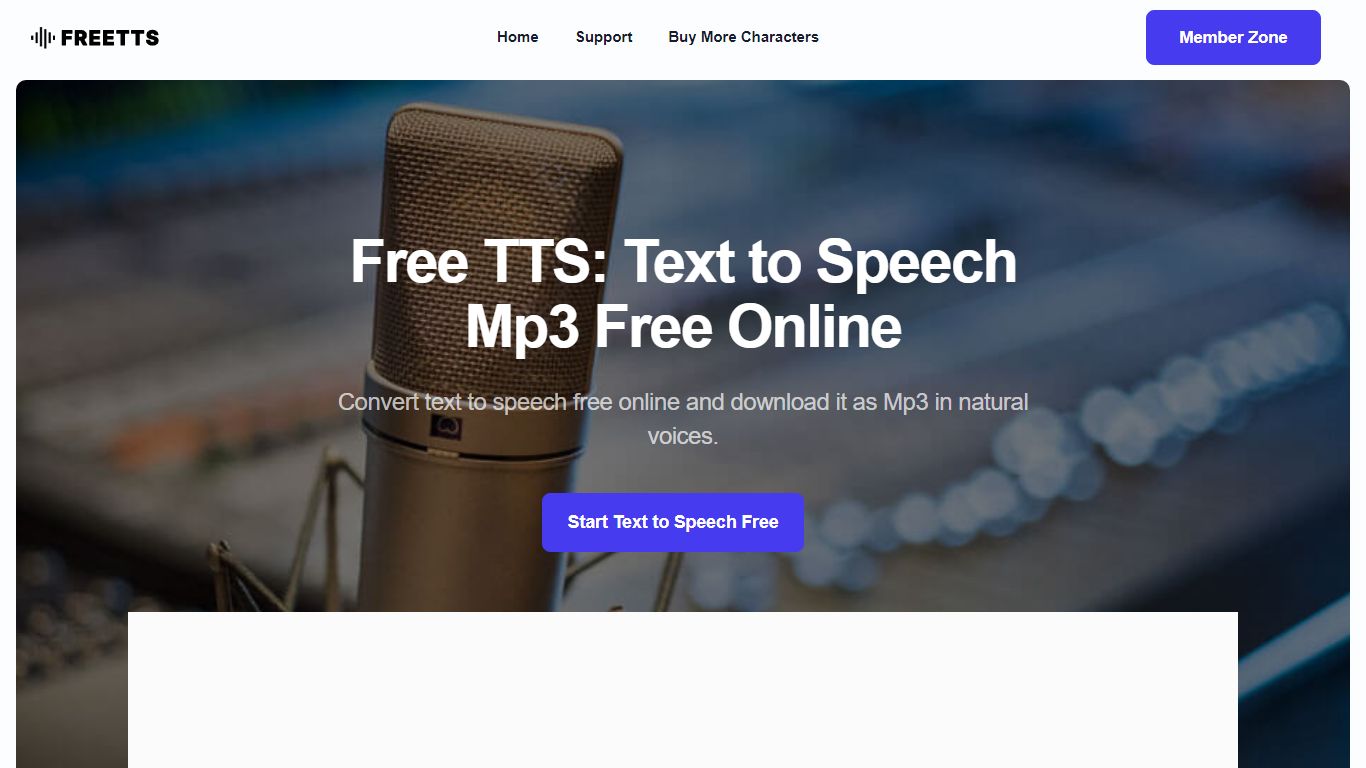
Free TTS is an online audio workspace that brings together text to speech, speech to text, vocal removal, voice enhancement, and browser-based audio editing on one site. You can turn scripts into spoken audio, transcribe recordings, split song vocals, clean up noisy voice tracks, and handle everyday format work without installing desktop software.
The platform keeps free browser tools separate from credit-based cloud text to speech. Utilities like the audio cutter, joiner, converter, and compressor run in the browser when possible, while AI Cloud TTS uses monthly character allowances and optional paid top-ups for Google and AWS voices.
Text to speech offers three paths: Device TTS for instant local playback, AI Local TTS with offline models after sign-in, and AI Cloud TTS with cloud voices and short-term history. Speech to text runs server-side with Whisper AI, supports auto language detection, and exports plain text transcripts.
Podcasters, educators, content creators, and musicians who need narration, transcription, karaoke tracks, or quick file cleanup without opening a full DAW can cover those jobs from a single dashboard.
Pickles Upvotes
Free TTS Upvotes
Pickles Top Features
Hobby plan includes 1 million characters per month for $9
Sample Forrest Gump clip generated in 0.1 seconds on the homepage
HTTPS API returns a hosted WAV file with no client-side audio processing
Growth tier offers 10 million characters per month for $79
Enterprise tier supports 100 million characters per month for $599
Stripe checkout with one-click subscription cancel
Free TTS Top Features
Three TTS modes cover Device playback, AI Local offline voices, and AI Cloud with Google and AWS voices
Whisper-backed speech to text transcribes MP3, WAV, OGG, and FLAC up to 25 MB with auto language detect
Vocal remover splits uploaded songs into separate vocal and instrumental tracks for karaoke or remixing
Voice enhancer reduces background noise and sharpens spoken recordings for podcasts and meetings
Browser audio cutter, joiner, converter, and compressor support MP3, WAV, OGG, FLAC, AAC, M4A, and batch jobs
Pickles Category
- Text to Speech (TTS)
Free TTS Category
- Text to Speech (TTS)
Pickles Pricing Type
- Paid
Free TTS Pricing Type
- Freemium