Pictogram vs AI Art Generator, Image-Maker
Dive into the comparison of Pictogram vs AI Art Generator, Image-Maker and discover which AI Image Generation tool stands out. We examine alternatives, upvotes, features, reviews, pricing, and beyond.
When comparing Pictogram and AI Art Generator, Image-Maker, which one rises above the other?
When we compare Pictogram and AI Art Generator, Image-Maker, two exceptional image generation tools powered by artificial intelligence, and place them side by side, several key similarities and differences come to light. The upvote count is neck and neck for both Pictogram and AI Art Generator, Image-Maker. Join the aitools.fyi users in deciding the winner by casting your vote.
Not your cup of tea? Upvote your preferred tool and stir things up!
Pictogram
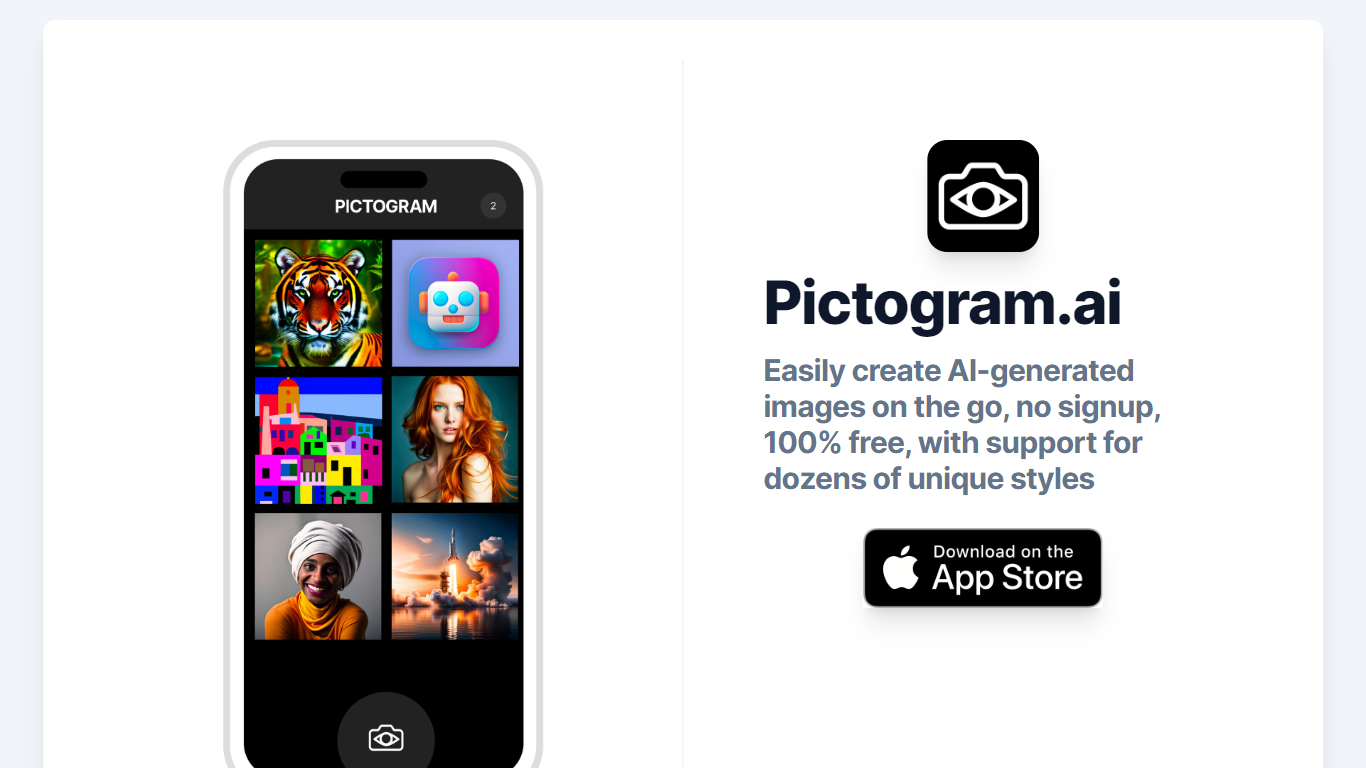

What is Pictogram?
Pictogram.ai is a cutting-edge platform designed to empower users to create AI-generated images with ease. No signup is necessary, and the service is entirely free, making it accessible to everyone. Users have the option to select from an impressive range of unique styles, providing ample creative freedom to craft images that suit their specific needs. Whether you're a designer, marketer, or someone who just enjoys experimenting with AI art, Pictogram.ai offers a user-friendly solution to bring your visions to life on the go. The platform is backed by Hard Work Montage, LLC, ensuring a commitment to innovation and user satisfaction.
AI Art Generator, Image-Maker
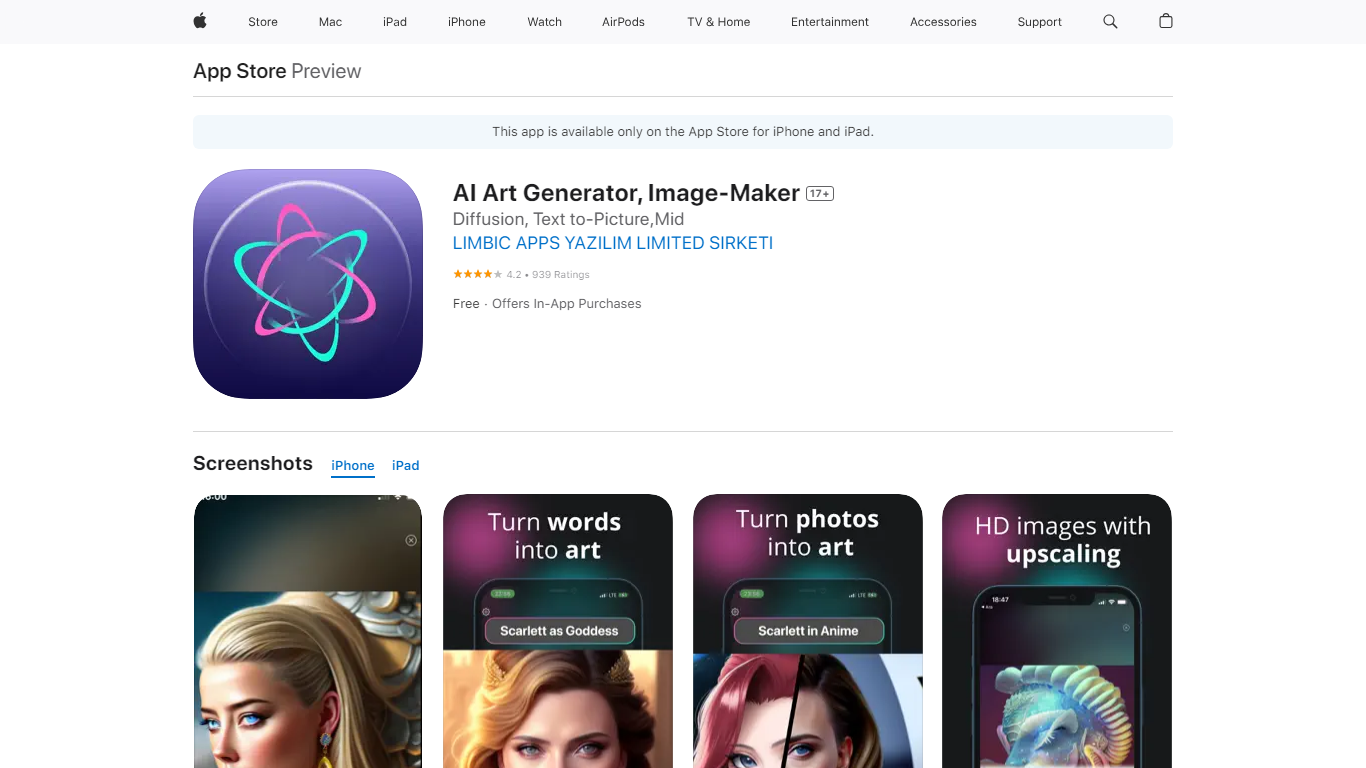
What is AI Art Generator, Image-Maker?
AI Art Generator, Image-Maker turns text prompts into shareable artwork on iPhone and iPad using models such as DALL·E, Stable Diffusion, and Flux. The App Store listing brands it as Video-Art-X and highlights text-to-art, AI selfies, image-to-image edits, inpainting, and HD upscaling.
Mobile art apps often lock you into one style preset. This one exposes multiple named models like Realistic Vision, Stable Diffusion XL, DreamShaper, Deliberate 2, and anime-focused checkpoints, so you can swap aesthetics without leaving the app.
Hobbyist creators and social media posters use it to draft surreal, vaporwave, or cyberpunk looks, then upscale results for sharing. It requires iOS 15 or later, ships free with in-app purchases, and is rated 4.1 stars across about 1.7K App Store reviews.
Pictogram Upvotes
AI Art Generator, Image-Maker Upvotes
Pictogram Top Features
Easy Creation: Generate AI-powered images with ease.
Free to Use: No cost involved use the service for free.
No Signup: Access the tool without any registration.
Multiple Styles: Choose from a variety of unique styles for image generation.
On the Go: Designed to be used wherever you are without any hassle.
AI Art Generator, Image-Maker Top Features
Text-to-image generation using DALL·E, Stable Diffusion, and Flux model families
AI Selfie Generator turns portraits into stylized artwork
Image-to-image and inpainting tools for partial edits
HD upscaling for sharper exports
Style presets spanning surrealism, vaporwave, cyberpunk, and anime models
180.5 MB download size with iOS 15+ and iPad support
In-app credit packs and weekly or annual subscriptions listed on the App Store
Pictogram Category
- Image Generation
AI Art Generator, Image-Maker Category
- Image Generation
Pictogram Pricing Type
- Freemium
AI Art Generator, Image-Maker Pricing Type
- Freemium