Picture it vs AI Art Generator, Image-Maker
Explore the showdown between Picture it vs AI Art Generator, Image-Maker and find out which AI Image Generation tool wins. We analyze upvotes, features, reviews, pricing, alternatives, and more.
When comparing Picture it and AI Art Generator, Image-Maker, which one rises above the other?
When we contrast Picture it with AI Art Generator, Image-Maker, both of which are exceptional AI-operated image generation tools, and place them side by side, we can spot several crucial similarities and divergences. Picture it stands out as the clear frontrunner in terms of upvotes. Picture it has attracted 7 upvotes from aitools.fyi users, and AI Art Generator, Image-Maker has attracted 6 upvotes.
Don't agree with the result? Cast your vote and be a part of the decision-making process!
Picture it
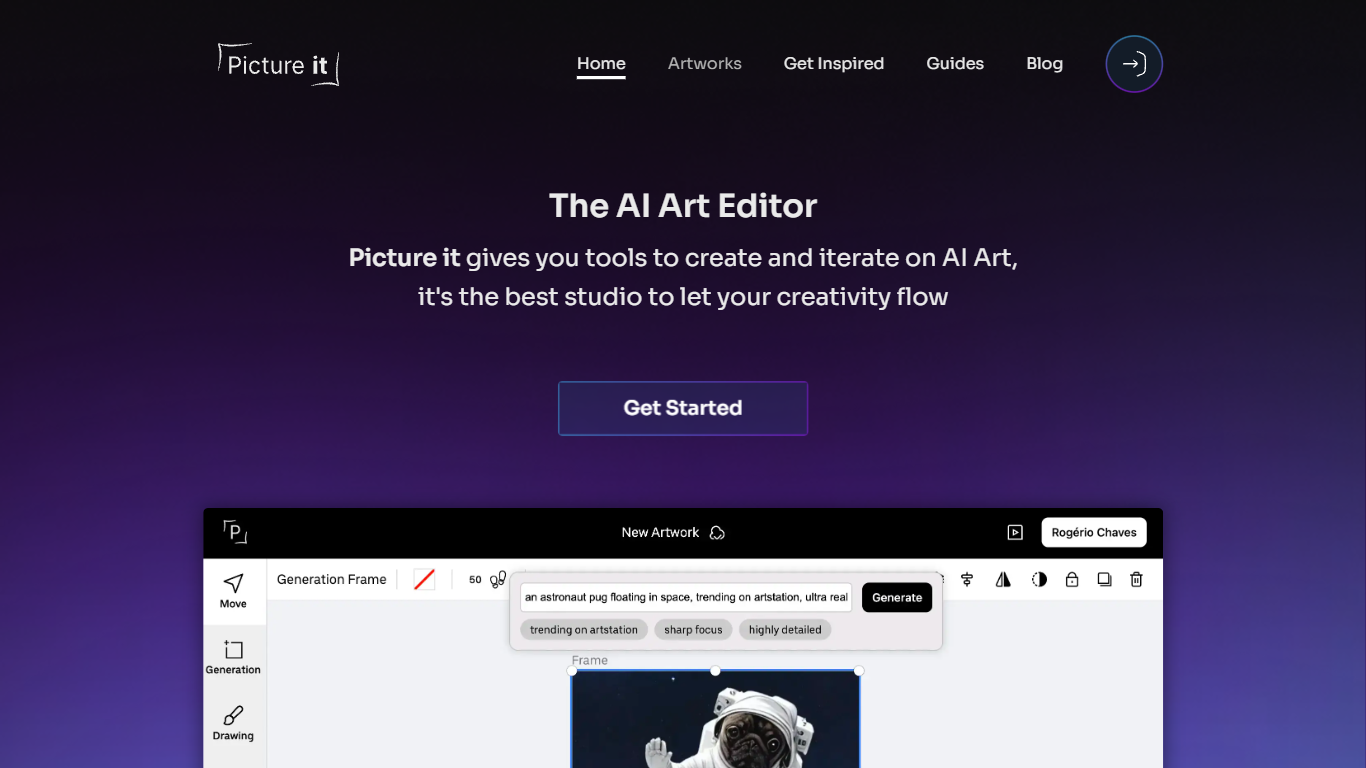

What is Picture it?
Picture it is a browser-based AI art editor built around Stable Diffusion, with inpainting, outpainting, and drawing-guided generation in one studio. You pick a model flavor, write a prompt, and iterate on images without leaving the canvas, which makes it closer to a creative workspace than a one-shot text-to-image form.
Where most image generators stop at a single output, Picture it focuses on editing workflows: extend a composition with outpainting, repair gaps with inpainting, and branch variations from a base image. The editor is open source on GitHub, so contributors can extend the tool rather than waiting on a closed roadmap.
It fits hobbyists and indie creators who want hands-on control over AI art, plus developers curious about a self-hostable editor stack. Prompt auto suggestions and adjustable Stable Diffusion options lower the barrier if you are new to diffusion models.
AI Art Generator, Image-Maker
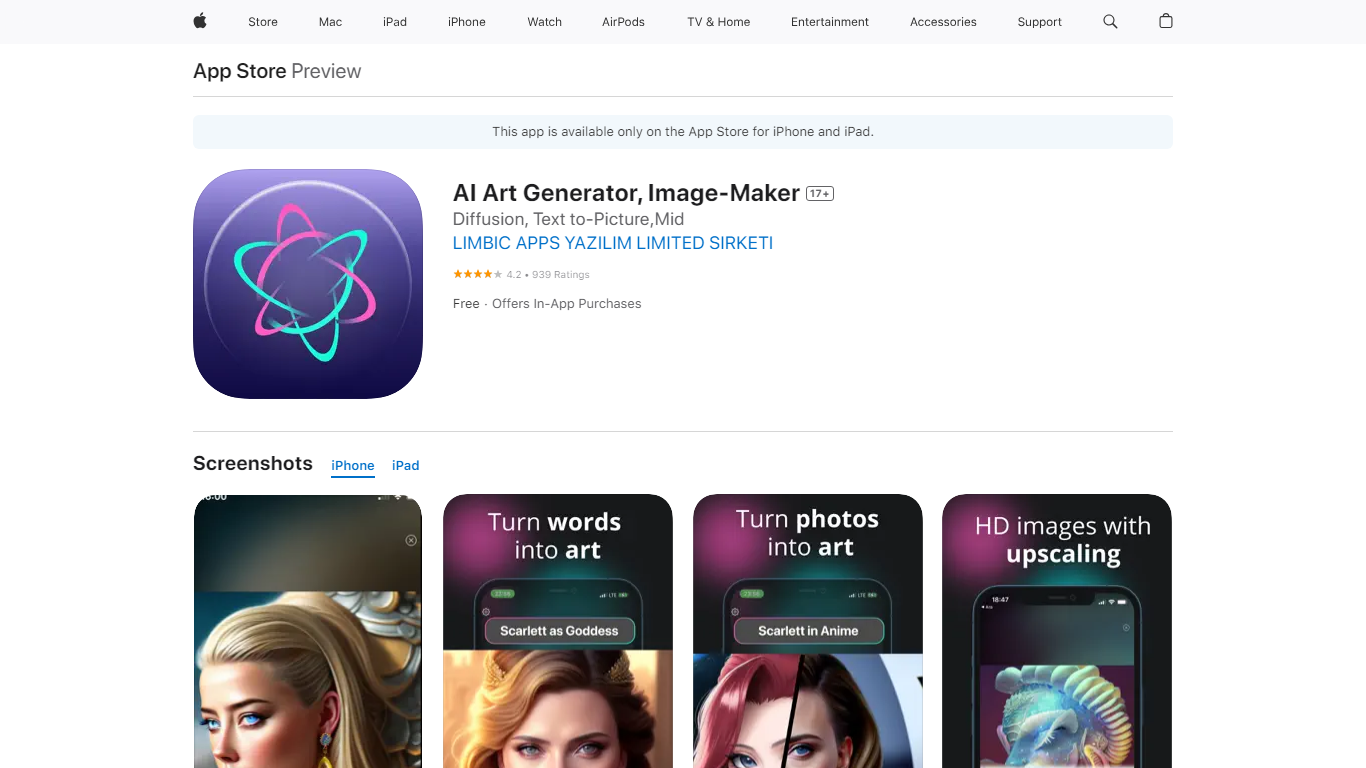
What is AI Art Generator, Image-Maker?
AI Art Generator, Image-Maker turns text prompts into shareable artwork on iPhone and iPad using models such as DALL·E, Stable Diffusion, and Flux. The App Store listing brands it as Video-Art-X and highlights text-to-art, AI selfies, image-to-image edits, inpainting, and HD upscaling.
Mobile art apps often lock you into one style preset. This one exposes multiple named models like Realistic Vision, Stable Diffusion XL, DreamShaper, Deliberate 2, and anime-focused checkpoints, so you can swap aesthetics without leaving the app.
Hobbyist creators and social media posters use it to draft surreal, vaporwave, or cyberpunk looks, then upscale results for sharing. It requires iOS 15 or later, ships free with in-app purchases, and is rated 4.1 stars across about 1.7K App Store reviews.
Picture it Upvotes
AI Art Generator, Image-Maker Upvotes
Picture it Top Features
Multiple Stable Diffusion model flavors to choose from when generating images
Inpainting fills missing or damaged areas inside an existing image
Outpainting extends image boundaries to build wider compositions
Drawing-guided generation lets you sketch shapes that steer the output
Prompt auto suggestions speed up writing effective generation prompts
Open-source editor at github.com/rogeriochaves/pictureit-editor for community contributions
AI Art Generator, Image-Maker Top Features
Text-to-image generation using DALL·E, Stable Diffusion, and Flux model families
AI Selfie Generator turns portraits into stylized artwork
Image-to-image and inpainting tools for partial edits
HD upscaling for sharper exports
Style presets spanning surrealism, vaporwave, cyberpunk, and anime models
180.5 MB download size with iOS 15+ and iPad support
In-app credit packs and weekly or annual subscriptions listed on the App Store
Picture it Category
- Image Generation
AI Art Generator, Image-Maker Category
- Image Generation
Picture it Pricing Type
- Freemium
AI Art Generator, Image-Maker Pricing Type
- Freemium