Pika Labs vs Video To Blog
When comparing Pika Labs vs Video To Blog, which AI Content Creation tool shines brighter? We look at pricing, alternatives, upvotes, features, reviews, and more.
In a comparison between Pika Labs and Video To Blog, which one comes out on top?
When we put Pika Labs and Video To Blog side by side, both being AI-powered content creation tools, The upvote count reveals a draw, with both tools earning the same number of upvotes. Since other aitools.fyi users could decide the winner, the ball is in your court now to cast your vote and help us determine the winner.
Not your cup of tea? Upvote your preferred tool and stir things up!
Pika Labs

What is Pika Labs?
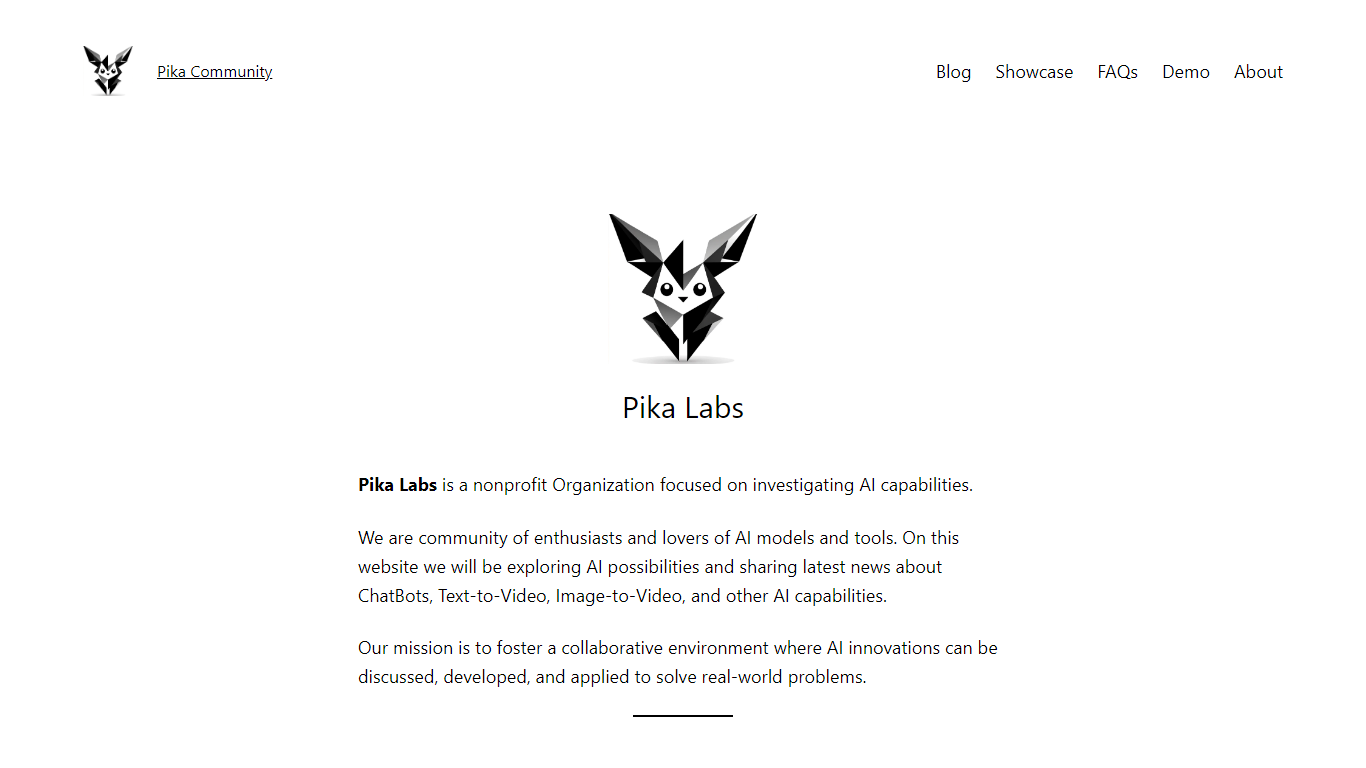
Pika Labs at pikalabs.org is a nonprofit content creation community focused on exploring AI models and tools, not a commercial video generation app. The homepage describes a group of enthusiasts covering chatbots, text-to-video, image-to-video, and other AI capabilities through articles, demos, and shared news. The mission is to foster discussion and practical applications of AI research.
Unlike paid generators such as Runway or the commercial Pika product at pika.art, this site publishes educational blog posts and sample text-to-video prompts rather than hosting a full production studio. The demo page shows example prompts for sci-fi, landscape, and artistic scenes, but the site itself is informational.
It fits AI hobbyists and readers who want curated explainers on models like Google Veo 3, LERFs, and GAN-based video generation. The footer lists a Tampa Bay Area, Florida address and links to Facebook social profiles.
Video To Blog

What is Video To Blog?
Video To Blog turns spoken video and audio into publish-ready blog articles. Paste a YouTube link, upload a file, drop in a transcript, record audio, or connect a channel, and the service outputs structured posts with headings, screenshots, smart links, metadata, and calls to action you can send to a website, newsletter, or download as HTML, Markdown, PDF, or Word.
Transcript-to-ChatGPT workflows still leave you stitching screenshots, links, and publishing steps by hand. Video To Blog bundles those production tasks: auto screenshots from the source video, reusable CTA blocks, SEO and GEO formatting, YouTube upload automations, and a built-in Publications feature for hosting a blog plus email newsletter on a custom domain. The homepage cites 500,000+ articles created and a 4.8 average across 500+ reviews on Trustpilot, G2, and Capterra.
YouTube creators, podcasters, agencies, and teams publishing sermons or webinars are the target users. Pricing starts free with one monthly upload, scales to Business at $69 per month (yearly billing) for 50 videos, and every paid tier adds publications, website integrations, and longer runtime limits.
Pika Labs Upvotes
Video To Blog Upvotes
Pika Labs Top Features
Nonprofit community site investigating AI capabilities across text, image, and video models
Blog posts cover Google Veo 3, LERFs, GANs, and transformer-based video research
Demo page publishes sample text-to-video prompts for sci-fi, landscape, and art styles
Free to browse with no pricing page or account signup on pikalabs.org
Footer lists Tampa Bay Area, FL 33755 as the listed community address
Video To Blog Top Features
Imports YouTube links, uploaded video/audio, transcripts, Google Drive files, and channel automations
Auto screenshots pull key visual moments from source videos into each article
Smart links and reusable CTA blocks insert internal and external links automatically
Publications host a blog, email newsletter, and custom domain without extra services
Free plan includes 1 monthly upload for videos up to 30 minutes with no credit card
Pro plan ($39/mo yearly) allows 15 monthly uploads up to 1.5 hours with 3 team members
Exports finished posts as HTML, Markdown, PDF, or Word and publishes to connected websites
Pika Labs Category
- Content Creation
Video To Blog Category
- Content Creation
Pika Labs Pricing Type
- Free
Video To Blog Pricing Type
- Freemium