Pikzels AI vs Timebolt
Dive into the comparison of Pikzels AI vs Timebolt and discover which AI Video Editing tool stands out. We examine alternatives, upvotes, features, reviews, pricing, and beyond.
When comparing Pikzels AI and Timebolt, which one rises above the other?
When we compare Pikzels AI and Timebolt, two exceptional video editing tools powered by artificial intelligence, and place them side by side, several key similarities and differences come to light. The upvote count shows a clear preference for Timebolt. Timebolt has attracted 18 upvotes from aitools.fyi users, and Pikzels AI has attracted 6 upvotes.
Not your cup of tea? Upvote your preferred tool and stir things up!
Pikzels AI

What is Pikzels AI?
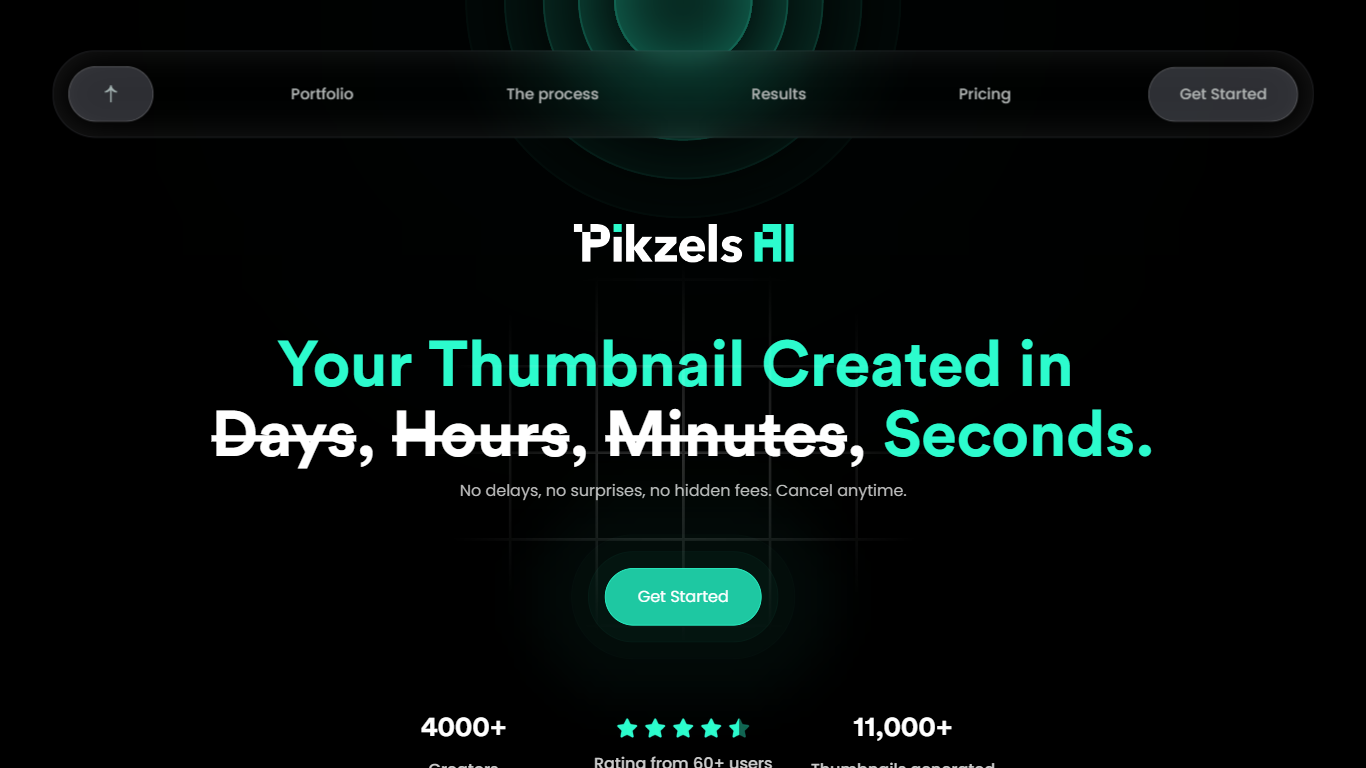
Pikzels AI is a YouTube packaging workspace for thumbnails and titles. You describe a video idea, paste a competitor link, or upload existing artwork, and the tool returns click-ready packaging you can score, edit, and iterate without opening Photoshop or booking a photo shoot.
Where generic image generators stop at pretty pictures, Pikzels ties creation to performance data. Pikzels Score grades thumbnails and titles on five pillars (Virality, Clarity, Idea, Curiosity, Emotion), Recreate rebuilds layouts from working YouTube links, and One-Click Fix patches weak spots from that analysis. Personas and Styles keep your face and visual identity consistent across uploads.
The product targets YouTubers and channel teams who publish often and care about CTR more than abstract aesthetics. Video editors, thumbnail designers, and solo creators use it to batch-test concepts, pair titles with artwork, and replace slow Canva or freelancer workflows with prompt-based edits.
Timebolt

What is Timebolt?
Timebolt is a desktop video editor built around waveform-first jump cuts for podcasts, interviews, and screen recordings. It strips silence, filler words, and bad takes with 0.01 second cut control, then exports timelines to Premiere Pro, Final Cut Pro, DaVinci Resolve, or Camtasia without re-cutting by hand.
Most text-based AI editors guess where pauses live and leave hundreds of missed cuts per hour. Timebolt measures the audio waveform first, which is why its benchmark claims zero mistakes left per hour while rivals like Descript and Gling still need manual cleanup. That trade-off favors editors who want frame-tight cuts over a chat-style transcript workflow.
Podcasters, YouTubers, and course creators use Timebolt to shrink raw talking-head footage before publishing. Post-production teams also route Riverside multicam sessions through Timebolt XML exports so senior editors finish polish work in their preferred NLE.
Pikzels AI Upvotes
Timebolt Upvotes
Pikzels AI Top Features
Pikzels Score rates thumbnails on five pillars: Virality, Clarity, Idea, Curiosity, and Emotion (5 credits per analyze)
Batch generate up to 16 thumbnail variants per request to compare concepts before publishing
Train a Persona from 3 photos (50 credits) and reuse your face across thumbnails without new shoots
Premium annual plan includes 18,000 credits for up to 1,800 thumbnails per year at $28 per month
Recreate rebuilds any YouTube thumbnail layout from a pasted video link for fast competitive testing
One-Click Fix applies data-backed packaging improvements from your Score breakdown in one step
Title generator costs 1 credit and pairs click-optimized text with your thumbnail artwork
Timebolt Top Features
0.01 second cut control on waveform-based silence removal
Processes an hour of footage in about 13 seconds for jump cuts
Exports XML timelines to Premiere Pro, Final Cut Pro, and DaVinci Resolve
UMCHECK removes filler words automatically from recorded speech
Free 4K screen capture tool for Mac and Windows
Benchmark reports zero missed cuts per hour versus hundreds on rival AI editors
Pikzels AI Category
- Video Editing
Timebolt Category
- Video Editing
Pikzels AI Pricing Type
- Freemium
Timebolt Pricing Type
- Freemium