PipelineCeacle vs Blend AI Studio
In the contest of PipelineCeacle vs Blend AI Studio, which AI Design tool is the champion? We evaluate pricing, alternatives, upvotes, features, reviews, and more.
If you had to choose between PipelineCeacle and Blend AI Studio, which one would you go for?
When we examine PipelineCeacle and Blend AI Studio, both of which are AI-enabled design tools, what unique characteristics do we discover? There's no clear winner in terms of upvotes, as both tools have received the same number. Your vote matters! Help us decide the winner among aitools.fyi users by casting your vote.
Does the result make you go "hmm"? Cast your vote and turn that frown upside down!
PipelineCeacle
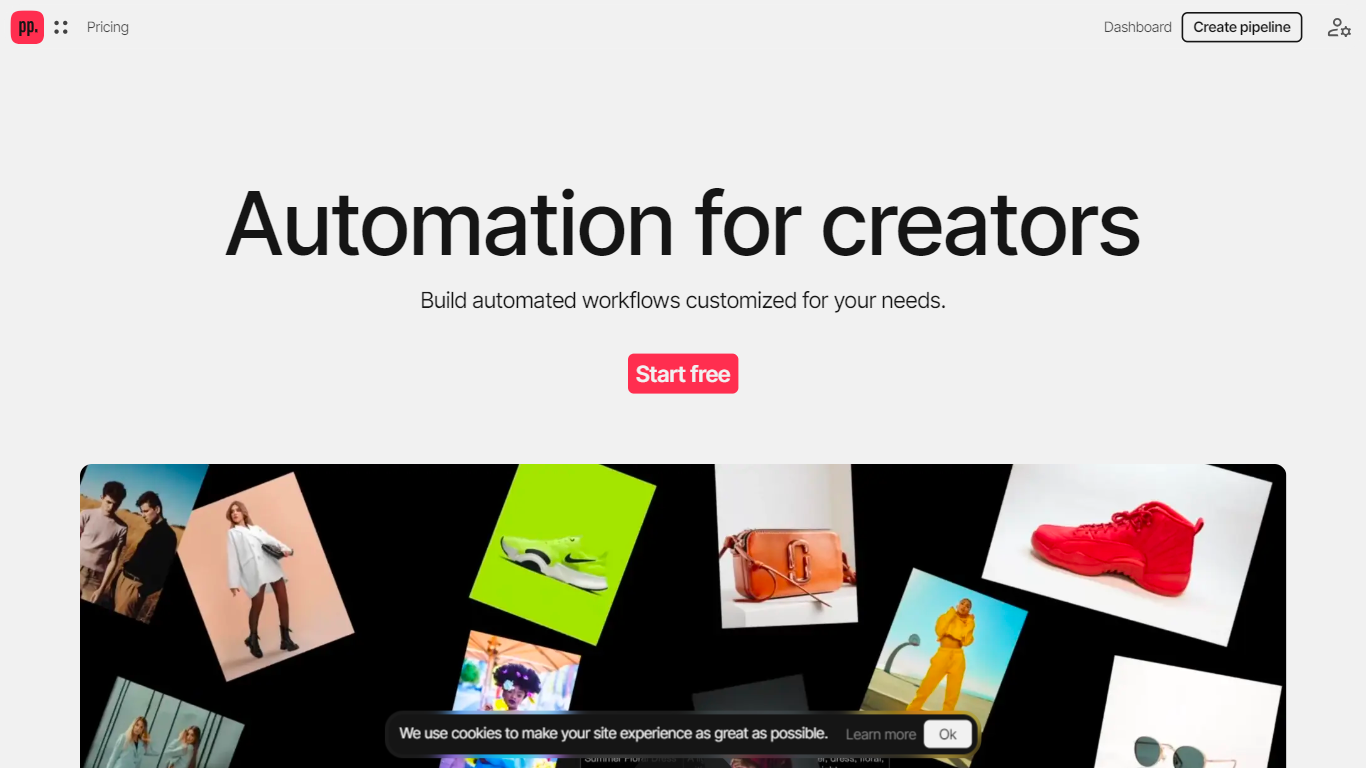

What is PipelineCeacle?
PipelineCeacle is an AI-powered platform that helps creators automate and customize their workflows. It enables artists, designers, and digital professionals to build tailored pipelines that handle repetitive tasks, freeing them to focus on creative work. Users can start with templates or describe their workflow to have the system generate a pipeline automatically. The platform supports tasks like image classification, vectorization, colorization, and smart resizing for social media, making it versatile for various creative needs.
The platform also offers tools for generating inspiration boards, resizing and renaming icons for web apps, and upscaling images while optimizing quality and size. PipelineCeacle supports bulk processing, allowing users to upload multiple files for efficient handling. It integrates account and team management features to streamline collaboration and data organization.
PipelineCeacle’s value lies in its ability to combine AI-driven automation with user-friendly customization, making complex workflows accessible without coding. Its credit-based pricing model offers flexibility for occasional or heavy users, with options to subscribe or buy credits as needed. The platform ensures user ownership of generated content and provides privacy controls depending on the subscription plan.
This tool is suitable for creators looking to speed up their production processes, especially in e-commerce, web design, and social media content preparation. Its modular approach and continuous addition of new tools based on user requests keep it adaptable to evolving creative workflows.
Technically, PipelineCeacle leverages AI to interpret user instructions and generate pipelines, while also supporting on-device tool execution for some features. The platform’s interface includes a dashboard, editor, and template library to facilitate workflow creation and management.
Overall, PipelineCeacle stands out by offering a comprehensive, AI-assisted workflow automation environment tailored for creative professionals, balancing automation with customization and control.
Blend AI Studio
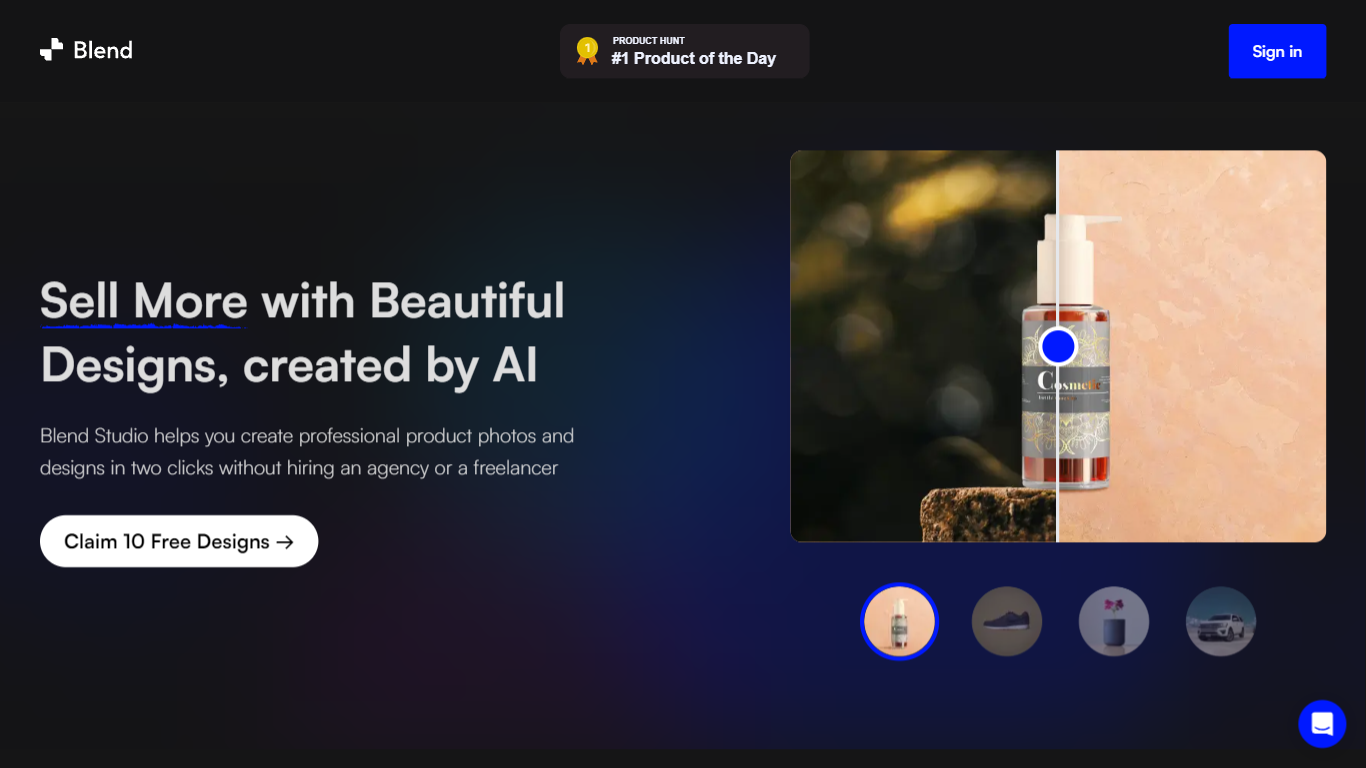
What is Blend AI Studio?
Blend AI Studio is an ecommerce design studio for product photos, model shots, lifestyle scenes, and short product videos without booking a studio or photographer. Upload a product image, pick a workflow like studio shots, ghost mannequin, or virtual try-on, and export listing-ready visuals in minutes.
The platform bundles background removal, AI backgrounds, on-model try-on, logo design, poster creation, and AI video into one web and mobile workflow. Sellers on Amazon, Etsy, Shopify, and DTC storefronts use it to replace scattered editing tools and expensive shoots with batch-friendly production.
Blend is built by BlendIt Studios and positions itself for fashion, beauty, home goods, and high-volume catalog teams that need consistent visuals across thousands of SKUs. The company reports 10M+ images created and 3.5M sellers using the product.
PipelineCeacle Upvotes
Blend AI Studio Upvotes
PipelineCeacle Top Features
🛠️ Build custom AI workflows quickly by describing your process
📁 Bulk process multiple files to save time and effort
🎨 Convert pixel images to vectors and add color automatically
📐 Smartly resize images optimized for social media platforms
💳 Flexible credit system with rollover and subscription options
Blend AI Studio Top Features
Turn flat product photos into white-background studio shots in one upload
Show apparel and jewelry on diverse AI models or your own model photo
Place products in lifestyle scenes without location shoots or props
Generate short AI product videos for ads, reels, and marketplace listings
Batch process large catalogs with ghost mannequin, recolor, and background tools
Design logos, posters, and brand kits alongside product photography workflows
PipelineCeacle Category
- Design
Blend AI Studio Category
- Design
PipelineCeacle Pricing Type
- Freemium
Blend AI Studio Pricing Type
- Freemium