pixcap.com vs CSM
In the battle of pixcap.com vs CSM, which AI 3D Generation tool comes out on top? We compare reviews, pricing, alternatives, upvotes, features, and more.
Between pixcap.com and CSM, which one is superior?
Upon comparing pixcap.com with CSM, which are both AI-powered 3d generation tools, Both tools are equally favored, as indicated by the identical upvote count. You can help us determine the winner by casting your vote and tipping the scales in favor of one of the tools.
Does the result make you go "hmm"? Cast your vote and turn that frown upside down!
pixcap.com


What is pixcap.com?
Pixcap is a browser-based 3D generation and editing platform for marketing and product design teams. It combines a marketplace of editable animated mockups, icons, characters, and illustrations with a web editor that needs no Blender or Maya install. The library lists 15,000+ 3D icons, 1,000+ characters, and 500+ mockups you can recolor, repose, and export. Upload a label to an animated device mockup, tweak materials, and download a 4K render in under five minutes.
Where most 3D libraries ship static PNG packs, Pixcap treats assets as editable scenes. You adjust animation styles, swap backgrounds, and run AI style transfer across 10,000+ mix-and-match elements instead of hunting new files for every variation. That trade-off favors marketing and UI work over deep modeling, and the tool deliberately skips rigging workflows found in full 3D suites.
Product teams, UX designers, and marketers use Pixcap for landing page icons, pitch decks, social posts, and branded mockups. Exports ship as GLB, MP4, GIF, or PNG for Figma, After Effects, PowerPoint, and other common tools, and a Figma plugin drops customized 3D assets straight into frames.
CSM
What is CSM?
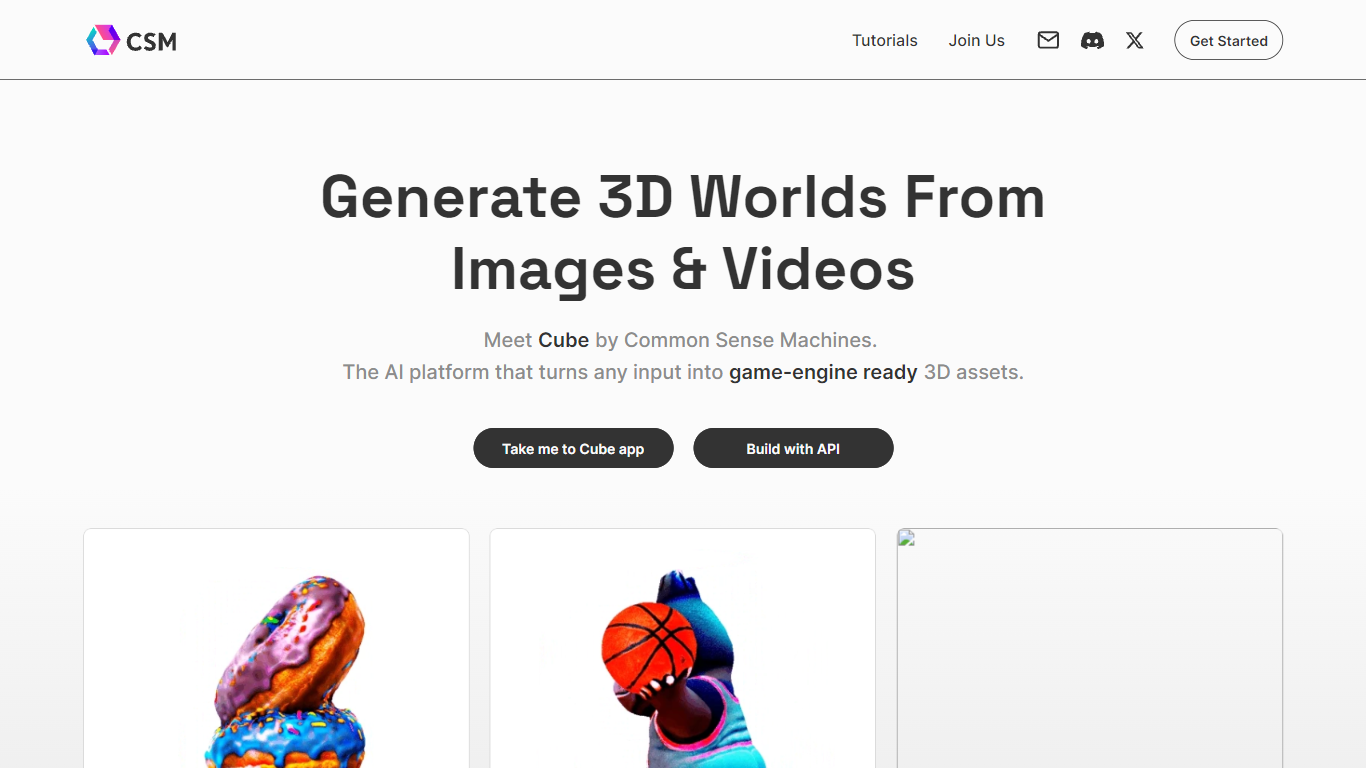
Common Sense Machines, known as CSM, turns images, text, and sketches into 3D meshes and scene-ready assets through generative workflows. The company markets Cube as a 3D copilot for steps like image to 3D, text to 4D animated meshes, AI retexturing, and CAD part exports. Workflows are listed publicly as chains such as Text > Images > 3D > Environment and Image to CAD Part Mesh.
General 3D suites expect you to model everything by hand. CSM leans on generative agents and workflow templates so artists can start from a photo or prompt and iterate inside production pipelines for ecommerce visuals, games, and industrial prototyping. Premium Maker and Creative Pro plans keep outputs private and customer-owned, while the Tinkerer tier publishes under Creative Commons.
Product teams, game artists, ecommerce merchandisers, and engineers who need fast mesh drafts from reference art are the core audience. CSM also documents an API at docs.csm.ai and routes purchases through 3d.csm.ai, with [email protected] listed for contact.
pixcap.com Upvotes
CSM Upvotes
pixcap.com Top Features
Browse 15,000+ 3D icons, 1,000+ characters, and 500+ mockups with in-browser color and material edits
Download exports as GLB, MP4, GIF, or PNG for Figma, Blender, After Effects, and PowerPoint
Upload designs to animated mockups and export 4K renders in under 5 minutes
Free plan includes 5 high-quality image exports per month; Pro includes 50 HQ images and 10 HQ videos monthly
Mix 10,000+ 3D elements and restyle scenes with AI prompts through Pixcap AI
Figma plugin inserts customized 3D icons and posed characters directly into design files (Elite plan)
CSM Top Features
Image to 3D Art Workflow converts reference photos into meshes
Text to 4D Animated Mesh workflow builds motion-ready assets from prompts
Generative agent workflows chain steps like Text > Images > 3D > Environment
Image to CAD Part Mesh workflow targets engineering part exports
AI Retexturing workflow refreshes materials on existing 3D models
API docs live at docs.csm.ai for developer integrations
Maker and Creative Pro plans include monthly credits on fast dedicated servers
pixcap.com Category
- 3D Generation
CSM Category
- 3D Generation
pixcap.com Pricing Type
- Freemium
CSM Pricing Type
- Freemium