Pixelcode vs Bito AI
In the face-off between Pixelcode vs Bito AI, which AI Code Assistant tool takes the crown? We scrutinize features, alternatives, upvotes, reviews, pricing, and more.
In a face-off between Pixelcode and Bito AI, which one takes the crown?
If we were to analyze Pixelcode and Bito AI, both of which are AI-powered code assistant tools, what would we find? Interestingly, both tools have managed to secure the same number of upvotes. Join the aitools.fyi users in deciding the winner by casting your vote.
You don't agree with the result? Cast your vote to help us decide!
Pixelcode


What is Pixelcode?
Pixelcode turns code screenshots, YouTube frames, images, and PDFs into editable source text through a Chrome extension. Click the extension, crop the snippet you need, and the extracted code lands on your clipboard formatted for your IDE instead of forcing a manual retype.
Generic OCR tools flatten indentation and miss language syntax. Pixelcode targets developer workflows with automatic language detection across 30 plus languages, precision cropping from a few lines to long blocks, and optional unlimited extraction when you connect your own ChatGPT API key on the $35 lifetime tier instead of buying screenshot credits.
Developers learning from video tutorials, reviewing legacy PDF docs, or capturing snippets from blog images use Pixelcode when they want paste-ready code without rebuilding formatting by hand.
Bito AI
What is Bito AI?
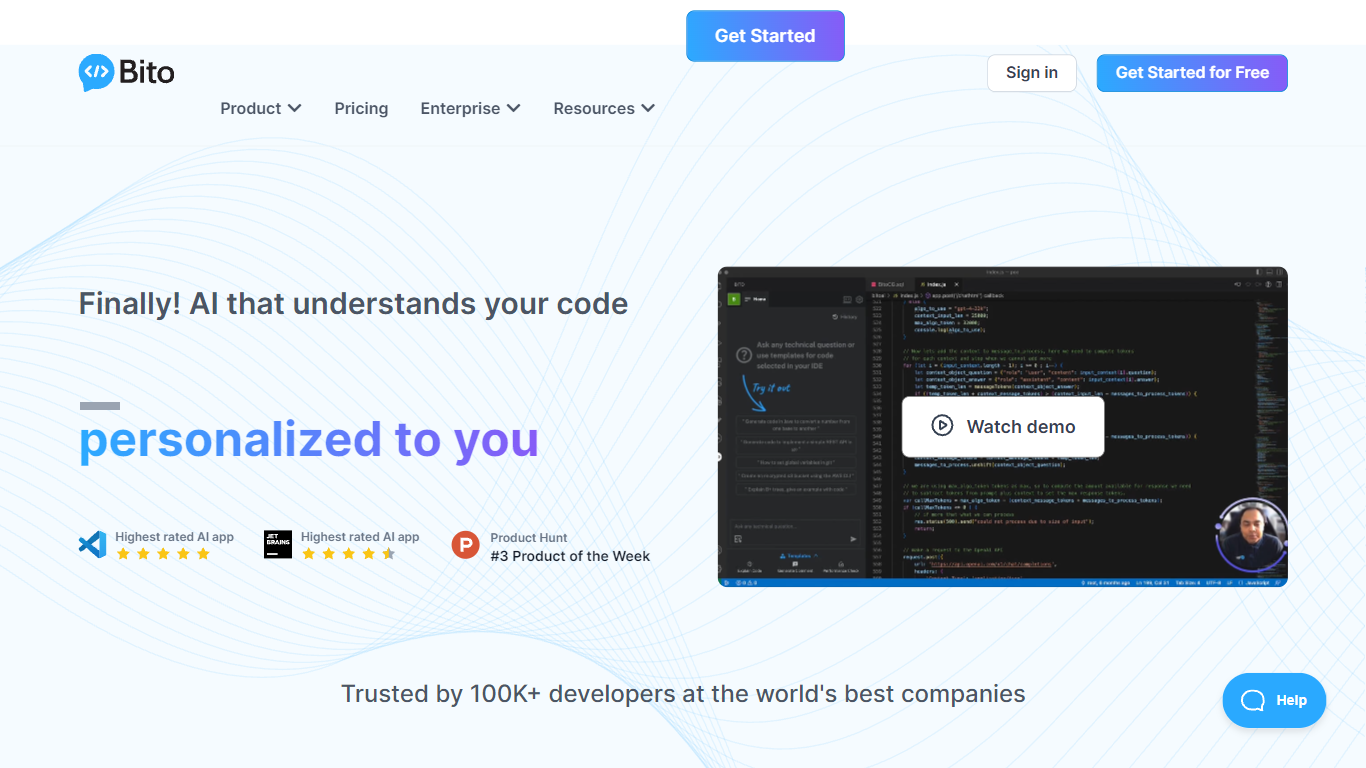
Bito AI maps your repositories, commits, docs, and tickets into a knowledge graph before any agent writes code. Its AI Architect product drafts technical designs, scopes Jira stories, generates grounded code through MCP in Cursor or Claude Code, and reviews pull requests with cross-repo impact analysis.
Generic coding agents only see the files you paste into the session. Bito indexes your full system first, which the company says lifts SWE-Bench Pro task success from 51.9% to 70.1% and cuts token cost per task by 47%. PubMatic and Kredivo case studies cite cutting design work from two weeks to a few days or hours because the tool already knows service dependencies and past decisions.
Engineering teams using GitHub, GitLab, or Bitbucket can start free on AI Architect or trial AI Code Reviews Professional for 14 days without a credit card. Paid code review seats start at $12 per developer per month on annual billing, while AI Architect uses usage-based pricing scoped to codebase size.
Pixelcode Upvotes
Bito AI Upvotes
Pixelcode Top Features
Chrome extension captures and crops code directly in the browser with clipboard output
Recognizes 30+ programming languages including JavaScript, Python, Java, Swift, and Ruby
Pay-per-use lifetime plan costs $15 with 20 free screenshots and $8 per 100 additional captures
Unlimited lifetime tier at $35 routes extraction through your own ChatGPT API key
Processes code from YouTube video frames, static images, and PDF documents
API keys stay on your device and are not stored on Pixelcode servers per the FAQ
Bito AI Top Features
AI Architect indexes repos, commits, Jira or Linear tickets, and docs into a live knowledge graph
Grounded coding via MCP in Cursor, Claude Code, and Codex with 39% higher task success cited on site
AI Code Reviews Team plan starts at $12 per seat monthly on annual billing with 5,000 lines reviewed per seat
Professional code reviews include a 14-day free trial with no credit card required
SWE-Bench Pro evaluation reports 70.1% task success with codebase context versus 51.9% without
SOC 2 Type II certified with cloud, self-hosted, and on-prem deployment options
Pixelcode Category
- Code Assistant
Bito AI Category
- Code Assistant
Pixelcode Pricing Type
- Paid
Bito AI Pricing Type
- Freemium