Pixelcode vs Blackbox
In the clash of Pixelcode vs Blackbox, which AI Code Assistant tool emerges victorious? We assess reviews, pricing, alternatives, features, upvotes, and more.
When we put Pixelcode and Blackbox head to head, which one emerges as the victor?
Let's take a closer look at Pixelcode and Blackbox, both of which are AI-driven code assistant tools, and see what sets them apart. Neither tool takes the lead, as they both have the same upvote count. The power is in your hands! Cast your vote and have a say in deciding the winner.
Not your cup of tea? Upvote your preferred tool and stir things up!
Pixelcode


What is Pixelcode?
Pixelcode turns code screenshots, YouTube frames, images, and PDFs into editable source text through a Chrome extension. Click the extension, crop the snippet you need, and the extracted code lands on your clipboard formatted for your IDE instead of forcing a manual retype.
Generic OCR tools flatten indentation and miss language syntax. Pixelcode targets developer workflows with automatic language detection across 30 plus languages, precision cropping from a few lines to long blocks, and optional unlimited extraction when you connect your own ChatGPT API key on the $35 lifetime tier instead of buying screenshot credits.
Developers learning from video tutorials, reviewing legacy PDF docs, or capturing snippets from blog images use Pixelcode when they want paste-ready code without rebuilding formatting by hand.
Blackbox
What is Blackbox?
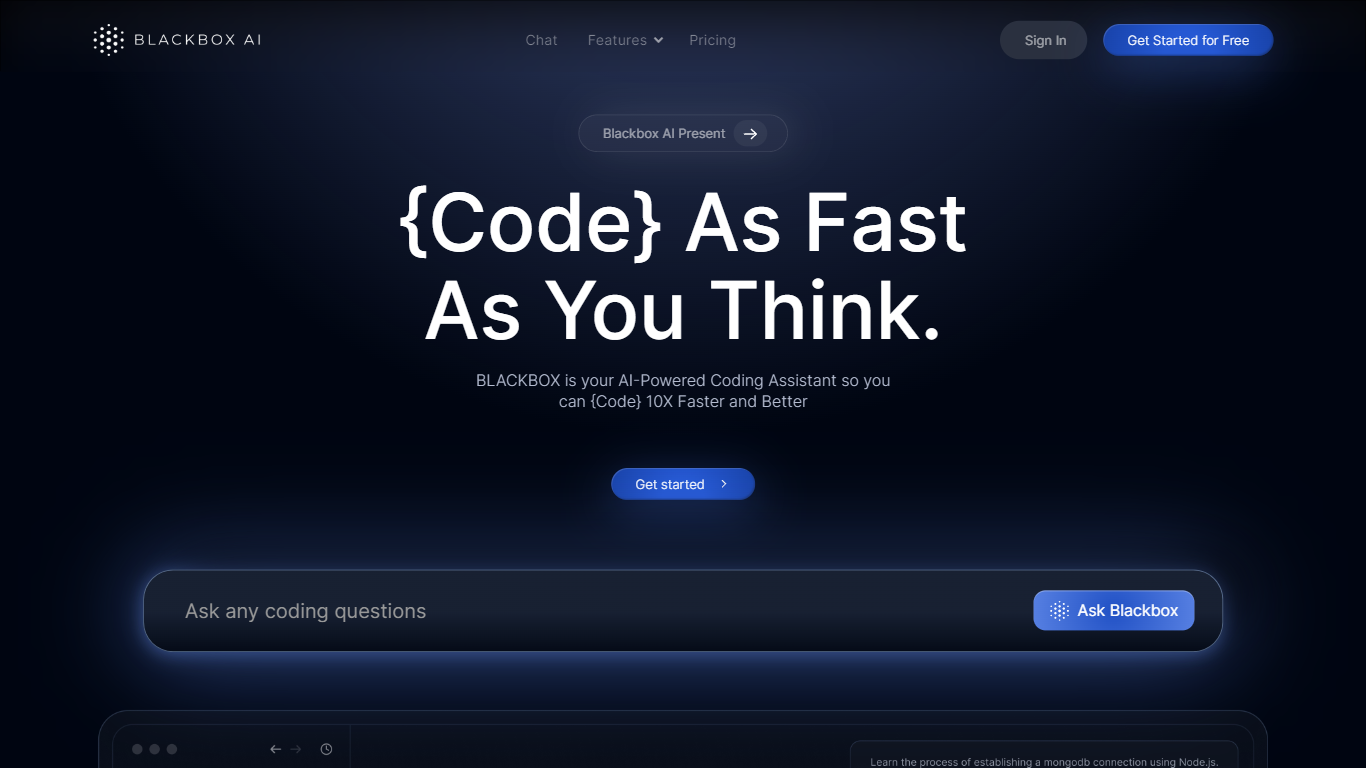
Blackbox puts inline completions, chat-driven edits, and parallel agent runs inside VS Code, JetBrains, a standalone IDE, CLI, mobile apps, and a web builder. One account spans Blackbox, Claude Code, Codex, and Gemini, so you can compare multiple implementations before merging a diff. The VS Code extension has 4.2 million installs and supports TypeScript, Python, Go, Rust, Java, and C++.
Most coding assistants pick one model and hope for the best. Blackbox routes the same task to multiple agents, then its Chairman LLM scores each output and surfaces the winner as a reviewable diff. That multi-harness approach shows up in pricing too: Pro starts at $10 per month with included model credits, while Pro Plus adds multi-agent execution, a 35+ IDE coding agent, and Slack integration at $20 per month.
Individual developers use the free tier for inline completions on Minimax-M2.5. Teams on Pro Max get SAML SSO, centralized billing, and usage analytics. Enterprise customers can deploy on-premise with training opt-out by default and custom SLAs.
Pixelcode Upvotes
Blackbox Upvotes
Pixelcode Top Features
Chrome extension captures and crops code directly in the browser with clipboard output
Recognizes 30+ programming languages including JavaScript, Python, Java, Swift, and Ruby
Pay-per-use lifetime plan costs $15 with 20 free screenshots and $8 per 100 additional captures
Unlimited lifetime tier at $35 routes extraction through your own ChatGPT API key
Processes code from YouTube video frames, static images, and PDF documents
API keys stay on your device and are not stored on Pixelcode servers per the FAQ
Blackbox Top Features
VS Code extension with 4.2 million installs delivers inline completions and chat-driven diffs inside the editor
Run /multi-agent to dispatch tasks to Blackbox, Claude Code, Codex, and Gemini, then merge the Chairman LLM's top-scored diff
Access frontier models including Claude Opus-4.6, GPT-5.2, Gemini-3, Grok-4, Llama, and Mistral on paid plans
Pro plan costs $10 per month and includes $10 in model credits plus unlimited free agent requests
Coding agent works across 35+ IDEs plus web and terminal surfaces from one Blackbox account
Pro Plus at $20 per month adds App Builder, remote data-analysis agents, Slack integration, and end-to-end chat encryption
Pixelcode Category
- Code Assistant
Blackbox Category
- Code Assistant
Pixelcode Pricing Type
- Paid
Blackbox Pricing Type
- Freemium