Pixelcode vs CheapGPT
Compare Pixelcode vs CheapGPT and see which AI Code Assistant tool is better when we compare features, reviews, pricing, alternatives, upvotes, etc.
Which one is better? Pixelcode or CheapGPT?
When we compare Pixelcode with CheapGPT, which are both AI-powered code assistant tools, Neither tool takes the lead, as they both have the same upvote count. You can help us determine the winner by casting your vote and tipping the scales in favor of one of the tools.
Does the result make you go "hmm"? Cast your vote and turn that frown upside down!
Pixelcode


What is Pixelcode?
Pixelcode turns code screenshots, YouTube frames, images, and PDFs into editable source text through a Chrome extension. Click the extension, crop the snippet you need, and the extracted code lands on your clipboard formatted for your IDE instead of forcing a manual retype.
Generic OCR tools flatten indentation and miss language syntax. Pixelcode targets developer workflows with automatic language detection across 30 plus languages, precision cropping from a few lines to long blocks, and optional unlimited extraction when you connect your own ChatGPT API key on the $35 lifetime tier instead of buying screenshot credits.
Developers learning from video tutorials, reviewing legacy PDF docs, or capturing snippets from blog images use Pixelcode when they want paste-ready code without rebuilding formatting by hand.
CheapGPT
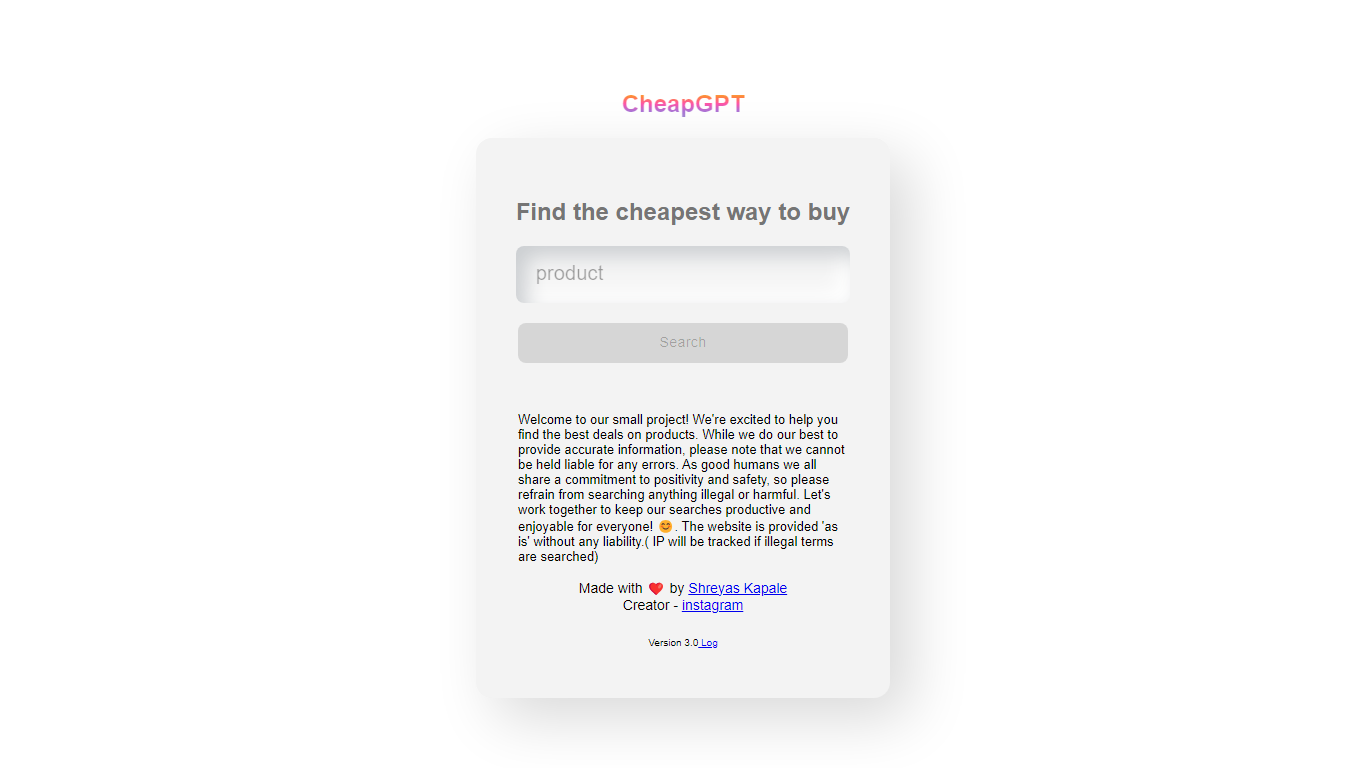
What is CheapGPT?
Discover the power of AI with CheapGPT, an innovative platform designed for efficiency and affordability. At CheapGPT, we leverage cutting-edge AI technology to deliver quality performance without breaking the bank. Our focus is on providing users with an accessible and user-friendly interface, ensuring that even those new to AI can enjoy the benefits of our advanced solutions.
Our services cater to a broad range of applications, from text generation to automation, making us a versatile choice for individuals and businesses alike. We are committed to continuous improvement, consistently updating our systems to offer the latest in AI advancements. Choose CheapGPT for a cost-effective AI experience that doesn't compromise on quality.
Pixelcode Upvotes
CheapGPT Upvotes
Pixelcode Top Features
Chrome extension captures and crops code directly in the browser with clipboard output
Recognizes 30+ programming languages including JavaScript, Python, Java, Swift, and Ruby
Pay-per-use lifetime plan costs $15 with 20 free screenshots and $8 per 100 additional captures
Unlimited lifetime tier at $35 routes extraction through your own ChatGPT API key
Processes code from YouTube video frames, static images, and PDF documents
API keys stay on your device and are not stored on Pixelcode servers per the FAQ
CheapGPT Top Features
Affordability: Budget-friendly AI solutions for all.
User-Friendly: Easy-to-use interface perfect for newcomers and professionals.
Versatility: Broad range of applications to suit various user needs.
Quality: High-quality performance meets cutting-edge technology.
Continuous Improvement: Regular updates to provide the latest AI features.
Pixelcode Category
- Code Assistant
CheapGPT Category
- Code Assistant
Pixelcode Pricing Type
- Paid
CheapGPT Pricing Type
- Free