Pixelcode vs Code Coach
Explore the showdown between Pixelcode vs Code Coach and find out which AI Code Assistant tool wins. We analyze upvotes, features, reviews, pricing, alternatives, and more.
When comparing Pixelcode and Code Coach, which one rises above the other?
When we contrast Pixelcode with Code Coach, both of which are exceptional AI-operated code assistant tools, and place them side by side, we can spot several crucial similarities and divergences. Interestingly, both tools have managed to secure the same number of upvotes. Every vote counts! Cast yours and contribute to the decision of the winner.
Not your cup of tea? Upvote your preferred tool and stir things up!
Pixelcode


What is Pixelcode?
Pixelcode turns code screenshots, YouTube frames, images, and PDFs into editable source text through a Chrome extension. Click the extension, crop the snippet you need, and the extracted code lands on your clipboard formatted for your IDE instead of forcing a manual retype.
Generic OCR tools flatten indentation and miss language syntax. Pixelcode targets developer workflows with automatic language detection across 30 plus languages, precision cropping from a few lines to long blocks, and optional unlimited extraction when you connect your own ChatGPT API key on the $35 lifetime tier instead of buying screenshot credits.
Developers learning from video tutorials, reviewing legacy PDF docs, or capturing snippets from blog images use Pixelcode when they want paste-ready code without rebuilding formatting by hand.
Code Coach
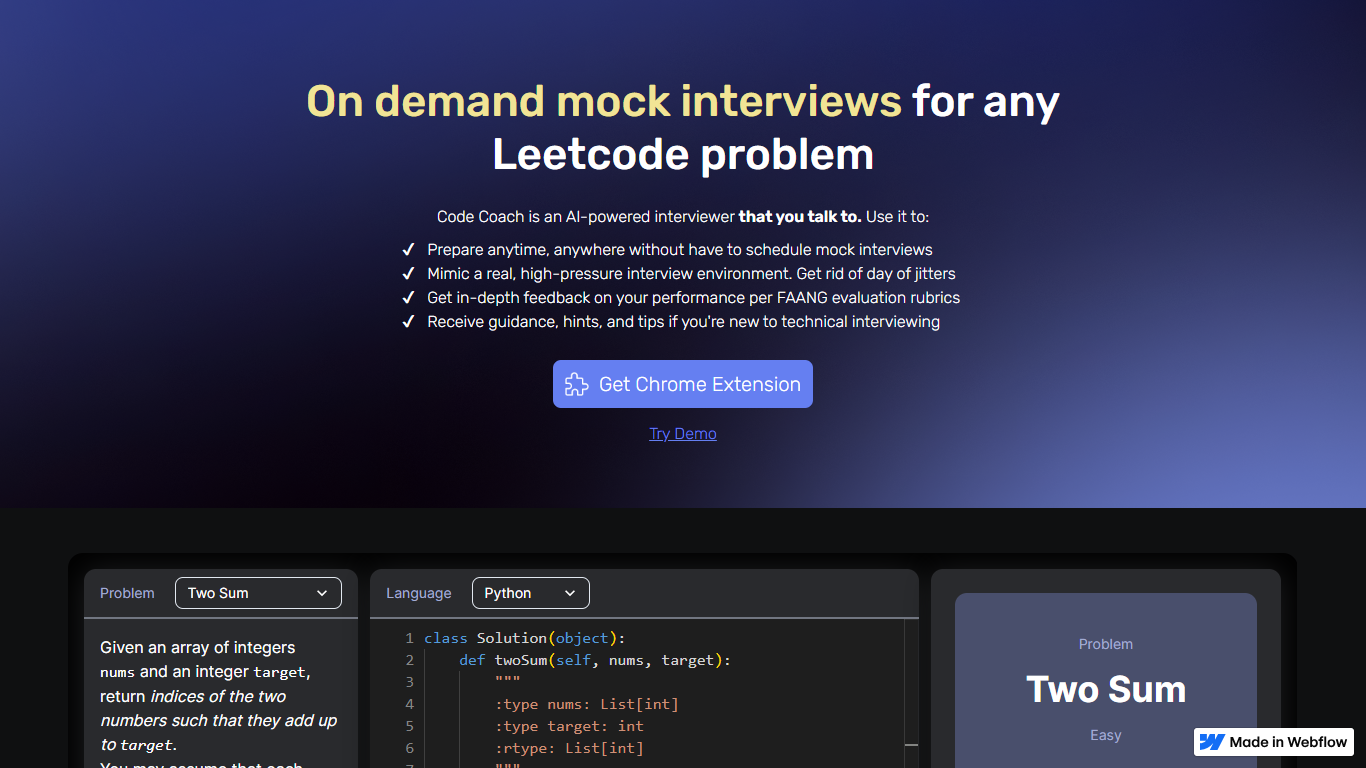
What is Code Coach?
Code Coach is an innovative AI-powered platform designed to enhance the technical interviewing skills of individuals aiming for roles in top tech companies. It serves as an AI interviewer, offering on-demand mock interviews based on Leetcode problems to help candidates prepare anytime and anywhere.
The platform creates a high-pressure interview environment, allowing users to eliminate pre-interview jitters effectively. Furthermore, Code Coach provides in-depth feedback guided by FAANG evaluation rubrics to pinpoint areas of improvement. Novices in technical interviewing receive additional guidance, hints, and tips to tackle challenges confidently. Users can get started by downloading the Chrome Extension or trying the Demo to experience a real-time mock interview scenario.
Pixelcode Upvotes
Code Coach Upvotes
Pixelcode Top Features
Chrome extension captures and crops code directly in the browser with clipboard output
Recognizes 30+ programming languages including JavaScript, Python, Java, Swift, and Ruby
Pay-per-use lifetime plan costs $15 with 20 free screenshots and $8 per 100 additional captures
Unlimited lifetime tier at $35 routes extraction through your own ChatGPT API key
Processes code from YouTube video frames, static images, and PDF documents
API keys stay on your device and are not stored on Pixelcode servers per the FAQ
Code Coach Top Features
Prepare Anytime, Anywhere: Enables practice without the need to schedule interviews with peers.
Mimic Real Interview Environment: Provides a setting that simulates the pressure of technical interviews.
Feedback Based on FAANG Rubrics: Offers constructive feedback on your performance using FAANG evaluation standards.
Guidance for Interview Newbies: Supplies hints and tips for those new to the technical interview process.
Chrome Extension: Easy access to the tool via a browser extension.
Pixelcode Category
- Code Assistant
Code Coach Category
- Code Assistant
Pixelcode Pricing Type
- Paid
Code Coach Pricing Type
- Freemium