Pixelcode vs Code Genius
In the clash of Pixelcode vs Code Genius , which AI Code Assistant tool emerges victorious? We assess reviews, pricing, alternatives, features, upvotes, and more.
When we put Pixelcode and Code Genius head to head, which one emerges as the victor?
Let's take a closer look at Pixelcode and Code Genius , both of which are AI-driven code assistant tools, and see what sets them apart. There's no clear winner in terms of upvotes, as both tools have received the same number. The power is in your hands! Cast your vote and have a say in deciding the winner.
Not your cup of tea? Upvote your preferred tool and stir things up!
Pixelcode


What is Pixelcode?
Pixelcode turns code screenshots, YouTube frames, images, and PDFs into editable source text through a Chrome extension. Click the extension, crop the snippet you need, and the extracted code lands on your clipboard formatted for your IDE instead of forcing a manual retype.
Generic OCR tools flatten indentation and miss language syntax. Pixelcode targets developer workflows with automatic language detection across 30 plus languages, precision cropping from a few lines to long blocks, and optional unlimited extraction when you connect your own ChatGPT API key on the $35 lifetime tier instead of buying screenshot credits.
Developers learning from video tutorials, reviewing legacy PDF docs, or capturing snippets from blog images use Pixelcode when they want paste-ready code without rebuilding formatting by hand.
Code Genius
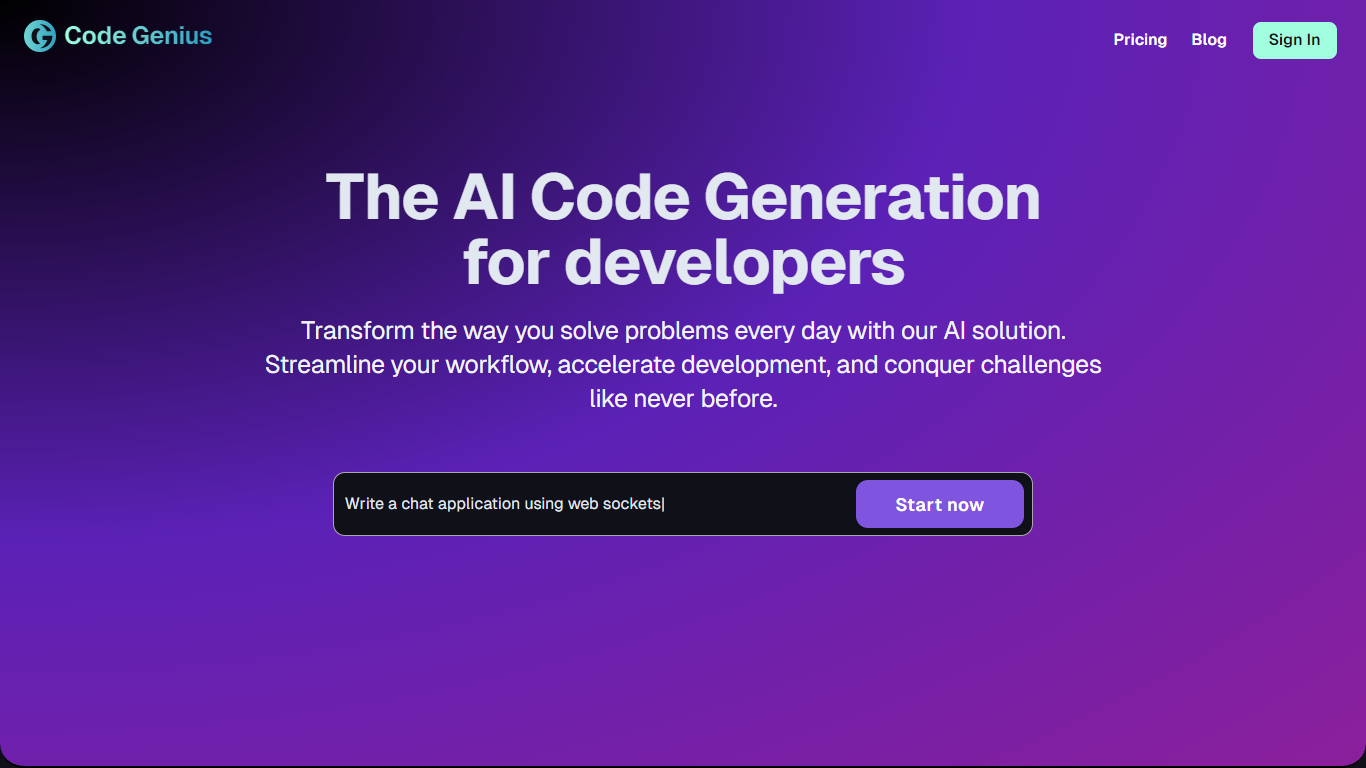
What is Code Genius ?
Code Genius revolutionizes the coding landscape by empowering developers with an AI code generator specifically designed for React, Vue JS, and Tailwind CSS. This dynamic tool accelerates developers' goals by providing real-time code analysis, intelligent suggestions, optimized code, and automatic generation of unit tests.
Tailored to streamline the coding process, Code Genius simulates a pair programming experience that's always available, offering a seamless and conversational interaction with your AI programming buddy. With Code Genius, you can create unit tests within seconds, ensuring better coding efficiency and higher quality results. Additionally, it supports a smooth workflow synchronization, particularly with its Github App for premium members, enhancing collaboration and vastly improving development timelines by saving users an average of 35% in daily development time.
Pixelcode Upvotes
Code Genius Upvotes
Pixelcode Top Features
Chrome extension captures and crops code directly in the browser with clipboard output
Recognizes 30+ programming languages including JavaScript, Python, Java, Swift, and Ruby
Pay-per-use lifetime plan costs $15 with 20 free screenshots and $8 per 100 additional captures
Unlimited lifetime tier at $35 routes extraction through your own ChatGPT API key
Processes code from YouTube video frames, static images, and PDF documents
API keys stay on your device and are not stored on Pixelcode servers per the FAQ
Code Genius Top Features
Real-Time Code Analysis: Offers real-time code analysis to make your code clean, efficient, and error-free.
Intelligent Suggestions and Code Improvements: Provides smart suggestions for optimizing code, helping to ensure high-quality output.
Automatic Generation of Unit Tests: Generates unit tests automatically, covering a wide range of scenarios for better test efficiency.
Workflow Synchronization: Features seamless workflow synchronization, especially with its Github App for premium members, facilitating effortless collaboration.
24/7 Coding Pair Experience: The AI programming buddy is like a pair programming partner that never sleeps, offering conversational interaction combined with the efficiency of an expert coding assistant.
Pixelcode Category
- Code Assistant
Code Genius Category
- Code Assistant
Pixelcode Pricing Type
- Paid
Code Genius Pricing Type
- Freemium