Pixelcode vs Code Sensei
In the battle of Pixelcode vs Code Sensei, which AI Code Assistant tool comes out on top? We compare reviews, pricing, alternatives, upvotes, features, and more.
Which one is better? Pixelcode or Code Sensei?
Upon comparing Pixelcode with Code Sensei, which are both AI-powered code assistant tools, Both tools have received the same number of upvotes from aitools.fyi users. Every vote counts! Cast yours and contribute to the decision of the winner.
Want to flip the script? Upvote your favorite tool and change the game!
Pixelcode


What is Pixelcode?
Pixelcode turns code screenshots, YouTube frames, images, and PDFs into editable source text through a Chrome extension. Click the extension, crop the snippet you need, and the extracted code lands on your clipboard formatted for your IDE instead of forcing a manual retype.
Generic OCR tools flatten indentation and miss language syntax. Pixelcode targets developer workflows with automatic language detection across 30 plus languages, precision cropping from a few lines to long blocks, and optional unlimited extraction when you connect your own ChatGPT API key on the $35 lifetime tier instead of buying screenshot credits.
Developers learning from video tutorials, reviewing legacy PDF docs, or capturing snippets from blog images use Pixelcode when they want paste-ready code without rebuilding formatting by hand.
Code Sensei
What is Code Sensei?
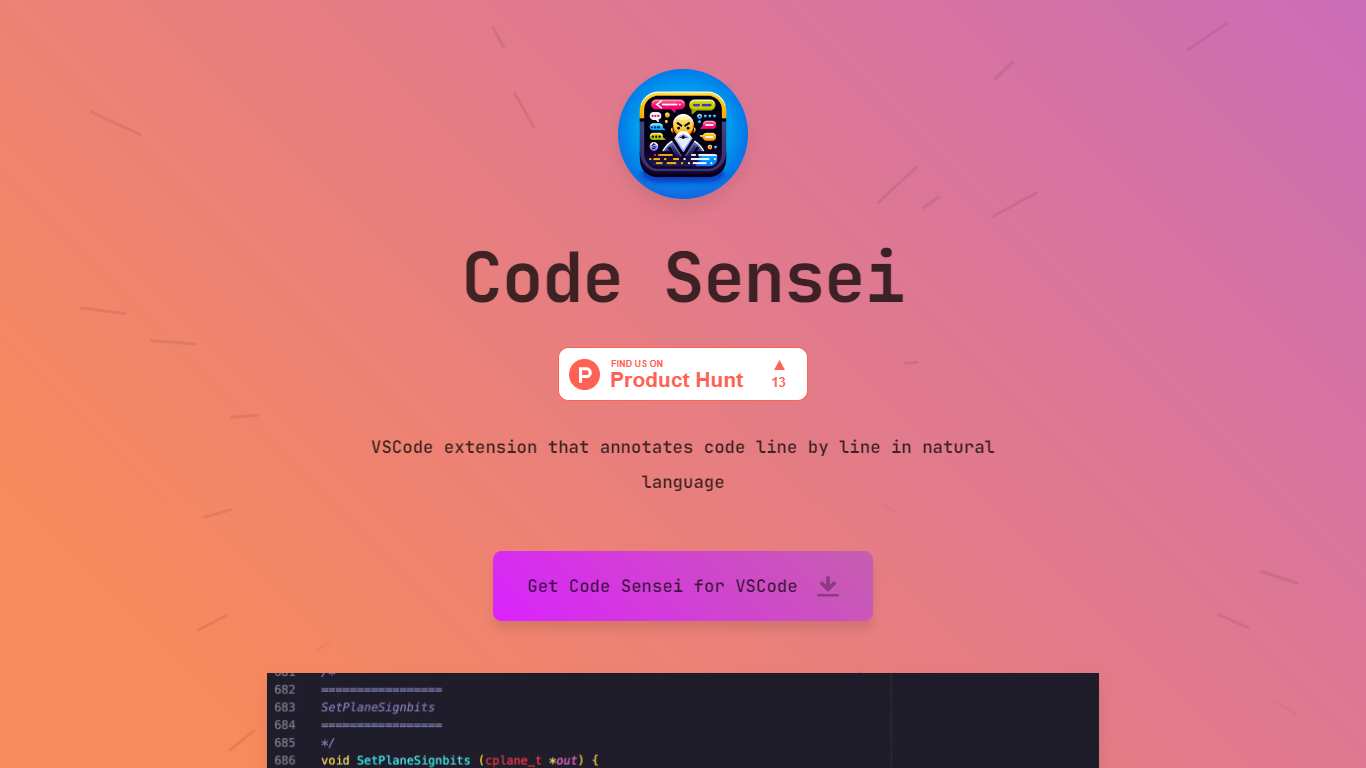
Code Sensei is your go-to Visual Studio Code extension when you’re looking for a tool to bring clarity and understanding to your coding endeavors. This innovative extension takes your programming experience a step further by providing detailed, natural language annotations for each line of code in real time. By doing so, Code Sensei makes it easier for new learners to understand what each part of the code does, and serves as an invaluable tool for educators who aim to provide clearer coding instructions to their students.
The extension integrates seamlessly with VSCode, allowing coders to progress through their projects efficiently while simultaneously learning from the annotations. This is a particularly useful tool for training courses, online coding schools, or any educational platform that focuses on teaching programming.
For institutions that require a tailored approach, Code Sensei offers custom solutions to fit the specific needs of your training course or online school. With a commitment to enhancing the learning experience, the team behind Code Sensei is available to work closely with clients to deliver a solution that aligns with their educational goals. To inquire about these custom solutions, interested parties are encouraged to reach out through the provided email contact.
Pixelcode Upvotes
Code Sensei Upvotes
Pixelcode Top Features
Chrome extension captures and crops code directly in the browser with clipboard output
Recognizes 30+ programming languages including JavaScript, Python, Java, Swift, and Ruby
Pay-per-use lifetime plan costs $15 with 20 free screenshots and $8 per 100 additional captures
Unlimited lifetime tier at $35 routes extraction through your own ChatGPT API key
Processes code from YouTube video frames, static images, and PDF documents
API keys stay on your device and are not stored on Pixelcode servers per the FAQ
Code Sensei Top Features
Natural Language Annotations: Provides line-by-line explanations of code in natural language, enhancing readability and comprehension.
VSCode Integration: Seamlessly integrates with Visual Studio Code for a user-friendly experience.
Learning Aid: Ideal for coding beginners and educational environments, assisting in the understanding of programming concepts.
Custom Solutions: Offers customized annotation solutions to suit the unique needs of training courses and online schools.
Support and Collaboration: Encourages direct contact for tailored solutions, facilitating collaboration between the Code Sensei team and clients.
Pixelcode Category
- Code Assistant
Code Sensei Category
- Code Assistant
Pixelcode Pricing Type
- Paid
Code Sensei Pricing Type
- Freemium