Pixelcode vs CodePal
In the clash of Pixelcode vs CodePal, which AI Code Assistant tool emerges victorious? We assess reviews, pricing, alternatives, features, upvotes, and more.
When we put Pixelcode and CodePal head to head, which one emerges as the victor?
Let's take a closer look at Pixelcode and CodePal, both of which are AI-driven code assistant tools, and see what sets them apart. With more upvotes, Pixelcode is the preferred choice. The number of upvotes for Pixelcode stands at 6, and for CodePal it's 3.
You don't agree with the result? Cast your vote to help us decide!
Pixelcode


What is Pixelcode?
Pixelcode turns code screenshots, YouTube frames, images, and PDFs into editable source text through a Chrome extension. Click the extension, crop the snippet you need, and the extracted code lands on your clipboard formatted for your IDE instead of forcing a manual retype.
Generic OCR tools flatten indentation and miss language syntax. Pixelcode targets developer workflows with automatic language detection across 30 plus languages, precision cropping from a few lines to long blocks, and optional unlimited extraction when you connect your own ChatGPT API key on the $35 lifetime tier instead of buying screenshot credits.
Developers learning from video tutorials, reviewing legacy PDF docs, or capturing snippets from blog images use Pixelcode when they want paste-ready code without rebuilding formatting by hand.
CodePal
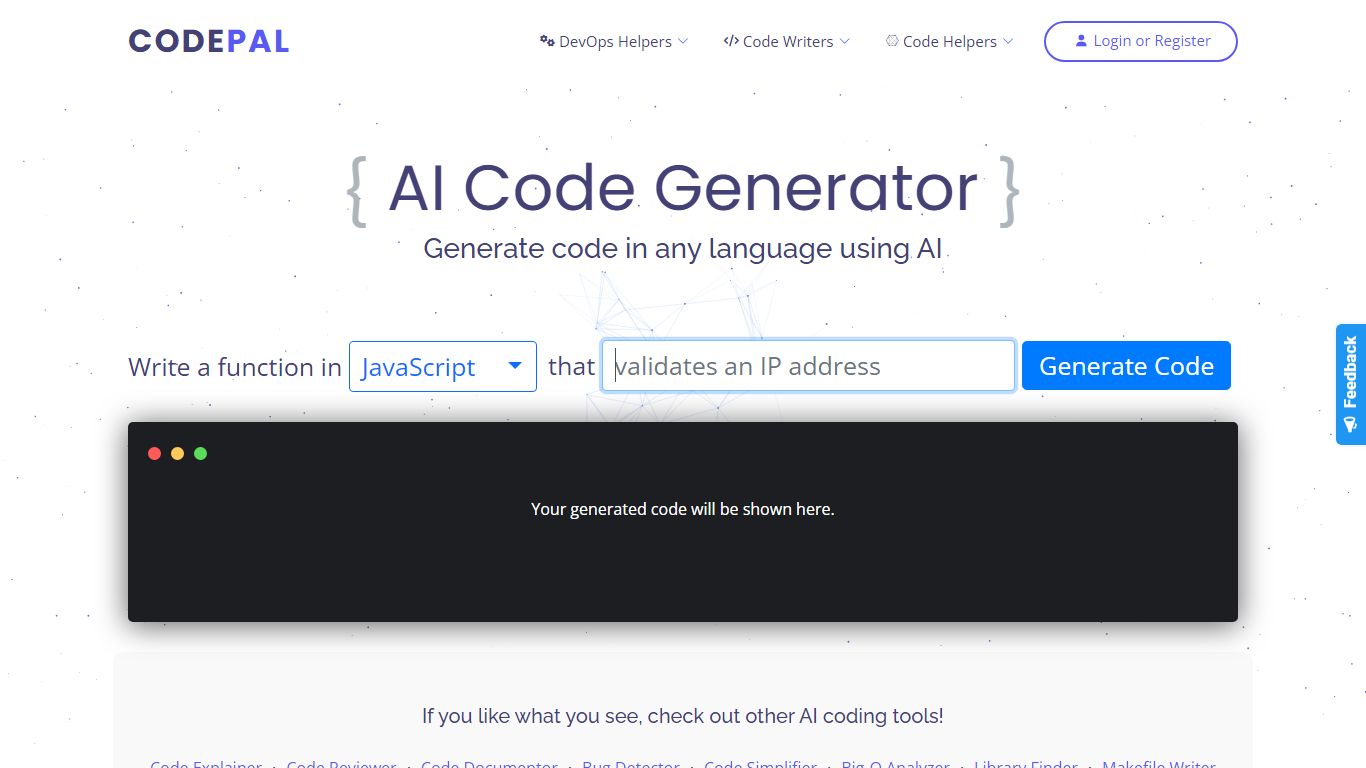
What is CodePal?
CodePal is an AI code assistant and app builder that turns a plain-language product idea into a deployable full-stack web app. You describe what you want, and CodePal scopes a build plan, writes the code, shows each step in real time, and publishes the result to a live URL. The same workspace covers planning, visual editing, GitHub sync, databases, auth, storage, and deployment without stitching separate tools together.
Where many AI builders stop at a landing page or a single-file demo, CodePal targets production-shaped products: SaaS dashboards, marketplaces, booking flows, and internal tools with backends attached. It also ships 60+ standalone developer utilities on its tools page for generating, fixing, refactoring, and explaining code across programming languages, so you can use it as a daily coding helper even when you are not launching a new app.
Founders, indie hackers, and developers who want to ship a first version fast without hiring a team are the core audience. Product managers prototyping internal dashboards and creators launching landing pages or membership sites also fit the workflow, especially when they need GitHub export and a custom domain on paid tiers.
Pixelcode Upvotes
CodePal Upvotes
Pixelcode Top Features
Chrome extension captures and crops code directly in the browser with clipboard output
Recognizes 30+ programming languages including JavaScript, Python, Java, Swift, and Ruby
Pay-per-use lifetime plan costs $15 with 20 free screenshots and $8 per 100 additional captures
Unlimited lifetime tier at $35 routes extraction through your own ChatGPT API key
Processes code from YouTube video frames, static images, and PDF documents
API keys stay on your device and are not stored on Pixelcode servers per the FAQ
CodePal Top Features
Build full-stack web apps from a single prompt with planning, code generation, and live publishing in one workspace
62 production-ready app templates for SaaS, marketplaces, dashboards, and landing pages on the solutions page
60+ AI developer tools for code generation, refactoring, debugging, and DevOps across programming languages
Starter plan includes 2 daily credits and up to 30 credits per month with access to all platform tools
Standard plan at $25 per month adds 100 monthly credits, credit rollover, and up to 5 CodePal Cloud projects
GitHub sync lets you inspect, edit generated project files, and keep code in your own development workflow
Workspace tools cover databases, authentication, storage, secrets, logs, and analytics without external stitching
Pixelcode Category
- Code Assistant
CodePal Category
- Code Assistant
Pixelcode Pricing Type
- Paid
CodePal Pricing Type
- Freemium