Pixelcode vs Devassistant.ai
In the face-off between Pixelcode vs Devassistant.ai, which AI Code Assistant tool takes the crown? We scrutinize features, alternatives, upvotes, reviews, pricing, and more.
In a face-off between Pixelcode and Devassistant.ai, which one takes the crown?
If we were to analyze Pixelcode and Devassistant.ai, both of which are AI-powered code assistant tools, what would we find? Interestingly, both tools have managed to secure the same number of upvotes. Every vote counts! Cast yours and contribute to the decision of the winner.
Feeling rebellious? Cast your vote and shake things up!
Pixelcode


What is Pixelcode?
Pixelcode turns code screenshots, YouTube frames, images, and PDFs into editable source text through a Chrome extension. Click the extension, crop the snippet you need, and the extracted code lands on your clipboard formatted for your IDE instead of forcing a manual retype.
Generic OCR tools flatten indentation and miss language syntax. Pixelcode targets developer workflows with automatic language detection across 30 plus languages, precision cropping from a few lines to long blocks, and optional unlimited extraction when you connect your own ChatGPT API key on the $35 lifetime tier instead of buying screenshot credits.
Developers learning from video tutorials, reviewing legacy PDF docs, or capturing snippets from blog images use Pixelcode when they want paste-ready code without rebuilding formatting by hand.
Devassistant.ai
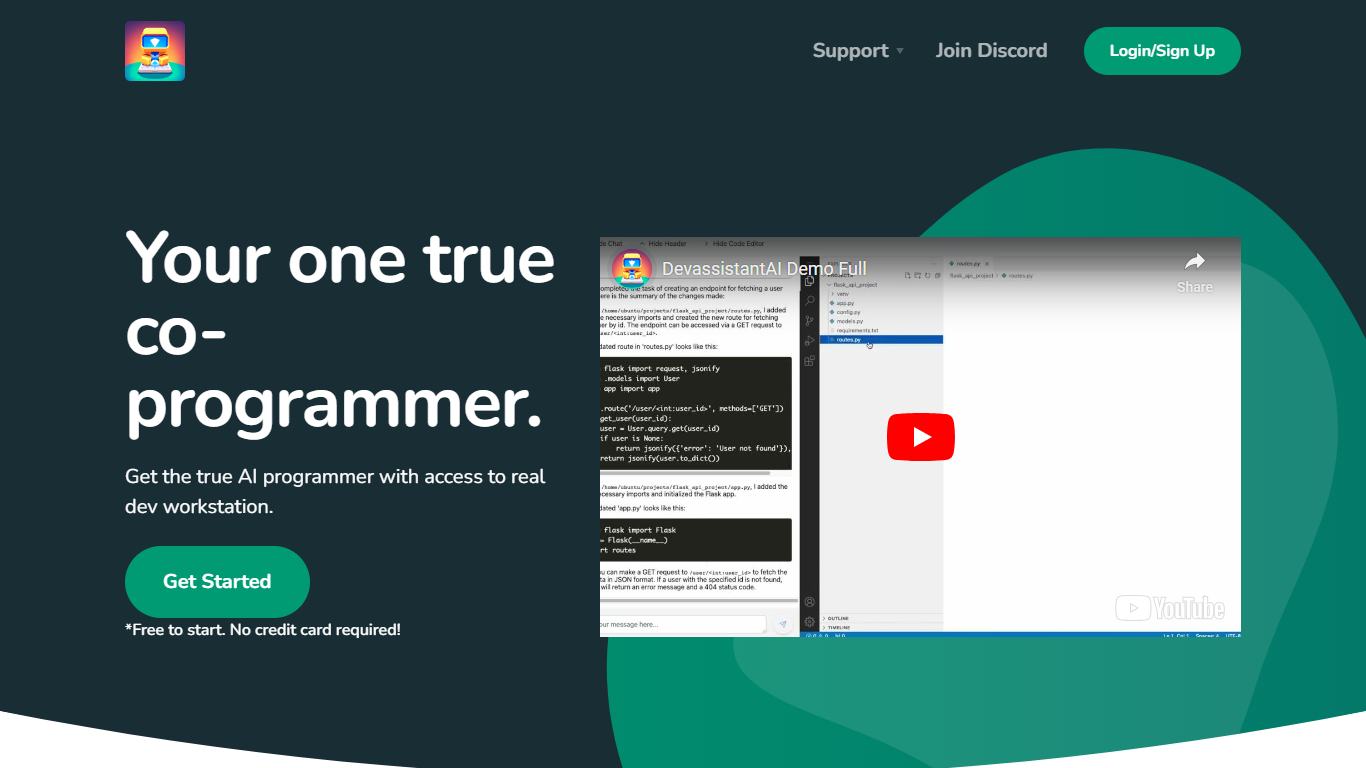
What is Devassistant.ai?
Devassistant.AI helps you turn a product idea into a scoped and built MVP through an AI-guided workflow. You describe what you want to build once, and the assistant pressure-tests the idea, tightens requirements, defines the MVP scope, and handles delivery updates in the same project thread.
The platform supports common product types like mobile apps, internal tools, blogs, and SaaS products. After the initial brief, you can keep the same thread active for follow-up feature requests, revisions, and milestone updates as the MVP moves forward.
Pricing is a flat $10 per month for ongoing delivery support, follow-up requests, and continued product assistance once scoping begins. Billing runs through Stripe.
Pixelcode Upvotes
Devassistant.ai Upvotes
Pixelcode Top Features
Chrome extension captures and crops code directly in the browser with clipboard output
Recognizes 30+ programming languages including JavaScript, Python, Java, Swift, and Ruby
Pay-per-use lifetime plan costs $15 with 20 free screenshots and $8 per 100 additional captures
Unlimited lifetime tier at $35 routes extraction through your own ChatGPT API key
Processes code from YouTube video frames, static images, and PDF documents
API keys stay on your device and are not stored on Pixelcode servers per the FAQ
Devassistant.ai Top Features
Turns a product brief into scoped MVP requirements before building starts
Keeps one active thread for intake, delivery updates, and follow-up requests
Supports common product types including mobile apps, internal tools, blogs, and SaaS
Offers rigorous scoping to pressure-test ideas before development
Flat $10 per month plan for continued support after MVP scoping begins
Pixelcode Category
- Code Assistant
Devassistant.ai Category
- Code Assistant
Pixelcode Pricing Type
- Paid
Devassistant.ai Pricing Type
- Paid