Pixelcode vs Full Stack AI
In the contest of Pixelcode vs Full Stack AI, which AI Code Assistant tool is the champion? We evaluate pricing, alternatives, upvotes, features, reviews, and more.
If you had to choose between Pixelcode and Full Stack AI, which one would you go for?
When we examine Pixelcode and Full Stack AI, both of which are AI-enabled code assistant tools, what unique characteristics do we discover? Both tools are equally favored, as indicated by the identical upvote count. Join the aitools.fyi users in deciding the winner by casting your vote.
Want to flip the script? Upvote your favorite tool and change the game!
Pixelcode


What is Pixelcode?
Pixelcode turns code screenshots, YouTube frames, images, and PDFs into editable source text through a Chrome extension. Click the extension, crop the snippet you need, and the extracted code lands on your clipboard formatted for your IDE instead of forcing a manual retype.
Generic OCR tools flatten indentation and miss language syntax. Pixelcode targets developer workflows with automatic language detection across 30 plus languages, precision cropping from a few lines to long blocks, and optional unlimited extraction when you connect your own ChatGPT API key on the $35 lifetime tier instead of buying screenshot credits.
Developers learning from video tutorials, reviewing legacy PDF docs, or capturing snippets from blog images use Pixelcode when they want paste-ready code without rebuilding formatting by hand.
Full Stack AI
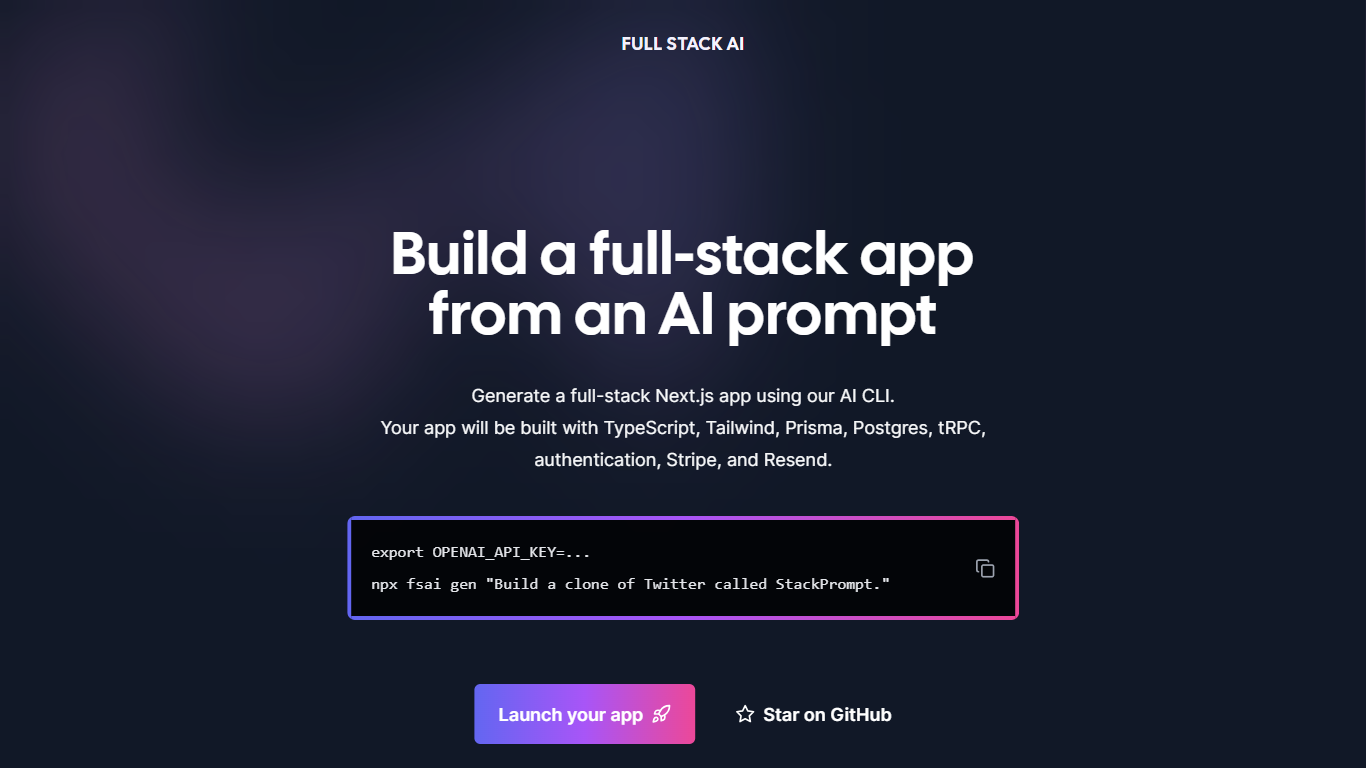
What is Full Stack AI?
js applications from simple AI prompts. The generated apps use a consistent stack including TypeScript, Tailwind CSS for styling, Prisma ORM with Postgres database, tRPC for typesafe APIs, authentication, Stripe for payments, and Resend for email handling. This approach reduces setup time and complexity by automating the creation of common app features.
"` to launch a new project quickly. The tool is open source and encourages community contributions on GitHub. It targets developers who want to speed up building full-stack apps with a reliable, integrated stack and AI assistance.
Pixelcode Upvotes
Full Stack AI Upvotes
Pixelcode Top Features
Chrome extension captures and crops code directly in the browser with clipboard output
Recognizes 30+ programming languages including JavaScript, Python, Java, Swift, and Ruby
Pay-per-use lifetime plan costs $15 with 20 free screenshots and $8 per 100 additional captures
Unlimited lifetime tier at $35 routes extraction through your own ChatGPT API key
Processes code from YouTube video frames, static images, and PDF documents
API keys stay on your device and are not stored on Pixelcode servers per the FAQ
Full Stack AI Top Features
🛠️ Generate full-stack apps from simple AI prompts quickly
🎨 Uses Tailwind CSS for modern, responsive styling
🔒 Built-in authentication system for user management
💳 Stripe integration for easy payment processing
📧 Resend service included for handling emails
Pixelcode Category
- Code Assistant
Full Stack AI Category
- Code Assistant
Pixelcode Pricing Type
- Paid
Full Stack AI Pricing Type
- Freemium