Pixelcode vs Gitya
In the battle of Pixelcode vs Gitya, which AI Code Assistant tool comes out on top? We compare reviews, pricing, alternatives, upvotes, features, and more.
Between Pixelcode and Gitya, which one is superior?
Upon comparing Pixelcode with Gitya, which are both AI-powered code assistant tools, In the race for upvotes, Gitya takes the trophy. Gitya has garnered 7 upvotes, and Pixelcode has garnered 6 upvotes.
Disagree with the result? Upvote your favorite tool and help it win!
Pixelcode


What is Pixelcode?
Pixelcode turns code screenshots, YouTube frames, images, and PDFs into editable source text through a Chrome extension. Click the extension, crop the snippet you need, and the extracted code lands on your clipboard formatted for your IDE instead of forcing a manual retype.
Generic OCR tools flatten indentation and miss language syntax. Pixelcode targets developer workflows with automatic language detection across 30 plus languages, precision cropping from a few lines to long blocks, and optional unlimited extraction when you connect your own ChatGPT API key on the $35 lifetime tier instead of buying screenshot credits.
Developers learning from video tutorials, reviewing legacy PDF docs, or capturing snippets from blog images use Pixelcode when they want paste-ready code without rebuilding formatting by hand.
Gitya
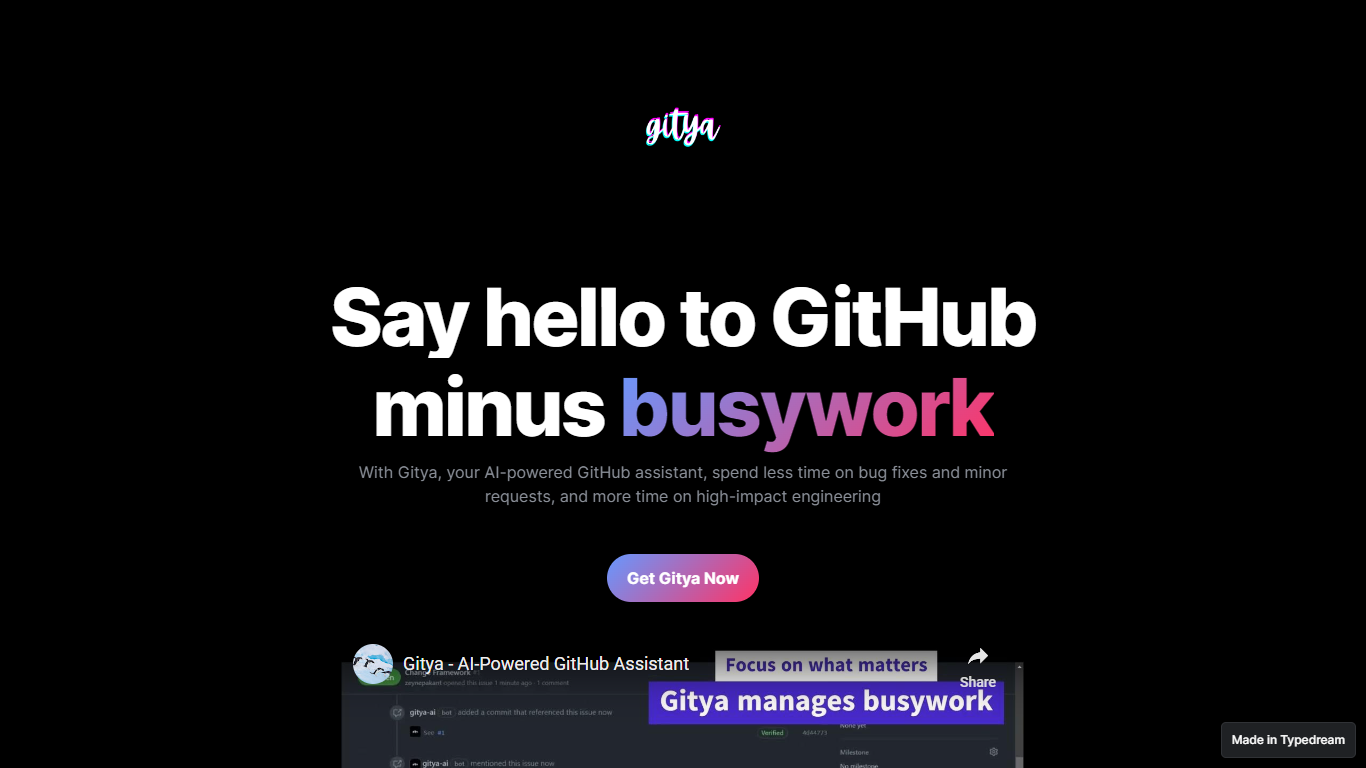
What is Gitya?
Gitya is a code assistant built as a GitHub App for repository workflow automation. It focuses on minor bug fixes, small requests, and pull request handling inside GitHub. The product positions itself as a way to spend less time on busywork and more on high-impact engineering. KocDigital develops Gitya as a standalone assistant for GitHub-native teams.
Most code assistants plug into your IDE and suggest completions line by line. Gitya instead runs as a GitHub App and automates work at the issue and pull request layer. Ticket automation starts when you label an issue with gitya, which tells the assistant to pick up minor tasks tied to that ticket. That label-driven trigger is a narrower, repo-centric approach than general copilots that do not manage GitHub issues directly.
Software engineers and development teams who manage bugs and reviews inside GitHub are the core audience. The landing page highlights automated pull request reviews and responses alongside issue automation for smaller fixes. New users request access through an email signup linked from the homepage rather than an on-site checkout flow.
Pixelcode Upvotes
Gitya Upvotes
Pixelcode Top Features
Chrome extension captures and crops code directly in the browser with clipboard output
Recognizes 30+ programming languages including JavaScript, Python, Java, Swift, and Ruby
Pay-per-use lifetime plan costs $15 with 20 free screenshots and $8 per 100 additional captures
Unlimited lifetime tier at $35 routes extraction through your own ChatGPT API key
Processes code from YouTube video frames, static images, and PDF documents
API keys stay on your device and are not stored on Pixelcode servers per the FAQ
Gitya Top Features
Installs as a GitHub App inside your existing GitHub workflow
Label any issue with gitya to trigger automated handling of minor tasks
Automated pull request reviews and responses for open PRs
Built by KocDigital, with a public demo video on YouTube
Access starts through an email signup form linked from the homepage
Pixelcode Category
- Code Assistant
Gitya Category
- Code Assistant
Pixelcode Pricing Type
- Paid
Gitya Pricing Type
- Freemium