Pixelcode vs Grape
When comparing Pixelcode vs Grape, which AI Code Assistant tool shines brighter? We look at pricing, alternatives, upvotes, features, reviews, and more.
In a comparison between Pixelcode and Grape, which one comes out on top?
When we put Pixelcode and Grape side by side, both being AI-powered code assistant tools, Interestingly, both tools have managed to secure the same number of upvotes. Your vote matters! Help us decide the winner among aitools.fyi users by casting your vote.
Think we got it wrong? Cast your vote and show us who's boss!
Pixelcode


What is Pixelcode?
Pixelcode turns code screenshots, YouTube frames, images, and PDFs into editable source text through a Chrome extension. Click the extension, crop the snippet you need, and the extracted code lands on your clipboard formatted for your IDE instead of forcing a manual retype.
Generic OCR tools flatten indentation and miss language syntax. Pixelcode targets developer workflows with automatic language detection across 30 plus languages, precision cropping from a few lines to long blocks, and optional unlimited extraction when you connect your own ChatGPT API key on the $35 lifetime tier instead of buying screenshot credits.
Developers learning from video tutorials, reviewing legacy PDF docs, or capturing snippets from blog images use Pixelcode when they want paste-ready code without rebuilding formatting by hand.
Grape
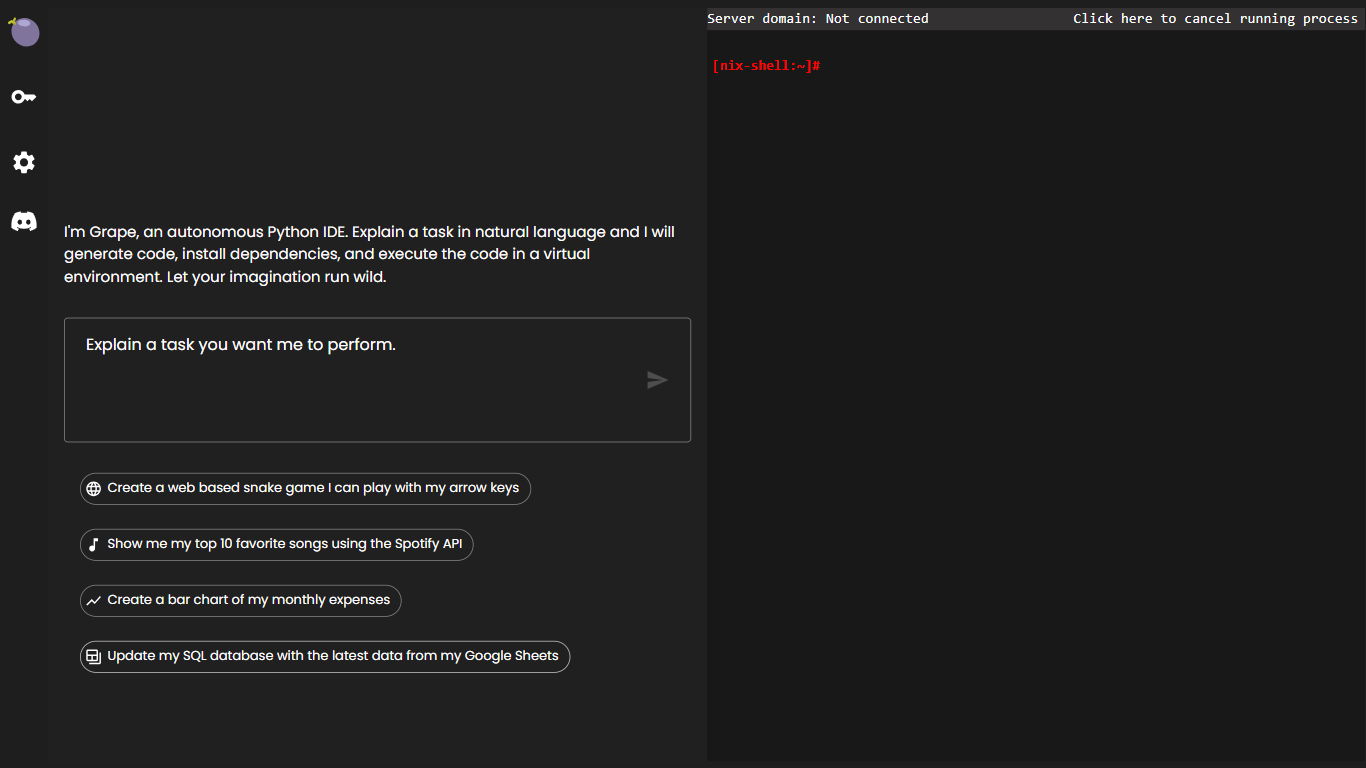
What is Grape?
Grape is an innovative tool designed to enhance productivity by offloading coding tasks. With Grape, developers can streamline their workflow and focus on creating quality code without the usual distractions.
The platform comes with a user-friendly interface and sophisticated features that cater to the needs of both novice and experienced coders. Whether it’s a simple script or a complex project, Grape's technology ensures that your coding tasks are managed efficiently.
By leveraging Grape, teams can collaborate more effectively and deliver projects faster. The SEO-optimized description aims to reinforce the platform's benefits and attract a wider audience through better search engine visibility.
Pixelcode Upvotes
Grape Upvotes
Pixelcode Top Features
Chrome extension captures and crops code directly in the browser with clipboard output
Recognizes 30+ programming languages including JavaScript, Python, Java, Swift, and Ruby
Pay-per-use lifetime plan costs $15 with 20 free screenshots and $8 per 100 additional captures
Unlimited lifetime tier at $35 routes extraction through your own ChatGPT API key
Processes code from YouTube video frames, static images, and PDF documents
API keys stay on your device and are not stored on Pixelcode servers per the FAQ
Grape Top Features
Offload Coding Tasks: Allows developers to delegate repetitive coding tasks.
Boost Productivity: Focus on core development activities without distractions.
User-Friendly Interface: Intuitive design for easy navigation and interaction.
Collaboration Enhancement: Facilitates better team collaboration on coding projects.
SEO-Optimized: Aims to increase online visibility through search engine optimization.
Pixelcode Category
- Code Assistant
Grape Category
- Code Assistant
Pixelcode Pricing Type
- Paid
Grape Pricing Type
- Freemium