Pixelcode vs MakeForms
In the contest of Pixelcode vs MakeForms, which AI Code Assistant tool is the champion? We evaluate pricing, alternatives, upvotes, features, reviews, and more.
If you had to choose between Pixelcode and MakeForms, which one would you go for?
When we examine Pixelcode and MakeForms, both of which are AI-enabled code assistant tools, what unique characteristics do we discover? MakeForms stands out as the clear frontrunner in terms of upvotes. MakeForms has been upvoted 7 times by aitools.fyi users, and Pixelcode has been upvoted 6 times.
Disagree with the result? Upvote your favorite tool and help it win!
Pixelcode


What is Pixelcode?
Pixelcode turns code screenshots, YouTube frames, images, and PDFs into editable source text through a Chrome extension. Click the extension, crop the snippet you need, and the extracted code lands on your clipboard formatted for your IDE instead of forcing a manual retype.
Generic OCR tools flatten indentation and miss language syntax. Pixelcode targets developer workflows with automatic language detection across 30 plus languages, precision cropping from a few lines to long blocks, and optional unlimited extraction when you connect your own ChatGPT API key on the $35 lifetime tier instead of buying screenshot credits.
Developers learning from video tutorials, reviewing legacy PDF docs, or capturing snippets from blog images use Pixelcode when they want paste-ready code without rebuilding formatting by hand.
MakeForms
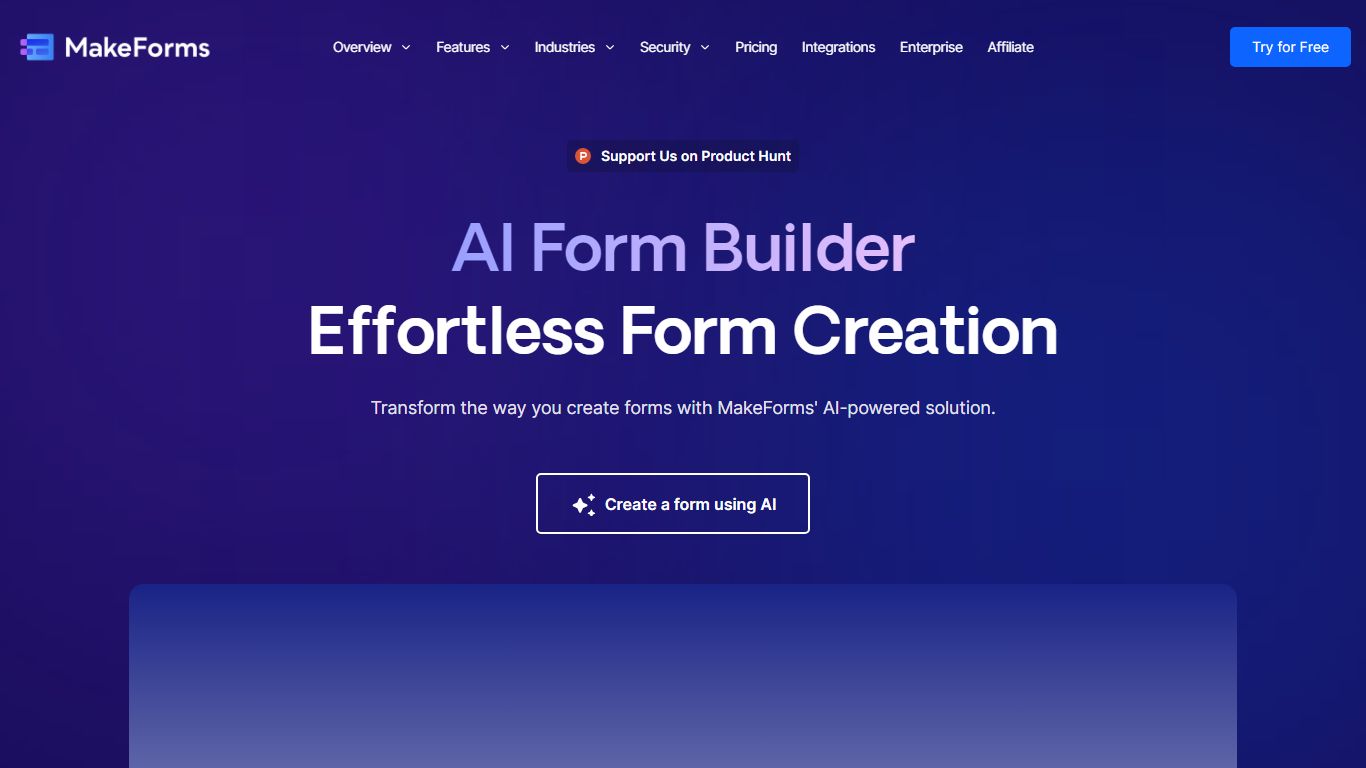
What is MakeForms?
MakeForms AI Form Builder turns a text prompt into a live web form with fields, logic, and layout in under a minute. You describe what you need on makeforms.io/ai-form-builder, optionally set language and page count, or start from templates like Contact Us, Event Feedback, or Job Application. After generation you verify email and share a unique form link.
Most form builders make you drag fields manually. MakeForms adds a ChatGPT-style editor where you ask for updates in conversation instead of reopening a design panel. Lead notifications can route through email, SMS, and WhatsApp so teams see submissions without checking a dashboard constantly.
MakeForms also connects to CRMs, spreadsheets, and workflow tools out of the box, with icons for Slack, Google Drive, OneDrive, and Dropbox on the integrations section. The homepage advertises unlimited free forms with no credit card required and displays a SOC 2 compliant badge. Signup runs through makeforms.io/app/sign-up.
Pixelcode Upvotes
MakeForms Upvotes
Pixelcode Top Features
Chrome extension captures and crops code directly in the browser with clipboard output
Recognizes 30+ programming languages including JavaScript, Python, Java, Swift, and Ruby
Pay-per-use lifetime plan costs $15 with 20 free screenshots and $8 per 100 additional captures
Unlimited lifetime tier at $35 routes extraction through your own ChatGPT API key
Processes code from YouTube video frames, static images, and PDF documents
API keys stay on your device and are not stored on Pixelcode servers per the FAQ
MakeForms Top Features
Generate complete forms from a single text prompt with optional language and page count settings
ChatGPT-style interface lets you request form updates in conversation after initial generation
Lead notifications via email, SMS, and WhatsApp with customizable alert settings
Named integrations include Slack, Google Drive, OneDrive, and Dropbox for submission routing
Homepage advertises unlimited forms for free with no credit card required at signup
Pixelcode Category
- Code Assistant
MakeForms Category
- Code Assistant
Pixelcode Pricing Type
- Paid
MakeForms Pricing Type
- Freemium