Pixelcode vs Warp.dev
When comparing Pixelcode vs Warp.dev, which AI Code Assistant tool shines brighter? We look at pricing, alternatives, upvotes, features, reviews, and more.
Between Pixelcode and Warp.dev, which one is superior?
When we put Pixelcode and Warp.dev side by side, both being AI-powered code assistant tools, Warp.dev is the clear winner in terms of upvotes. Warp.dev has garnered 7 upvotes, and Pixelcode has garnered 6 upvotes.
Feeling rebellious? Cast your vote and shake things up!
Pixelcode


What is Pixelcode?
Pixelcode turns code screenshots, YouTube frames, images, and PDFs into editable source text through a Chrome extension. Click the extension, crop the snippet you need, and the extracted code lands on your clipboard formatted for your IDE instead of forcing a manual retype.
Generic OCR tools flatten indentation and miss language syntax. Pixelcode targets developer workflows with automatic language detection across 30 plus languages, precision cropping from a few lines to long blocks, and optional unlimited extraction when you connect your own ChatGPT API key on the $35 lifetime tier instead of buying screenshot credits.
Developers learning from video tutorials, reviewing legacy PDF docs, or capturing snippets from blog images use Pixelcode when they want paste-ready code without rebuilding formatting by hand.
Warp.dev
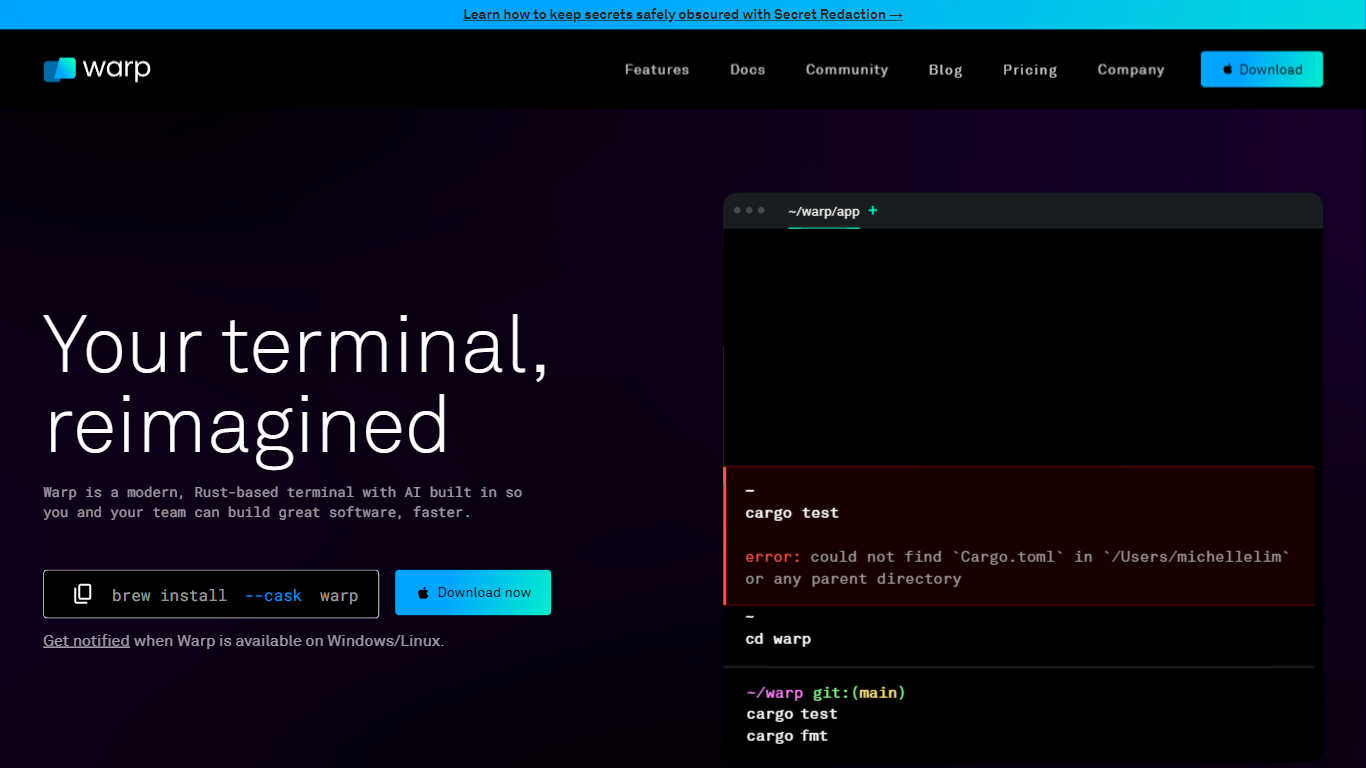
What is Warp.dev?
Warp.dev is a modern terminal and agent platform for developers who want to run coding agents from a single interface on Mac, Linux, and Windows. The Warp Terminal wraps shells with blocks, autocomplete, and agent harnesses for Warp Agent, Claude Code, Codex, OpenCode, and Gemini. Oz, its cloud orchestration layer, launches agents into the cloud from the terminal, SDK, or CLI.
Unlike a plain shell or a single-model chat sidebar, Warp combines a Rust-based terminal with multi-agent orchestration, model routing across OpenAI, Anthropic, z.ai, and open models, and optional bring-your-own inference. Teams get Warp Drive collaboration, codebase indexing, and credit-based agent usage with spend caps rather than a fixed per-seat AI license.
Backend engineers, platform teams, and security-conscious orgs use Warp for local agent coding, cloud bug investigation, and Slack or GitHub integrations where @Warp can open PRs without leaving chat. It fits teams that want terminal-native agent workflows with SOC 2 compliance and zero data retention on contracted LLM providers.
Pixelcode Upvotes
Warp.dev Upvotes
Pixelcode Top Features
Chrome extension captures and crops code directly in the browser with clipboard output
Recognizes 30+ programming languages including JavaScript, Python, Java, Swift, and Ruby
Pay-per-use lifetime plan costs $15 with 20 free screenshots and $8 per 100 additional captures
Unlimited lifetime tier at $35 routes extraction through your own ChatGPT API key
Processes code from YouTube video frames, static images, and PDF documents
API keys stay on your device and are not stored on Pixelcode servers per the FAQ
Warp.dev Top Features
Warp Terminal is open source and runs on Mac, Linux, and Windows with brew, winget, and package installs
Build plan includes 1,500 credits ($20 of agent usage) and full Warp Agent access to frontier models
Supports Warp Agent, Claude Code, Codex, OpenCode, and Gemini harnesses in one terminal
Business plan starts at $50 per user per month for up to 25 seats with SAML SSO and team metrics
Integrates with Slack, Linear, and GitHub so @Warp can investigate bugs and open PRs in chat
SOC 2 compliant with zero data retention policies on contracted LLM providers
Pixelcode Category
- Code Assistant
Warp.dev Category
- Code Assistant
Pixelcode Pricing Type
- Paid
Warp.dev Pricing Type
- Freemium