Pixelcode vs What The Diff
In the face-off between Pixelcode vs What The Diff, which AI Code Assistant tool takes the crown? We scrutinize features, alternatives, upvotes, reviews, pricing, and more.
In a face-off between Pixelcode and What The Diff, which one takes the crown?
If we were to analyze Pixelcode and What The Diff, both of which are AI-powered code assistant tools, what would we find? Both tools are equally favored, as indicated by the identical upvote count. Join the aitools.fyi users in deciding the winner by casting your vote.
You don't agree with the result? Cast your vote to help us decide!
Pixelcode
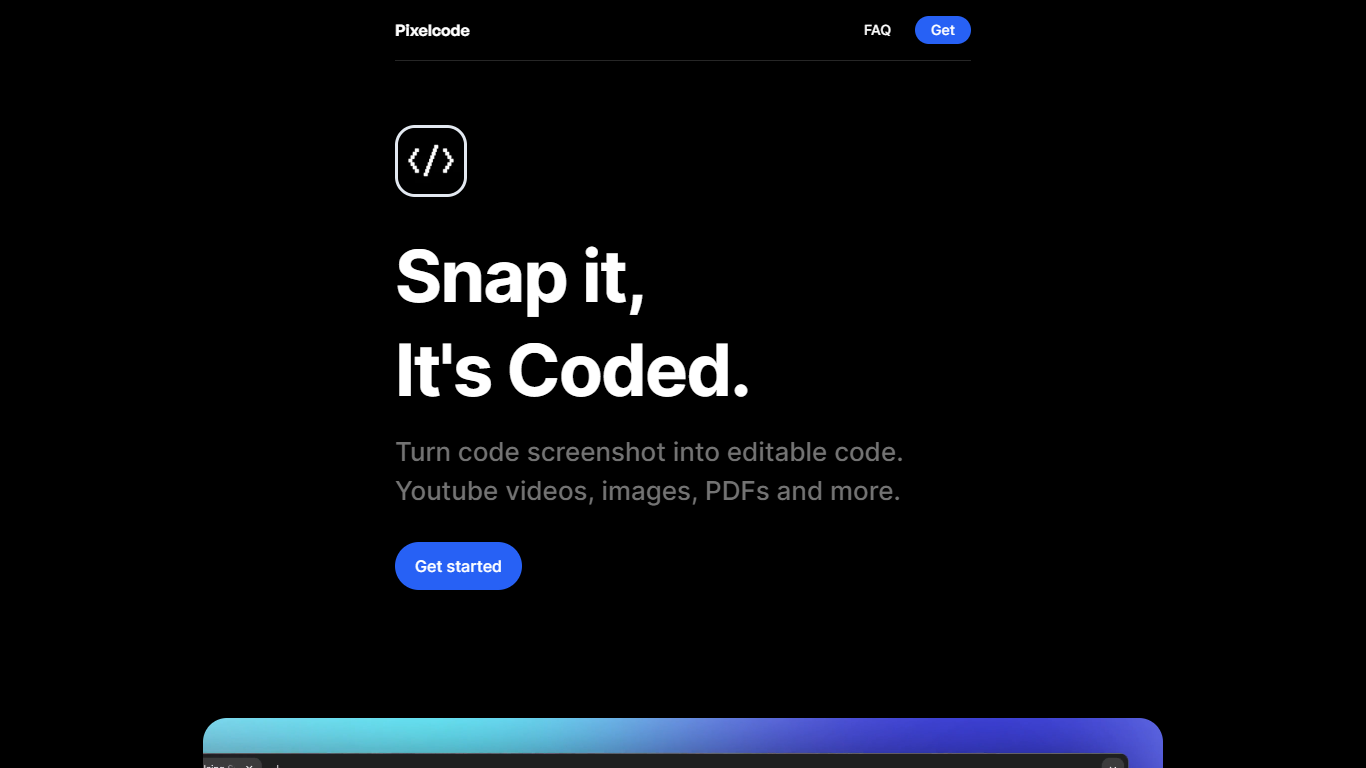

What is Pixelcode?
Pixelcode turns code screenshots, YouTube frames, images, and PDFs into editable source text through a Chrome extension. Click the extension, crop the snippet you need, and the extracted code lands on your clipboard formatted for your IDE instead of forcing a manual retype.
Generic OCR tools flatten indentation and miss language syntax. Pixelcode targets developer workflows with automatic language detection across 30 plus languages, precision cropping from a few lines to long blocks, and optional unlimited extraction when you connect your own ChatGPT API key on the $35 lifetime tier instead of buying screenshot credits.
Developers learning from video tutorials, reviewing legacy PDF docs, or capturing snippets from blog images use Pixelcode when they want paste-ready code without rebuilding formatting by hand.
What The Diff

What is What The Diff?
What The Diff plugs into GitHub or GitLab and reads your pull request diffs to write descriptions, send stakeholder-friendly summaries, and suggest inline code refactors. You connect your account, and the assistant drafts PR comments from the actual code changes so reviewers spend less time decoding what changed.
Most AI code tools focus on writing new code inside your editor. What The Diff sits on the review workflow instead, turning diffs into plain-language updates for non-technical teammates, weekly progress reports, and public changelogs with a JSON feed. Reviewers can also comment with /wtd on specific lines to get one-click refactor suggestions rather than back-and-forth comment threads.
It fits engineering teams that want faster reviews without losing visibility for product managers or founders who do not read diffs daily. The pricing page says average pull requests use about 2,300 tokens, and the free tier covers roughly 10 PRs per month with unlimited repositories.
Pixelcode Upvotes
What The Diff Upvotes
Pixelcode Top Features
Chrome extension captures and crops code directly in the browser with clipboard output
Recognizes 30+ programming languages including JavaScript, Python, Java, Swift, and Ruby
Pay-per-use lifetime plan costs $15 with 20 free screenshots and $8 per 100 additional captures
Unlimited lifetime tier at $35 routes extraction through your own ChatGPT API key
Processes code from YouTube video frames, static images, and PDF documents
API keys stay on your device and are not stored on Pixelcode servers per the FAQ
What The Diff Top Features
Free plan includes 25,000 tokens per month, roughly 10 pull requests at ~2,300 tokens each
Pro plan at $19 per month raises the limit to 200,000 tokens (~40 PRs)
Inline refactoring via /wtd comments with one-click accept in the pull request
Notifications through Slack, email, or custom webhooks with AI summaries
Public changelogs plus a JSON API feed generated from selected pull requests
Pixelcode Category
- Code Assistant
What The Diff Category
- Code Assistant
Pixelcode Pricing Type
- Paid
What The Diff Pricing Type
- Freemium