Pixelgen vs Diffus (formerly GRAVITI Diffus)
In the battle of Pixelgen vs Diffus (formerly GRAVITI Diffus), which AI Design tool comes out on top? We compare reviews, pricing, alternatives, upvotes, features, and more.
Between Pixelgen and Diffus (formerly GRAVITI Diffus), which one is superior?
Upon comparing Pixelgen with Diffus (formerly GRAVITI Diffus), which are both AI-powered design tools, Neither tool takes the lead, as they both have the same upvote count. The power is in your hands! Cast your vote and have a say in deciding the winner.
Not your cup of tea? Upvote your preferred tool and stir things up!
Pixelgen


What is Pixelgen?
Pixelgen is a forward-thinking platform that enables users to craft and manipulate pixel-based images with ease. With a focus on simplicity and user experience, Pixelgen presents a set of intuitive tools designed for both novices and professionals seeking to create, edit, or enhance their digital graphics.
The software features a user-friendly interface that simplifies the process of generating pixel art, providing an array of functionalities from basic editing to more advanced features for detailed and intricate designs.
Whether you're a game developer needing sprites for your game, a digital artist exploring the pixel art style, or a hobbyist looking to express creativity, Pixelgen offers the perfect blend of accessibility and power to bring your pixel creations to life.
Diffus (formerly GRAVITI Diffus)
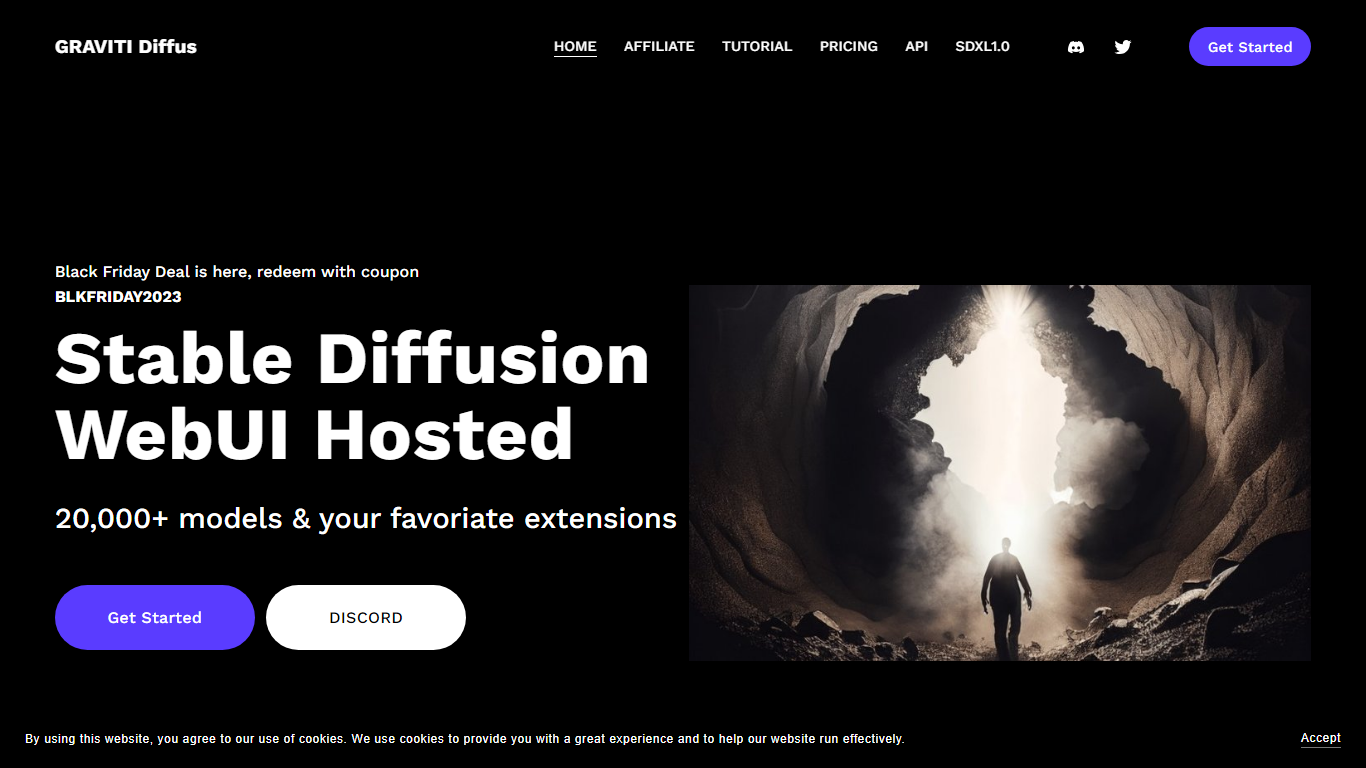
What is Diffus (formerly GRAVITI Diffus)?
Diffus lets you generate and edit images in the browser with Stable Diffusion, SDXL, SD3, and Flux models. Pick from 70,000+ checkpoints, LoRAs, and embeddings, then run cloud generations without buying your own GPU. The workspace bundles ControlNet, inpainting, ADetailer face fixes, custom model uploads, ComfyUI workflows, and standalone tools for Flux and video output.
Where Midjourney or DALL·E lock you into one model stack, Diffus behaves more like a hosted Stable Diffusion lab. You can browse community models, upload private ones on higher tiers, and dial in sampling steps, inference time, and concurrent jobs per plan. That depth trades simplicity for control, which suits artists who already speak prompt syntax and extension names.
Designers, illustrators, and marketing teams use Diffus for concept art, product mockups, face-corrected portraits, and short video clips. Hobbyists on the Teaser plan get daily credits to experiment, while Pro subscribers get finetuning, 40GB private storage, and ComfyUI included for repeatable pipelines.
Pixelgen Upvotes
Diffus (formerly GRAVITI Diffus) Upvotes
Pixelgen Top Features
Intuitive Design: A user-friendly interface that caters to both beginners and professionals.
Pixel Art Creation: Allows for the crafting of pixel-based imagery, perfect for game developers and artists.
Advanced Editing Tools: Offers a variety of editing options for creating detailed and intricate designs.
Accessibility: Designed to be accessible to users with different skill levels.
Versatility: Suitable for various creative projects, including game design and digital art.
Diffus (formerly GRAVITI Diffus) Top Features
Browse and run 70,000+ public checkpoints, LoRAs, and embeddings from one browser workspace
ControlNet, inpainting, ADetailer, and Couple extensions for composition and face refinement
Plus and Pro plans unlock SD3, Flux, video generation, and up to 36,000 monthly credits
Upload private models on Plus (25GB storage) and Pro (50GB storage) tiers
ComfyUI workflows included on Pro; available as an addon on Basic and Plus
Pro plan supports finetuning and advanced video models with sound
Pixelgen Category
- Design
Diffus (formerly GRAVITI Diffus) Category
- Design
Pixelgen Pricing Type
- Freemium
Diffus (formerly GRAVITI Diffus) Pricing Type
- Paid