Pixelgen vs Horizon UI
Dive into the comparison of Pixelgen vs Horizon UI and discover which AI Design tool stands out. We examine alternatives, upvotes, features, reviews, pricing, and beyond.
When comparing Pixelgen and Horizon UI, which one rises above the other?
When we compare Pixelgen and Horizon UI, two exceptional design tools powered by artificial intelligence, and place them side by side, several key similarities and differences come to light. The community has spoken, Horizon UI leads with more upvotes. Horizon UI has garnered 7 upvotes, and Pixelgen has garnered 6 upvotes.
Disagree with the result? Upvote your favorite tool and help it win!
Pixelgen


What is Pixelgen?
Pixelgen is a forward-thinking platform that enables users to craft and manipulate pixel-based images with ease. With a focus on simplicity and user experience, Pixelgen presents a set of intuitive tools designed for both novices and professionals seeking to create, edit, or enhance their digital graphics.
The software features a user-friendly interface that simplifies the process of generating pixel art, providing an array of functionalities from basic editing to more advanced features for detailed and intricate designs.
Whether you're a game developer needing sprites for your game, a digital artist exploring the pixel art style, or a hobbyist looking to express creativity, Pixelgen offers the perfect blend of accessibility and power to bring your pixel creations to life.
Horizon UI
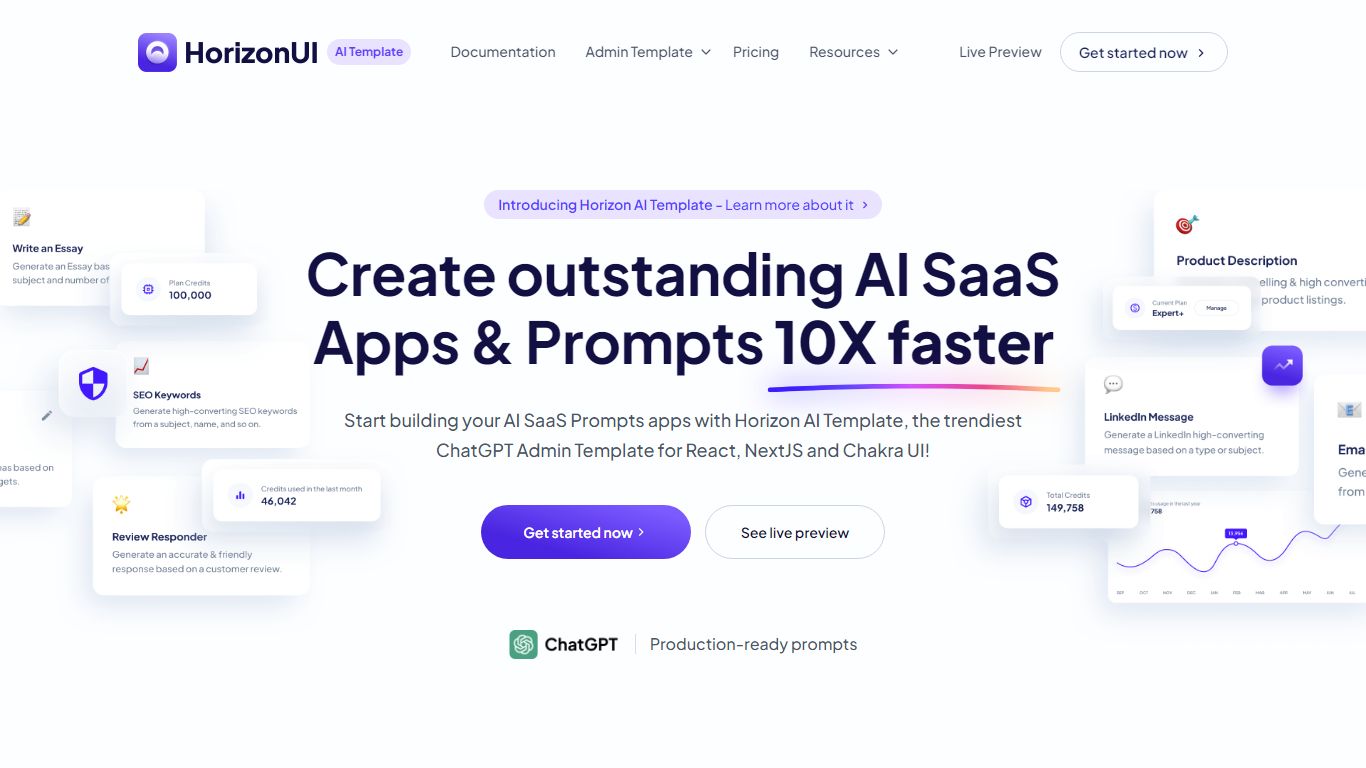
What is Horizon UI?
Horizon UI sells a React and Next.js ChatGPT admin template for teams building AI SaaS front ends. You get over 100 coded components, 33+ example pages, and production-ready prompt layouts for chat UIs, content tools, and admin dashboards. Licenses are one-time payments with lifetime updates, which is a different model from monthly UI kit subscriptions.
Where generic admin themes stop at charts and tables, Horizon UI ships AI-specific pages like prompt editors, chat history, usage tracking, and essay generators. The kit follows Horizon UI design guidelines, so you are not stitching ChatGPT flows onto a dashboard that was never meant for them. Dark and light modes are built in, and TypeScript or JavaScript builds are available at purchase.
Freelance React developers, early-stage AI startups, and product teams at agencies use Horizon UI to launch chatbots, writing assistants, and image generator sites without designing every screen from scratch. It fits anyone who wants a polished ChatGPT-style interface before wiring their own API backend.
Pixelgen Upvotes
Horizon UI Upvotes
Pixelgen Top Features
Intuitive Design: A user-friendly interface that caters to both beginners and professionals.
Pixel Art Creation: Allows for the crafting of pixel-based imagery, perfect for game developers and artists.
Advanced Editing Tools: Offers a variety of editing options for creating detailed and intricate designs.
Accessibility: Designed to be accessible to users with different skill levels.
Versatility: Suitable for various creative projects, including game design and digital art.
Horizon UI Top Features
100+ coded components and elements with dark and light variants for buttons, inputs, cards, and alerts
33+ fully coded example pages covering chat UI, prompt templates, usage tracking, and admin screens
Personal license at $79, Teams at $189, and Enterprise at $249 as one-time payments with lifetime updates
Production-ready ChatGPT prompt templates included so chat flows are not blank starting points
Live preview demos every major page, from Instagram caption generators to plagiarism checkers
Free open-source demo on GitHub with MIT license for a single Chat UI entry point
Pixelgen Category
- Design
Horizon UI Category
- Design
Pixelgen Pricing Type
- Freemium
Horizon UI Pricing Type
- Freemium