Pixelgen vs Magic Studio
In the clash of Pixelgen vs Magic Studio, which AI tool emerges victorious? We assess reviews, pricing, alternatives, features, upvotes, and more.
When we put Pixelgen and Magic Studio head to head, which one emerges as the victor?
Let's take a closer look at Pixelgen and Magic Studio, both of which are AI-driven tools, and see what sets them apart. Magic Studio stands out as the clear frontrunner in terms of upvotes. Magic Studio has garnered 128 upvotes, and Pixelgen has garnered 6 upvotes.
Want to flip the script? Upvote your favorite tool and change the game!
Pixelgen


What is Pixelgen?
Pixelgen is a forward-thinking platform that enables users to craft and manipulate pixel-based images with ease. With a focus on simplicity and user experience, Pixelgen presents a set of intuitive tools designed for both novices and professionals seeking to create, edit, or enhance their digital graphics.
The software features a user-friendly interface that simplifies the process of generating pixel art, providing an array of functionalities from basic editing to more advanced features for detailed and intricate designs.
Whether you're a game developer needing sprites for your game, a digital artist exploring the pixel art style, or a hobbyist looking to express creativity, Pixelgen offers the perfect blend of accessibility and power to bring your pixel creations to life.
Magic Studio
What is Magic Studio?
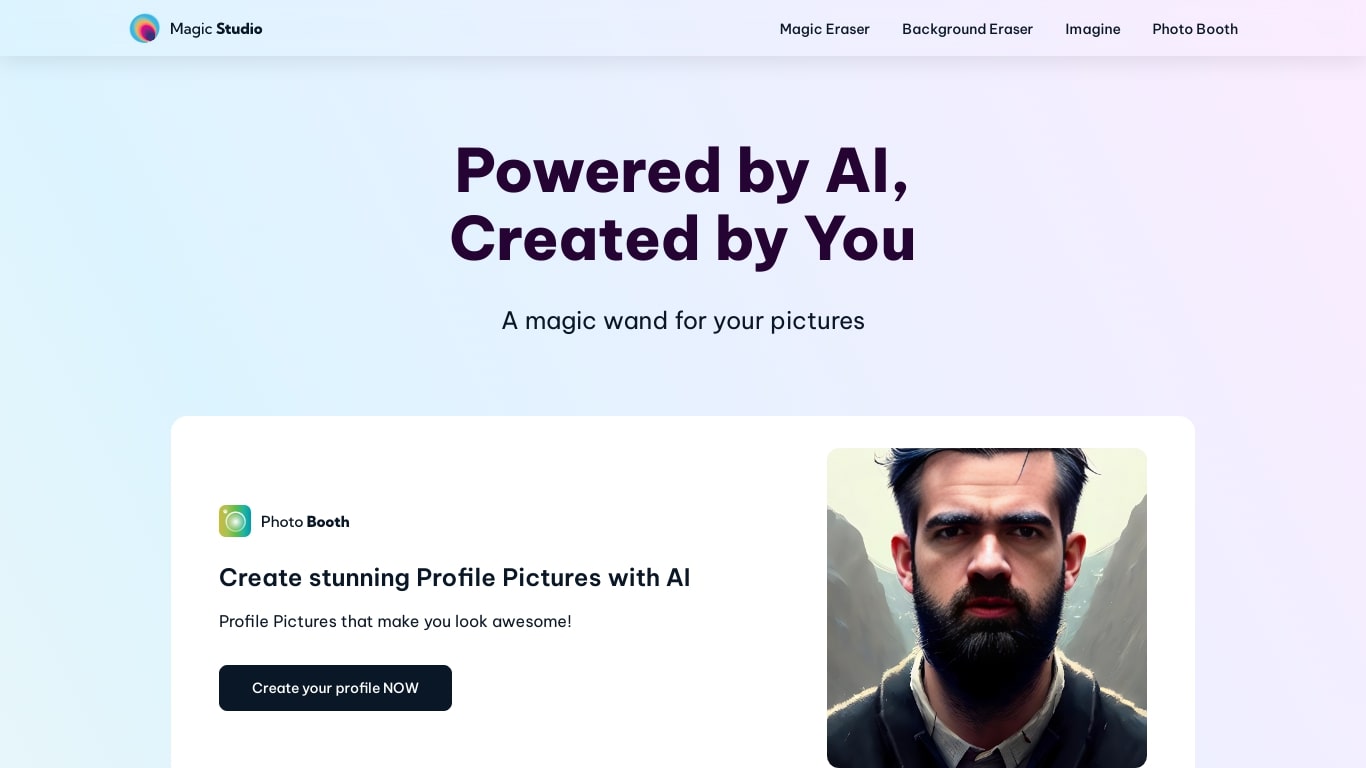
Magic Studio turns short text prompts and simple brush strokes into finished marketing images inside your browser. The product ships as one web studio plus iOS and Android apps, covering text-to-image generation, object removal, background replacement, upscaling to 4K, and common format conversions. Free accounts get 40 AI generations with basic web and mobile access. The company reports more than 20 million users and 150 million images edited on the homepage.
Where Adobe Photoshop or Canva expect layers and template libraries, Magic Studio bets on one-click edits and plain-language scene descriptions. Free users process one image at a time and download watermarked, limited-resolution files; PRO subscribers pay from $4.99 per month on annual billing for unlimited generations, high-resolution exports without watermarks, and bulk editing on select tools. That makes it a fit for quick product shots and social posts rather than detailed retouching sessions.
Ecommerce sellers, social media marketers, and small teams without dedicated designers reach for it when they need product pages, ads, and feed graphics fast. Uber, Unilever, and Booking.com logos appear on the customer strip. The standalone AI Image Generator page lets newcomers try 20 text-to-image creations with no credit card before signing up for the broader free account.
Pixelgen Upvotes
Magic Studio Upvotes
Pixelgen Top Features
Intuitive Design: A user-friendly interface that caters to both beginners and professionals.
Pixel Art Creation: Allows for the crafting of pixel-based imagery, perfect for game developers and artists.
Advanced Editing Tools: Offers a variety of editing options for creating detailed and intricate designs.
Accessibility: Designed to be accessible to users with different skill levels.
Versatility: Suitable for various creative projects, including game design and digital art.
Magic Studio Top Features
Free plan includes 40 AI generations across MagicStudio.com, iOS, and Android apps
PRO starts at $4.99 per month on annual billing, or $14.99 billed monthly
Magic Eraser removes objects, people, or text with a single brush stroke
Image Upscaler increases size up to 4K without losing quality
AI Image Generator supports square (1:1), landscape (2:1), and portrait (1:2) aspect ratios
Eight tools in one studio: eraser, background remover, generator, upscaler, blur, art generator, and two format converters
Pixelgen Category
- Design
Magic Studio Category
- Image Generation
Pixelgen Pricing Type
- Freemium
Magic Studio Pricing Type
- Freemium