Pixelgen vs Open Art
Explore the showdown between Pixelgen vs Open Art and find out which AI Design tool wins. We analyze upvotes, features, reviews, pricing, alternatives, and more.
In a face-off between Pixelgen and Open Art, which one takes the crown?
When we contrast Pixelgen with Open Art, both of which are exceptional AI-operated design tools, and place them side by side, we can spot several crucial similarities and divergences. There's no clear winner in terms of upvotes, as both tools have received the same number. Join the aitools.fyi users in deciding the winner by casting your vote.
Disagree with the result? Upvote your favorite tool and help it win!
Pixelgen


What is Pixelgen?
Pixelgen is a forward-thinking platform that enables users to craft and manipulate pixel-based images with ease. With a focus on simplicity and user experience, Pixelgen presents a set of intuitive tools designed for both novices and professionals seeking to create, edit, or enhance their digital graphics.
The software features a user-friendly interface that simplifies the process of generating pixel art, providing an array of functionalities from basic editing to more advanced features for detailed and intricate designs.
Whether you're a game developer needing sprites for your game, a digital artist exploring the pixel art style, or a hobbyist looking to express creativity, Pixelgen offers the perfect blend of accessibility and power to bring your pixel creations to life.
Open Art
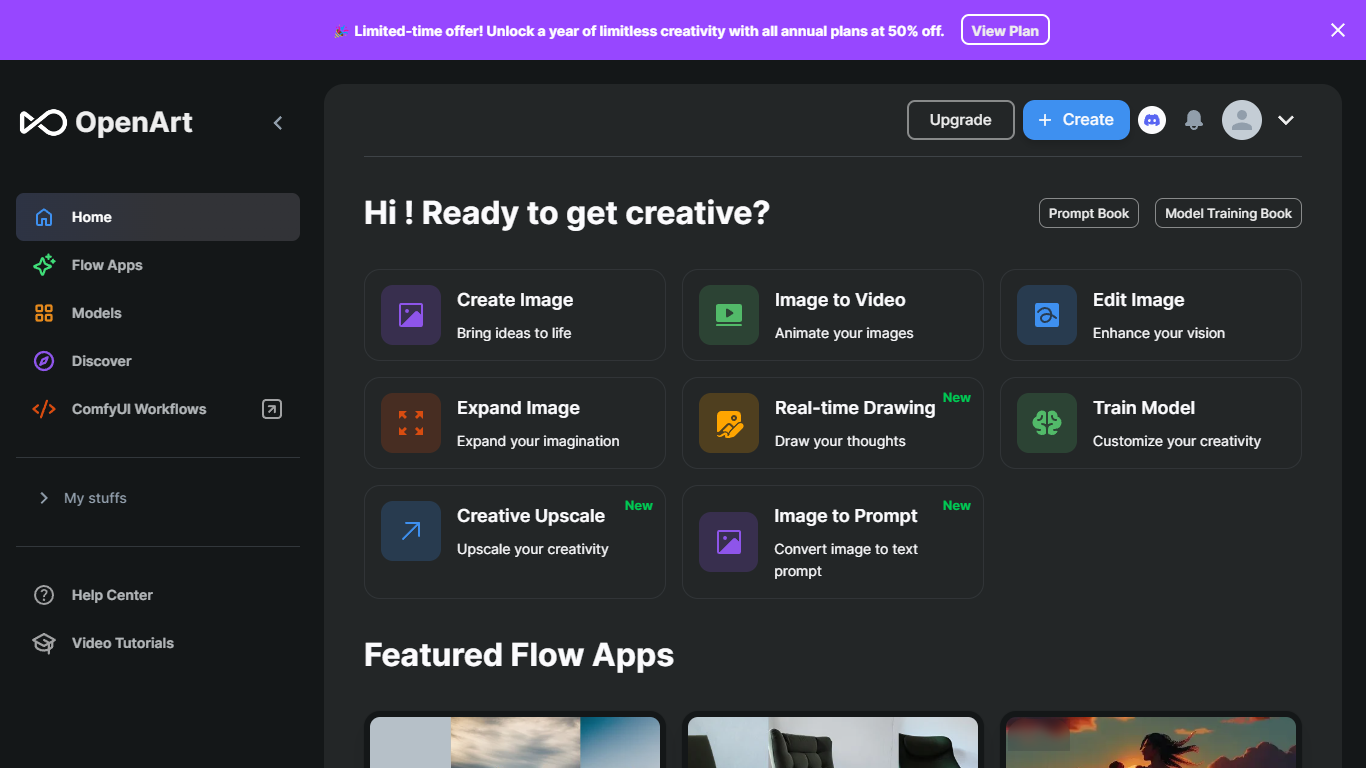
What is Open Art?
OpenArt Suite is an all-in-one creator studio for images, video, characters, worlds, and audio. You get access to 100+ premium models from providers like Google Veo, Kling, Seedance, and GPT Image in one workspace, with tools to keep characters and style consistent across projects.
The standout piece is Director, where you create videos by chatting with AI. Pick a format like short film, product ad, or music video and guide the output through conversation. Beyond that, the suite covers text-to-image, frame-to-video, lip-sync, motion sync, image editing, and an MCP server that plugs OpenArt into agents like Claude, ChatGPT, and Cursor.
Built by ex-Googlers in San Francisco, OpenArt targets creators who want a single hub for generative media instead of juggling separate tools for each model.
Pixelgen Upvotes
Open Art Upvotes
Pixelgen Top Features
Intuitive Design: A user-friendly interface that caters to both beginners and professionals.
Pixel Art Creation: Allows for the crafting of pixel-based imagery, perfect for game developers and artists.
Advanced Editing Tools: Offers a variety of editing options for creating detailed and intricate designs.
Accessibility: Designed to be accessible to users with different skill levels.
Versatility: Suitable for various creative projects, including game design and digital art.
Open Art Top Features
Director lets you build short films, ads, and music videos by chatting with AI instead of clicking through a dozen settings
One subscription unlocks 100+ image, video, and audio models, from Seedance and Kling to GPT Image and Nano Banana
Character and world builders keep faces, outfits, and scenes consistent from stills through finished video
OpenArt MCP connects your Claude, ChatGPT, or Cursor agent so you can generate images and video without leaving chat
Smart Shot turns a storyboard sheet into a cinematic clip, with lip-sync, motion sync, and VFX tools for post work
Pixelgen Category
- Design
Open Art Category
- Design
Pixelgen Pricing Type
- Freemium
Open Art Pricing Type
- Freemium