Pixelgen vs Photogenic AI
In the battle of Pixelgen vs Photogenic AI, which AI Design tool comes out on top? We compare reviews, pricing, alternatives, upvotes, features, and more.
Between Pixelgen and Photogenic AI, which one is superior?
Upon comparing Pixelgen with Photogenic AI, which are both AI-powered design tools, There's no clear winner in terms of upvotes, as both tools have received the same number. The power is in your hands! Cast your vote and have a say in deciding the winner.
Disagree with the result? Upvote your favorite tool and help it win!
Pixelgen


What is Pixelgen?
Pixelgen is a forward-thinking platform that enables users to craft and manipulate pixel-based images with ease. With a focus on simplicity and user experience, Pixelgen presents a set of intuitive tools designed for both novices and professionals seeking to create, edit, or enhance their digital graphics.
The software features a user-friendly interface that simplifies the process of generating pixel art, providing an array of functionalities from basic editing to more advanced features for detailed and intricate designs.
Whether you're a game developer needing sprites for your game, a digital artist exploring the pixel art style, or a hobbyist looking to express creativity, Pixelgen offers the perfect blend of accessibility and power to bring your pixel creations to life.
Photogenic AI
What is Photogenic AI?
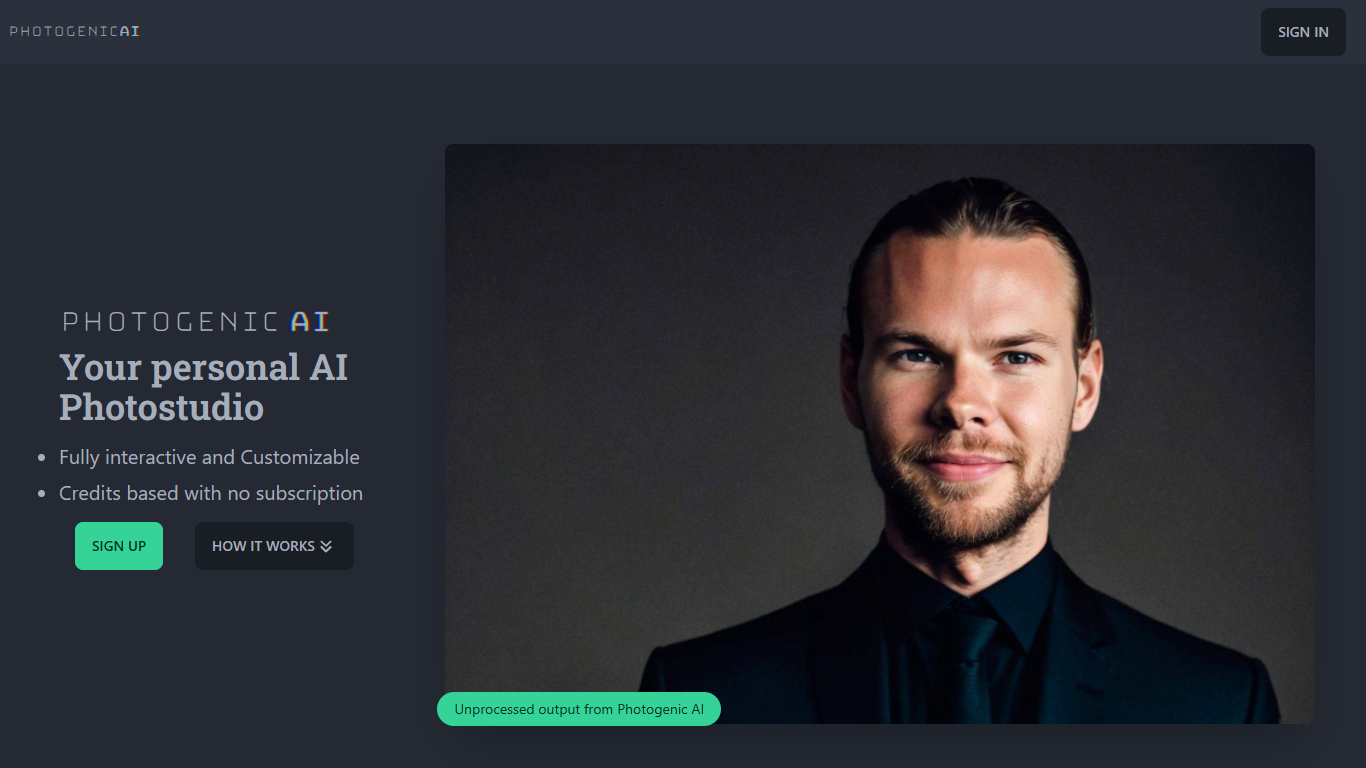
Photogenic AI is a personal AI photostudio that turns your selfies into professional-looking portraits. You upload reference photos, the service builds an AI Persona of you, and you generate customized images from there. It is built for anyone who needs polished headshots or social photos without booking a real studio session.
The workflow starts with your uploads. Photogenic AI trains an AI Persona from those images, then lets you generate new photos with fine-tuned control over the output. Style Copy goes further: upload any reference image and the AI transfers its pose, clothing, environment, framing, and lighting onto your persona.
Pricing runs on credits, not subscriptions. You buy a package, spend one credit per generated image, and keep generating until your credits run out. The first session takes a few minutes to spin up your persona; after that, each image renders in seconds.
Pixelgen Upvotes
Photogenic AI Upvotes
Pixelgen Top Features
Intuitive Design: A user-friendly interface that caters to both beginners and professionals.
Pixel Art Creation: Allows for the crafting of pixel-based imagery, perfect for game developers and artists.
Advanced Editing Tools: Offers a variety of editing options for creating detailed and intricate designs.
Accessibility: Designed to be accessible to users with different skill levels.
Versatility: Suitable for various creative projects, including game design and digital art.
Photogenic AI Top Features
Upload your photos and Photogenic AI builds a custom AI Persona from them
Style Copy transfers pose, clothing, lighting, and framing from any reference photo
One credit equals one generated image, with no subscription required
First persona setup takes about 3 to 5 minutes, then images render in 10 to 20 seconds
Fully interactive studio with fine-tuned control over each generated portrait
Pixelgen Category
- Design
Photogenic AI Category
- Design
Pixelgen Pricing Type
- Freemium
Photogenic AI Pricing Type
- Paid