Pixelgen vs ReLogo AI
When comparing Pixelgen vs ReLogo AI, which AI Design tool shines brighter? We look at pricing, alternatives, upvotes, features, reviews, and more.
In a comparison between Pixelgen and ReLogo AI, which one comes out on top?
When we put Pixelgen and ReLogo AI side by side, both being AI-powered design tools, There's no clear winner in terms of upvotes, as both tools have received the same number. Every vote counts! Cast yours and contribute to the decision of the winner.
Don't agree with the result? Cast your vote and be a part of the decision-making process!
Pixelgen


What is Pixelgen?
Pixelgen is a forward-thinking platform that enables users to craft and manipulate pixel-based images with ease. With a focus on simplicity and user experience, Pixelgen presents a set of intuitive tools designed for both novices and professionals seeking to create, edit, or enhance their digital graphics.
The software features a user-friendly interface that simplifies the process of generating pixel art, providing an array of functionalities from basic editing to more advanced features for detailed and intricate designs.
Whether you're a game developer needing sprites for your game, a digital artist exploring the pixel art style, or a hobbyist looking to express creativity, Pixelgen offers the perfect blend of accessibility and power to bring your pixel creations to life.
ReLogo AI
What is ReLogo AI?
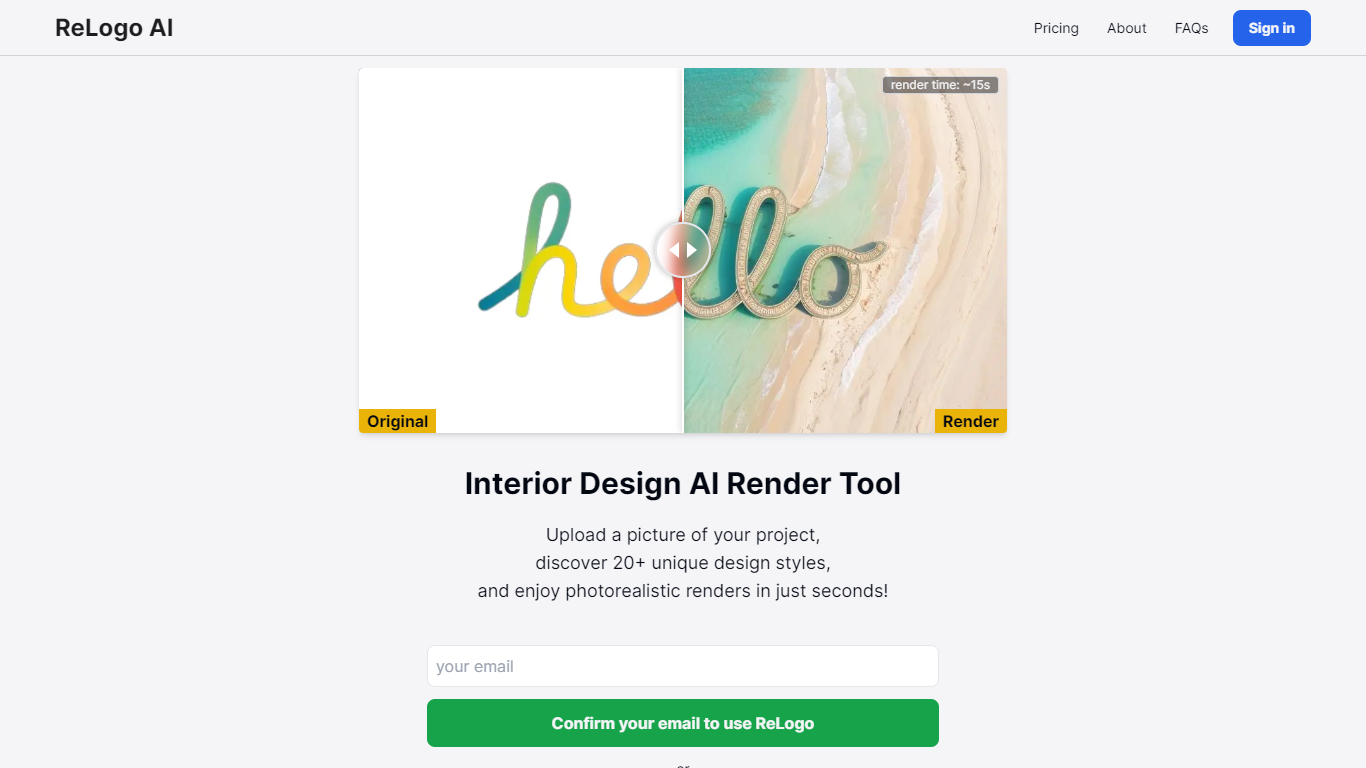
ReLogo AI turns an uploaded logo into photorealistic brand visuals across 20+ design styles in about 15 seconds. You pick themes or write prompts, and the design tool re-renders your mark with different lighting, materials, and environments while keeping the core logo recognizable. Sign in with Google or email to start generating.
Unlike full logo generators that invent a mark from scratch, ReLogo AI assumes you already have a logo and focuses on expressive brand mockups. That makes it closer to a scene renderer than a vector editor like Canva or Looka. Pro plans remove watermarks, unlock private mode, and double output resolution for client-ready assets.
Freelancers, agencies, and founders use it to preview how a logo looks on packaging, signage, or social posts without opening Photoshop. The free tier allows 3 renders per day with watermarks, while Pro runs $19 per month or $15.83 per month billed annually for unlimited renders.
Pixelgen Upvotes
ReLogo AI Upvotes
Pixelgen Top Features
Intuitive Design: A user-friendly interface that caters to both beginners and professionals.
Pixel Art Creation: Allows for the crafting of pixel-based imagery, perfect for game developers and artists.
Advanced Editing Tools: Offers a variety of editing options for creating detailed and intricate designs.
Accessibility: Designed to be accessible to users with different skill levels.
Versatility: Suitable for various creative projects, including game design and digital art.
ReLogo AI Top Features
Upload a logo and explore 20+ unique design styles with renders in about 15 seconds
Free plan includes 3 renders per day with commercial use allowed
Monthly Pro at $19 includes unlimited renders and 2x enhanced image quality
Yearly Pro at $15.83 per month billed annually matches Pro features at lower cost
Pro plans add watermark-free exports, private mode, and all lighting styles
Render with preset themes or custom text prompts for scene control
API access listed for integrating ReLogo AI into external workflows
Pixelgen Category
- Design
ReLogo AI Category
- Design
Pixelgen Pricing Type
- Freemium
ReLogo AI Pricing Type
- Freemium