Pixelgen vs Sketch2App
In the face-off between Pixelgen vs Sketch2App, which AI Design tool takes the crown? We scrutinize features, alternatives, upvotes, reviews, pricing, and more.
In a face-off between Pixelgen and Sketch2App, which one takes the crown?
If we were to analyze Pixelgen and Sketch2App, both of which are AI-powered design tools, what would we find? Both tools have received the same number of upvotes from aitools.fyi users. You can help us determine the winner by casting your vote and tipping the scales in favor of one of the tools.
Does the result make you go "hmm"? Cast your vote and turn that frown upside down!
Pixelgen
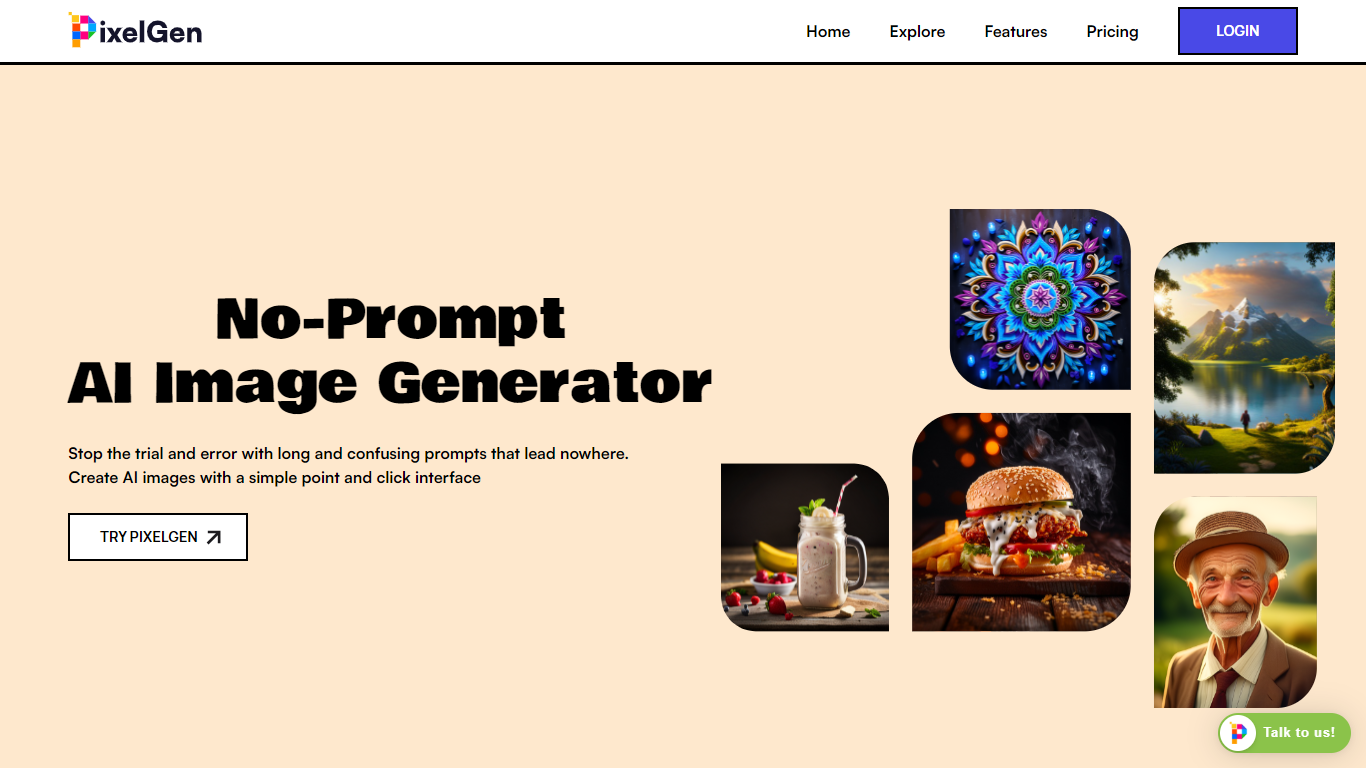

What is Pixelgen?
Pixelgen is a forward-thinking platform that enables users to craft and manipulate pixel-based images with ease. With a focus on simplicity and user experience, Pixelgen presents a set of intuitive tools designed for both novices and professionals seeking to create, edit, or enhance their digital graphics.
The software features a user-friendly interface that simplifies the process of generating pixel art, providing an array of functionalities from basic editing to more advanced features for detailed and intricate designs.
Whether you're a game developer needing sprites for your game, a digital artist exploring the pixel art style, or a hobbyist looking to express creativity, Pixelgen offers the perfect blend of accessibility and power to bring your pixel creations to life.
Sketch2App
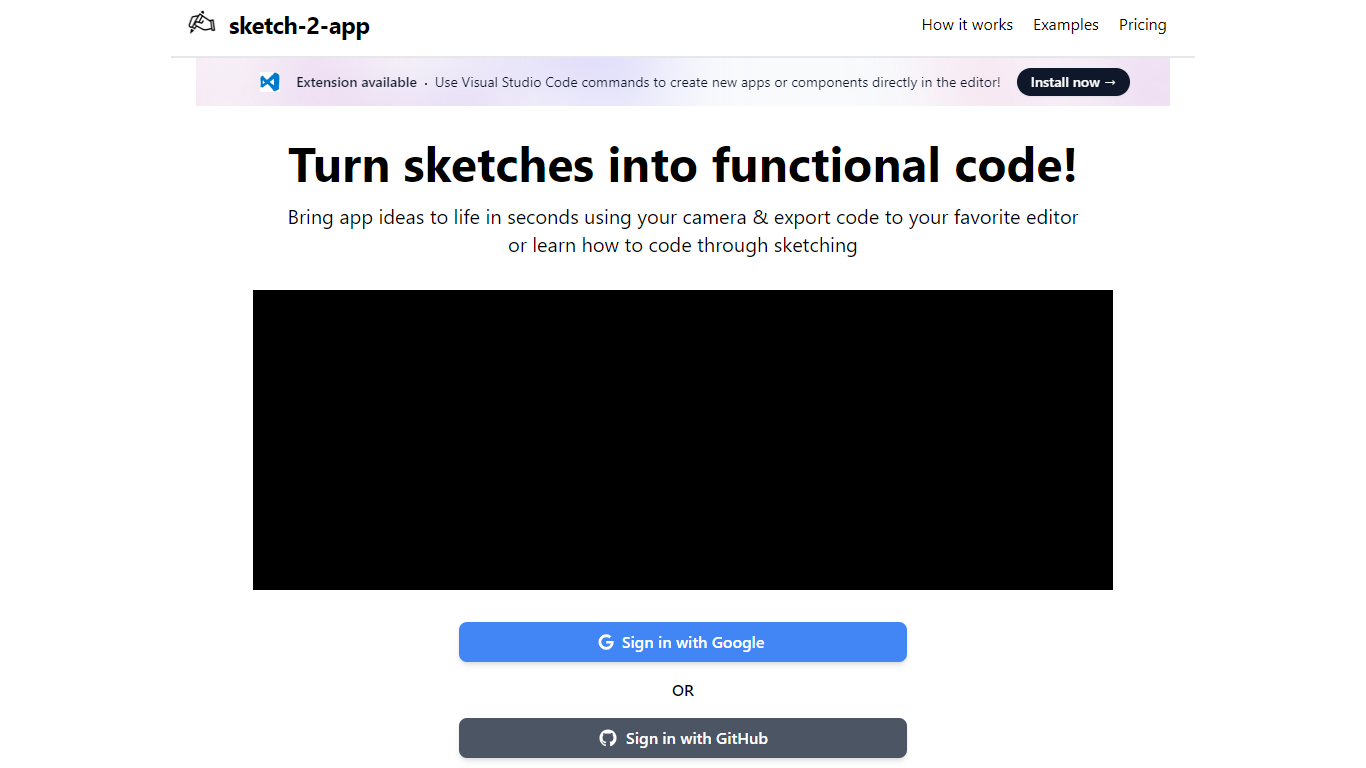
What is Sketch2App?
Sketch2App turns hand-drawn sketches, photos, or screenshots into working app code. Point your webcam at a paper sketch or upload an image, and the platform generates UI code you can export to your editor. It also supports cloning an existing website or starting from a premium template.
You pick the framework and libraries before generation, so the output matches your stack rather than a fixed template. A Visual Studio Code extension lets you create new apps or components with editor commands. Sign in with Google to get started.
The tool targets designers, indie developers, and beginners who want to move from a rough sketch to a functional prototype without writing every line by hand.
Pixelgen Upvotes
Sketch2App Upvotes
Pixelgen Top Features
Intuitive Design: A user-friendly interface that caters to both beginners and professionals.
Pixel Art Creation: Allows for the crafting of pixel-based imagery, perfect for game developers and artists.
Advanced Editing Tools: Offers a variety of editing options for creating detailed and intricate designs.
Accessibility: Designed to be accessible to users with different skill levels.
Versatility: Suitable for various creative projects, including game design and digital art.
Sketch2App Top Features
Capture a paper sketch with your webcam and get functional UI code in under a minute
Choose your framework and libraries before generation so output fits your stack
Generate code from sketches, photos, screenshots, website clones, or premium templates
Visual Studio Code extension for creating apps and components inside the editor
Sign in with Google and export generated code to your preferred editor
Pixelgen Category
- Design
Sketch2App Category
- Design
Pixelgen Pricing Type
- Freemium
Sketch2App Pricing Type
- Freemium