Pixelgen vs Slidesgo
Dive into the comparison of Pixelgen vs Slidesgo and discover which AI Design tool stands out. We examine alternatives, upvotes, features, reviews, pricing, and beyond.
In a comparison between Pixelgen and Slidesgo, which one comes out on top?
When we compare Pixelgen and Slidesgo, two exceptional design tools powered by artificial intelligence, and place them side by side, several key similarities and differences come to light. Neither tool takes the lead, as they both have the same upvote count. The power is in your hands! Cast your vote and have a say in deciding the winner.
You don't agree with the result? Cast your vote to help us decide!
Pixelgen


What is Pixelgen?
Pixelgen is a forward-thinking platform that enables users to craft and manipulate pixel-based images with ease. With a focus on simplicity and user experience, Pixelgen presents a set of intuitive tools designed for both novices and professionals seeking to create, edit, or enhance their digital graphics.
The software features a user-friendly interface that simplifies the process of generating pixel art, providing an array of functionalities from basic editing to more advanced features for detailed and intricate designs.
Whether you're a game developer needing sprites for your game, a digital artist exploring the pixel art style, or a hobbyist looking to express creativity, Pixelgen offers the perfect blend of accessibility and power to bring your pixel creations to life.
Slidesgo
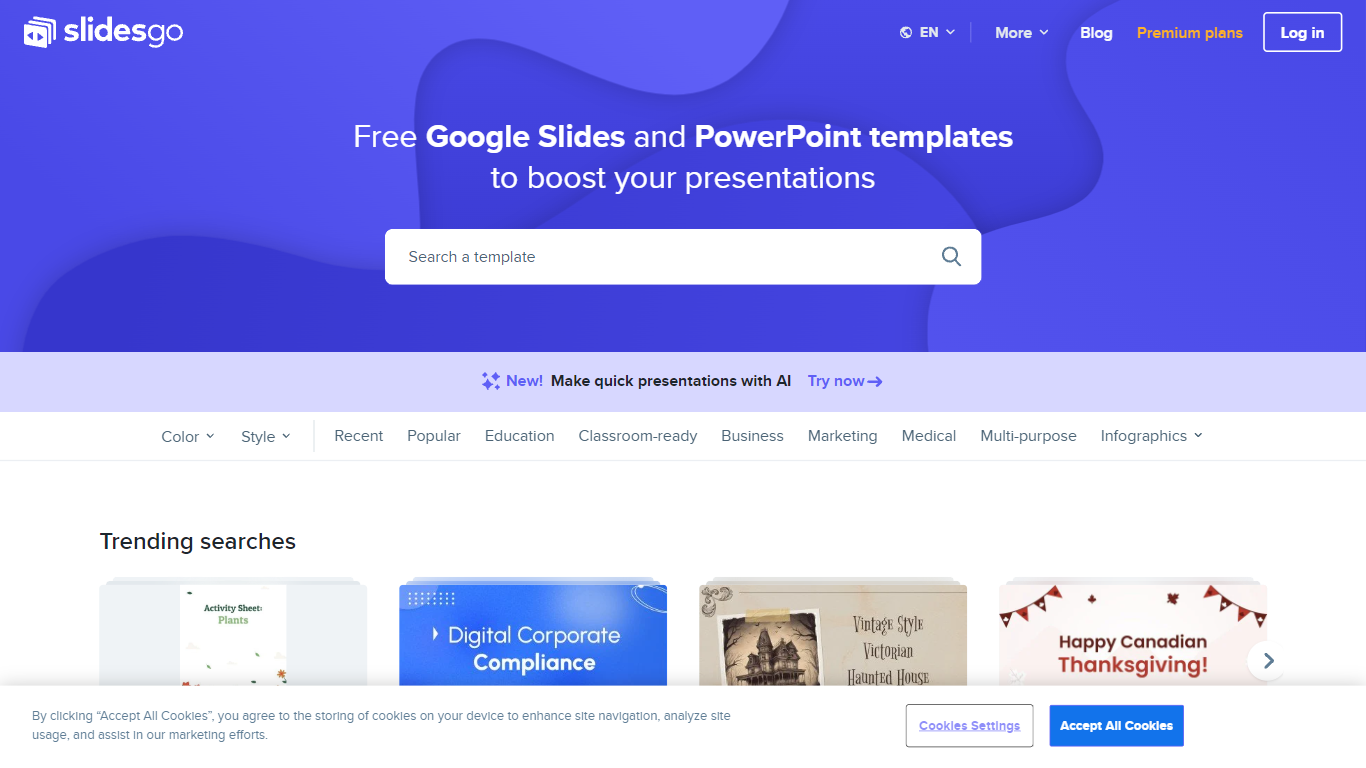
What is Slidesgo?
Free Google Slides themes and Powerpoint templates offers a wide range of professionally designed presentation templates that can be used for both Google Slides and Powerpoint. With a variety of colors and styles to choose from, including yellow, blue, white, gray, cream, gold, orange, brown, silver, black, pink, purple, green, and red, you can find the perfect template to suit your needs. Whether you need a template for education, business, marketing, medical, or any other purpose, this website has you covered. Additionally, there are various infographic templates available for creating visually appealing and informative presentations. The website also provides access to free vectors, photos, customizable icons, online template editing, editable illustrations, and free videos and motion graphics.
Pixelgen Upvotes
Slidesgo Upvotes
Pixelgen Top Features
Intuitive Design: A user-friendly interface that caters to both beginners and professionals.
Pixel Art Creation: Allows for the crafting of pixel-based imagery, perfect for game developers and artists.
Advanced Editing Tools: Offers a variety of editing options for creating detailed and intricate designs.
Accessibility: Designed to be accessible to users with different skill levels.
Versatility: Suitable for various creative projects, including game design and digital art.
Slidesgo Top Features
Wide variety of templates: There is a diverse selection of templates available catering to different needs and preferences.
Professional design: The templates are professionally designed to ensure a polished and visually appealing presentation.
Compatibility: The templates can be used for both Google Slides and Powerpoint providing flexibility and convenience.
Infographic templates: The website offers a collection of infographic templates for creating visually engaging presentations.
Additional resources: In addition to templates the website provides access to free vectors photos customizable icons online template editing editable illustrations and free videos and motion graphics.
Pixelgen Category
- Design
Slidesgo Category
- Design
Pixelgen Pricing Type
- Freemium
Slidesgo Pricing Type
- Freemium