Playground AI vs Canva-Text to Image
Compare Playground AI vs Canva-Text to Image and see which AI tool is better when we compare features, reviews, pricing, alternatives, upvotes, etc.
Which one is better? Playground AI or Canva-Text to Image?
When we compare Playground AI with Canva-Text to Image, which are both AI-powered tools, The community has spoken, Playground AI leads with more upvotes. Playground AI has been upvoted 266 times by aitools.fyi users, and Canva-Text to Image has been upvoted 108 times.
Not your cup of tea? Upvote your preferred tool and stir things up!
Playground AI
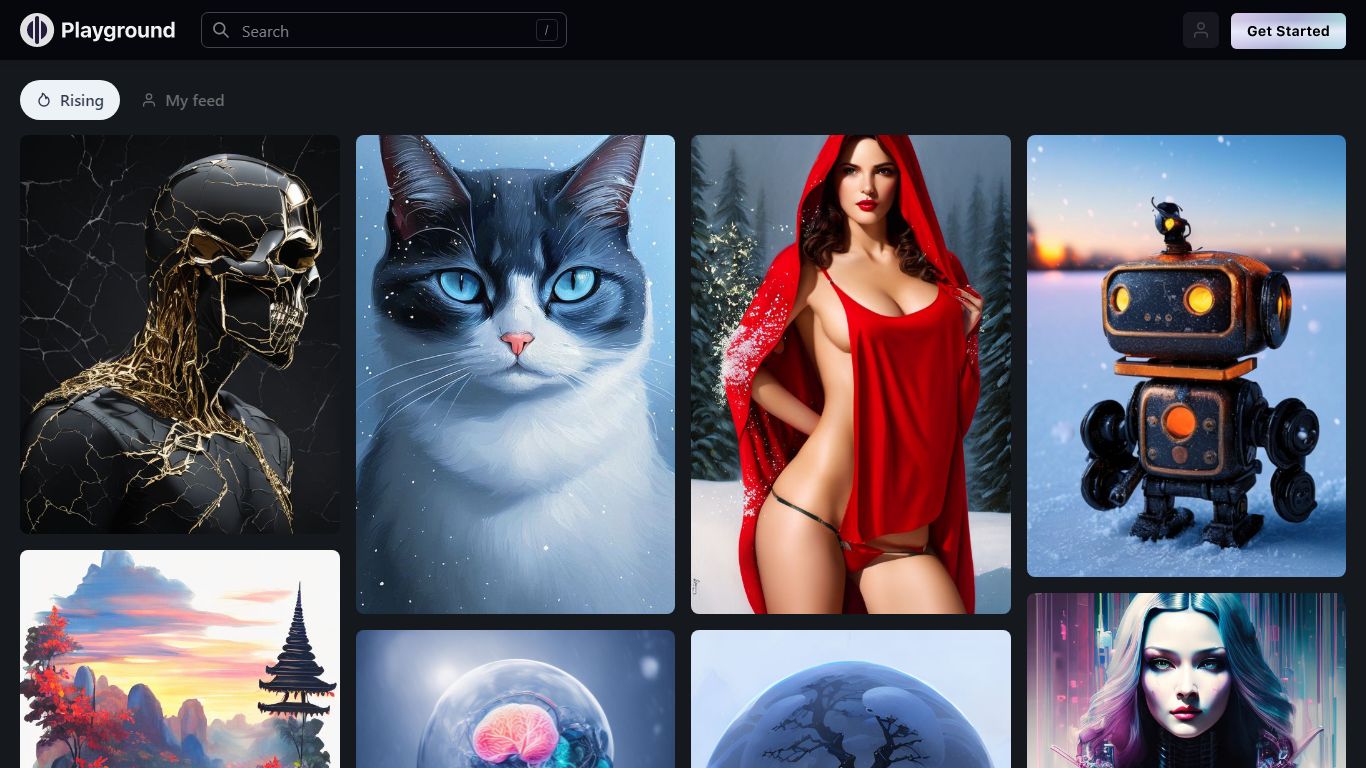

What is Playground AI?
Playground AI is an online design studio where you describe an idea in plain language and get finished graphics back: stickers, logos, posters, t-shirts, social posts, and more. It bundles several top image models (GPT Image 2, Nano Banana Pro, Seedream) in one editor, so you pick the model that fits the job instead of juggling separate apps.
Where Midjourney and DALL-E focus on open-ended image generation, Playground AI is built around finished design deliverables. Thousands of templates across 24 categories give you a starting point, and built-in tools handle style swaps, object removal, mockup placement, and smart layers without leaving the canvas.
The platform targets creators who sell physical goods, not just digital art. Print-on-demand merch, Cricut-ready files, and an iOS app round out a workflow that goes from prompt to product. Over 13 million creators across 120 countries use it, per the site.
Canva-Text to Image
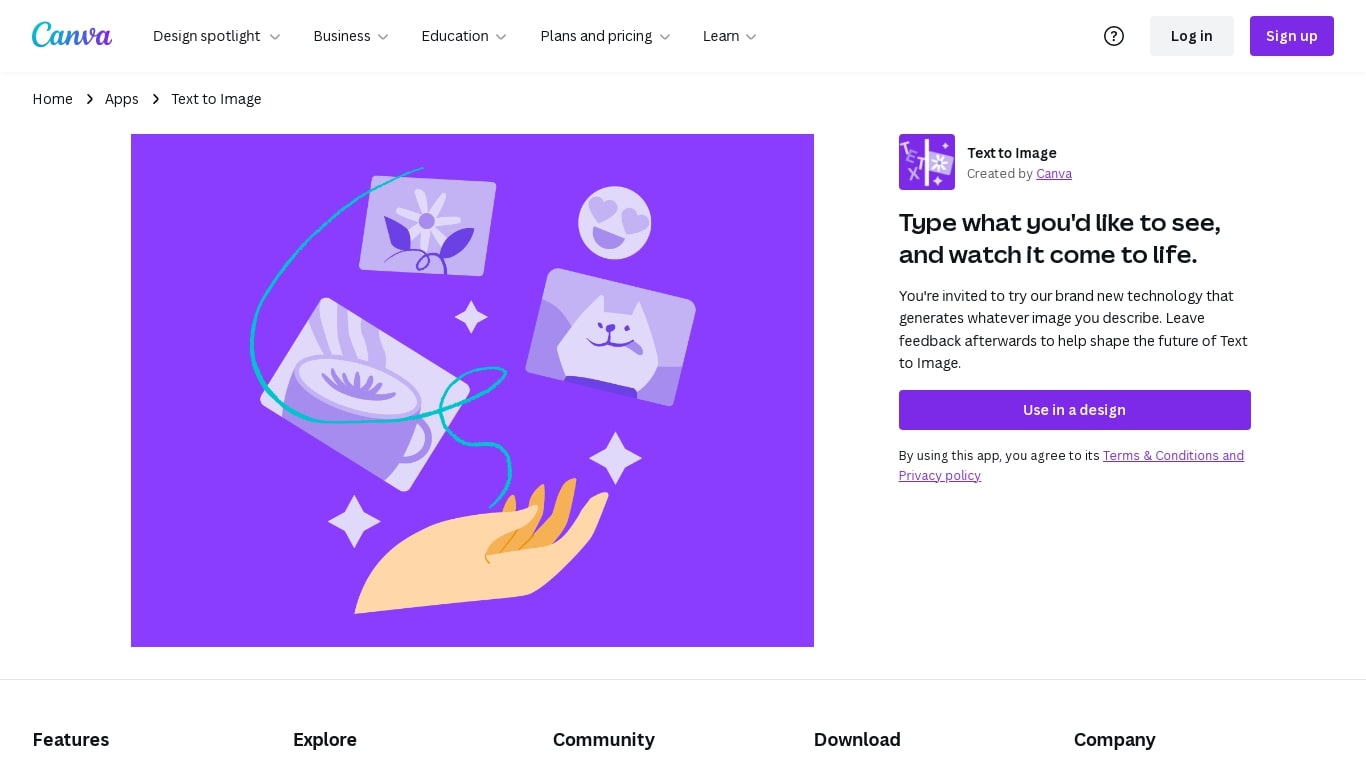
What is Canva-Text to Image?
Canva Text to Image turns a written prompt into a finished visual without leaving the Canva editor. You describe what you want, pick from 10+ preset art styles like Photo, Vibrant, Sketch, or Retrowave, and set an aspect ratio. The tool generates several variations in seconds, and you can drop any result straight into a presentation, social post, or poster layout.
Where standalone generators like Midjourney or DALL-E hand you a file to download and edit elsewhere, Canva keeps everything in one workflow. Background removal, Magic Edit prompt-based retouching, text overlays, and export to PNG, JPG, PDF, or PPTX all sit in the same canvas. That trade-off means less raw control over model parameters, but a much faster path from prompt to publishable design.
Content creators use it for social graphics and thumbnails, entrepreneurs for quick branding assets, and hobbyists for concept sketches. You can also upload a reference photo and generate new images that keep the original layout or subject. Pro and Business plans unlock higher AI generation allowances, Magic Expand for extending image borders, and a content planner for scheduling posts.
Free accounts include up to 200 Standard AI uses or 20 Premium AI uses per year. Canva runs automated prompt checks to block inappropriate content, and commercial use is permitted under Canva's AI Product Terms, though you are responsible for trademark and public figure rights.
Playground AI Upvotes
Canva-Text to Image Upvotes
Playground AI Top Features
GPT Image 2, Nano Banana Pro, and Seedream in one editor
Thousands of templates across 24 design categories
Swap style, remove objects, and add designs to mockups in seconds
Turn any design into print-on-demand caps, hoodies, and t-shirts
Free standalone tools: upscaler, background removal, logo generator, file converter
iOS app rated 4.9 out of 5 on the App Store with 5,400+ ratings
Canva-Text to Image Top Features
Choose from 10+ preset art styles including Photo, Vibrant, 3D Render, Cinematic, and Retrowave
Free plan includes up to 200 Standard AI uses or 20 Premium AI uses per year
Generate from a text prompt or upload a reference photo to preserve layout and subject
Export finished designs as PNG, JPG, PDF, or PPTX without leaving Canva
Pro plan at $180 per year includes 10x the AI generation allowance of the Free tier
Magic Edit and Magic Eraser let you refine generated images with short written prompts
Playground AI Category
- Design
Canva-Text to Image Category
- Image Generation
Playground AI Pricing Type
- Freemium
Canva-Text to Image Pricing Type
- Freemium