Playground vs Magic Brush AI
Compare Playground vs Magic Brush AI and see which AI Design tool is better when we compare features, reviews, pricing, alternatives, upvotes, etc.
Which one is better? Playground or Magic Brush AI?
When we compare Playground with Magic Brush AI, which are both AI-powered design tools, The upvote count reveals a draw, with both tools earning the same number of upvotes. The power is in your hands! Cast your vote and have a say in deciding the winner.
Don't agree with the result? Cast your vote and be a part of the decision-making process!
Playground

What is Playground?
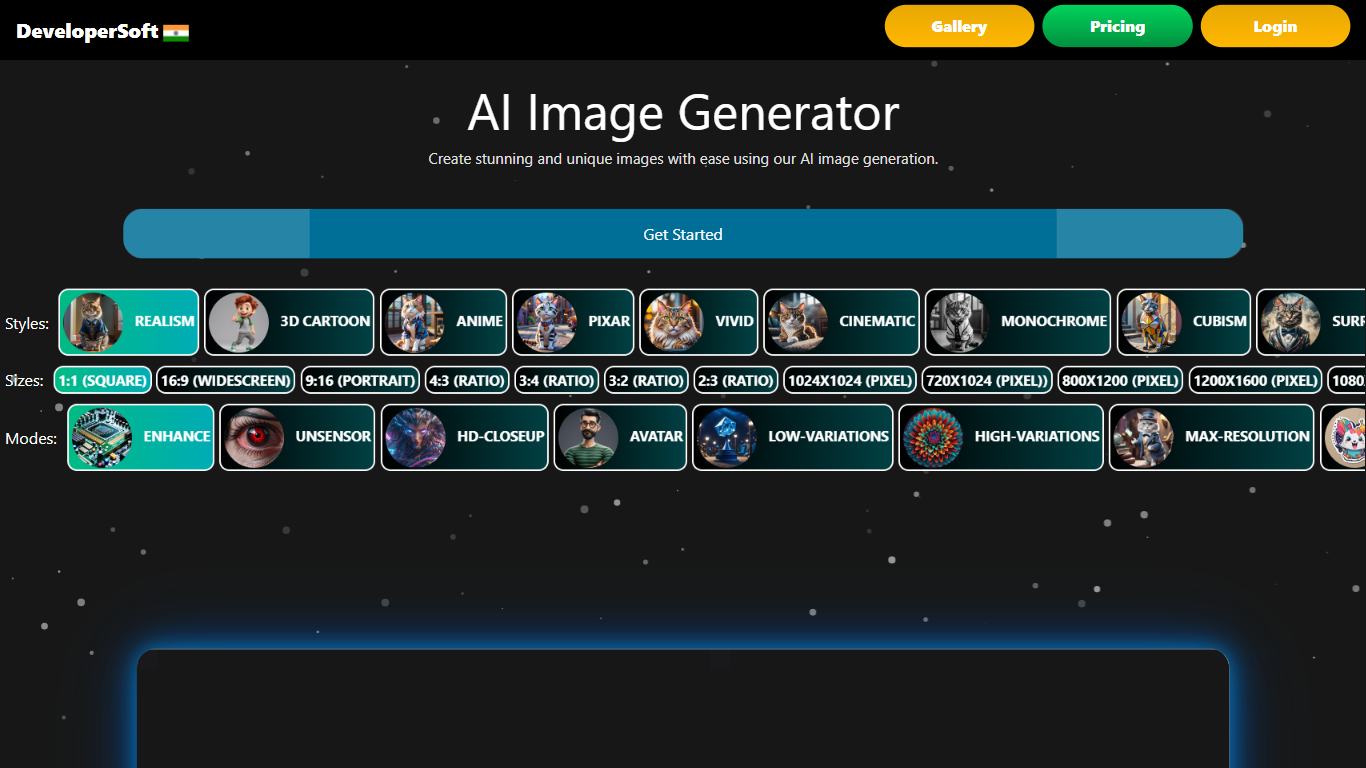
Playground on DeveloperSoft is a text-to-image generator that turns written prompts into artwork across 12 or more styles, from photorealistic scenes to anime and cyberpunk looks. The homepage offers two free generations every 24 hours with no credit card, plus eight aspect ratios and up to 4K output on paid tiers. You pick a style, describe the scene, and the site returns gallery-ready images in seconds.
Compared with general-purpose image apps that treat style as an afterthought, Playground leans into preset art directions and ratio controls so marketers and indie creators can match social formats without manual cropping. Paid Basic and Premium plans raise resolution caps, add commercial licensing, and unlock API access, while the free tier stays limited to non-commercial Creative Commons use.
Designers, content creators, and small teams use Playground for concept art, social posts, and quick visual drafts. DeveloperSoft also lists enterprise plans with white-label options, team dashboards, and dedicated support for agencies that need higher volume.
Magic Brush AI

What is Magic Brush AI?
Magic Brush AI introduces an innovative AI-powered plugin specifically designed for Figma users who wish to enhance their design process. The Magic Brush AI plugin seamlessly integrates with Figma, allowing designers to generate and edit images directly within the application. If you're looking to speed up your design workflow and leverage artificial intelligence in your projects, Magic Brush AI offers a simple yet powerful solution. With easy installation and a user-friendly interface, Magic Brush expands creative possibilities without ever leaving your favorite design platform. Additionally, the community aspect is emphasized with an invitation to join their Discord, suggesting a focus on user engagement and support. Designed by Elie Toubiana from sunshine-filled Los Angeles, CA, Magic Brush AI is poised to transform how creatives interact with Figma and image editing.
Playground Upvotes
Magic Brush AI Upvotes
Playground Top Features
Two free image generations every 24 hours with no credit card required
12 or more art styles including photorealistic, anime, and cyberpunk presets
Eight aspect ratios from 1:1 square to 21:9 ultrawide formats
Premium plan outputs 4K images at 4096x4096 with unlimited monthly generations
Stripe checkout for Basic at ₹4,000 per month and Premium at ₹8,000 per month
Magic Brush AI Top Features
AI Powered Plugin: A convenient Figma plugin that utilizes AI for image generation and editing.
Seamless Integration: Integrates with Figma for a streamlined design workflow.
Easy Installation: Simple process to install the plugin directly on Figma.
Community Support: Access to a Discord community for networking and support.
Frequent Updates: Continual improvements and feature additions to enhance user experience.
Playground Category
- Design
Magic Brush AI Category
- Design
Playground Pricing Type
- Freemium
Magic Brush AI Pricing Type
- Freemium