pm.bot vs monday.com
In the clash of pm.bot vs monday.com, which AI Project Management tool emerges victorious? We assess reviews, pricing, alternatives, features, upvotes, and more.
If you had to choose between pm.bot and monday.com, which one would you go for?
Let's take a closer look at pm.bot and monday.com, both of which are AI-driven project management tools, and see what sets them apart. The upvote count reveals a draw, with both tools earning the same number of upvotes. Join the aitools.fyi users in deciding the winner by casting your vote.
Think we got it wrong? Cast your vote and show us who's boss!
pm.bot

What is pm.bot?
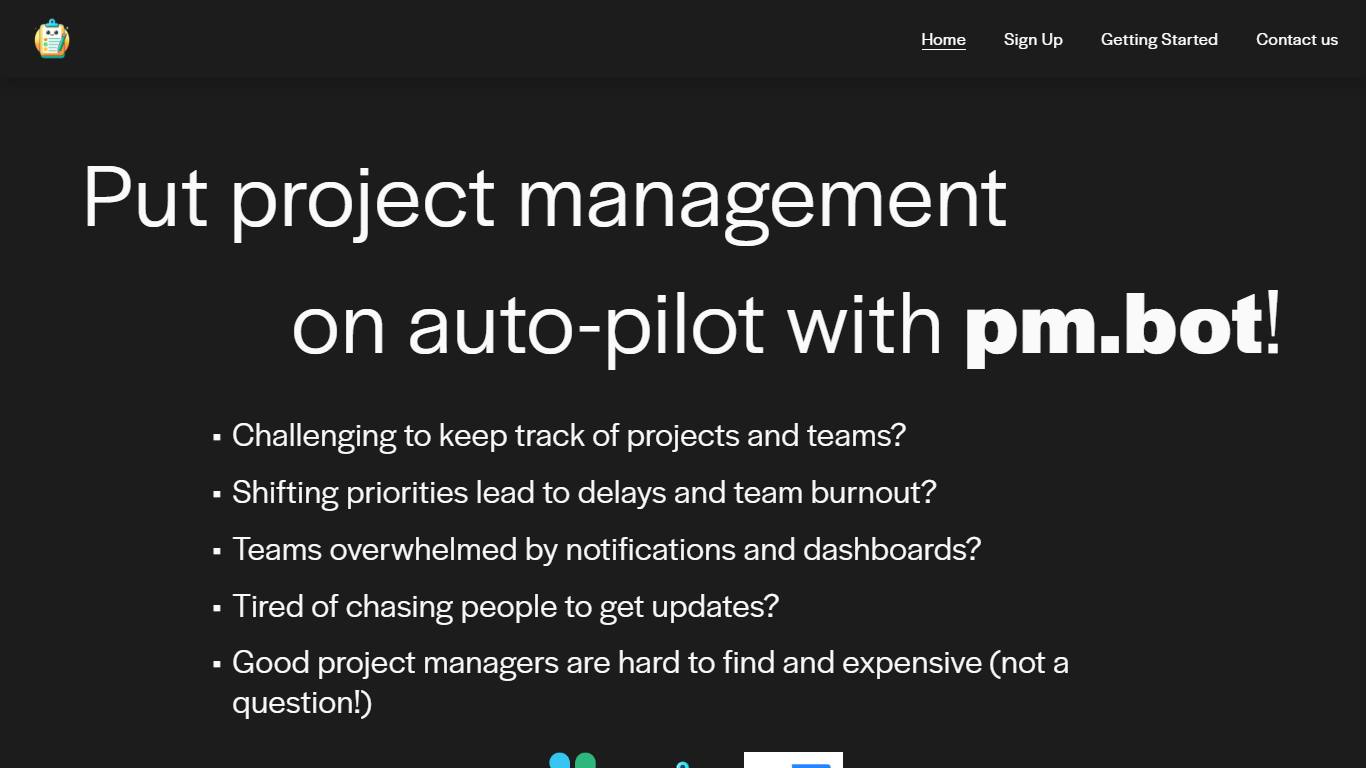
pm.bot is a project management automation tool that seamlessly integrates with JIRA for task management and Slack for team communication. Designed for teams facing the challenges of tracking projects, dealing with shifting priorities, and suffering from notification overload, pm.bot provides an intelligent solution to streamline the project management process.
This innovative tool aims to alleviate team burnout, reduce the constant need for updates, and fills in the gap when qualified project managers are scarce or expensive. With pm.bot, you can put your project management on auto-pilot, ensuring projects stay on track while enhancing overall productivity and team collaboration.
monday.com
What is monday.com?
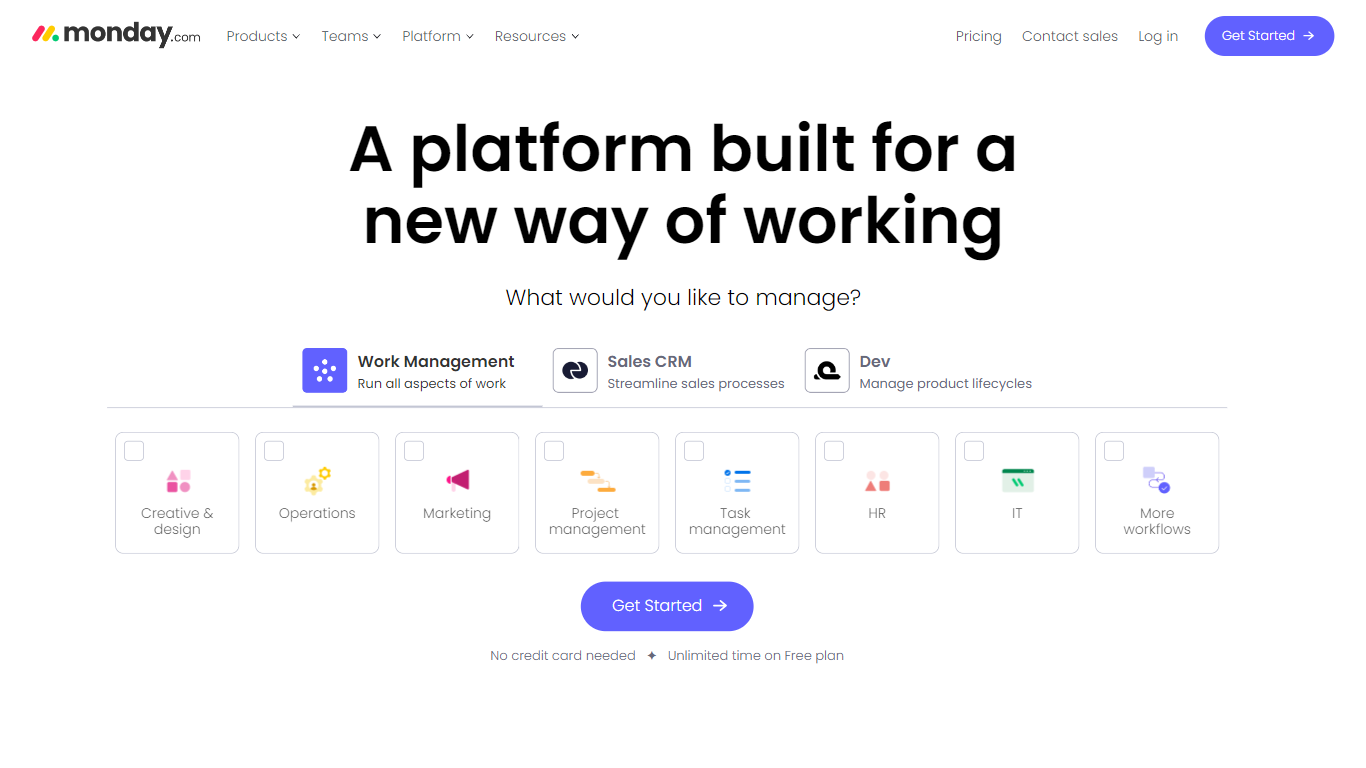
monday.com lets teams run boards, docs, dashboards, and automations from one workspace, with built-in AI agents and Sidekick assistants for marketing, IT, sales, HR, and PMO workflows. Boards track tasks with customizable columns, while automations handle notifications, assignments, and status changes without code.
Spreadsheets and lightweight task apps lack native automations and seat-based permissions at scale. monday.com sells per-seat plans from free through Pro, bundles AI credits for agent workflows starting on Basic, and adds Gantt views, guest access, and integration actions on Standard and above.
Operations, marketing, and product teams at mid-market companies use it to centralize work across departments. The homepage cites adoption by more than 60 percent of the Fortune 500, and pricing lists a forever-free tier for up to two seats with three boards.
pm.bot Upvotes
monday.com Upvotes
pm.bot Top Features
Simple Integration: Utilizes JIRA for tasks and Slack for communication to facilitate project management.
Reduces Burnout: Addresses shifting priorities to prevent delays and reduce team burnout.
Minimizes Notifications: Reduces overwhelming notifications and the dependence on dashboards.
Effortless Updates: Streamlines the process of gathering updates without the need to chase individuals.
Cost-effective Solution: Acts as an alternative to hiring expensive project managers by automating management tasks.
monday.com Top Features
Free plan supports up to 2 seats with 3 boards, 3 Docs, 200+ templates, and 8 column types
Basic plan at $9 per seat per month adds 1,000 monthly AI credits and three Basic AI tools
Standard at $12 per seat includes Gantt and timeline views plus 250 automation and integration actions per month
Pro at $19 per seat unlocks 3,000 AI credits, six Premium AI tools, and 20 workflows
Code-free automations for notifications, due-date reminders, auto-assign rules, and custom triggers
AI agent workforce handles tickets, campaigns, and roadmap updates alongside human teammates
Enterprise tier adds enterprise-grade security, scaled automations, and dedicated support
pm.bot Category
- Project Management
monday.com Category
- Project Management
pm.bot Pricing Type
- Freemium
monday.com Pricing Type
- Freemium