PNG Maker vs Background Remover - Stockphotos.com
Dive into the comparison of PNG Maker vs Background Remover - Stockphotos.com and discover which AI Photo Editing tool stands out. We examine alternatives, upvotes, features, reviews, pricing, and beyond.
In a comparison between PNG Maker and Background Remover - Stockphotos.com, which one comes out on top?
When we compare PNG Maker and Background Remover - Stockphotos.com, two exceptional photo editing tools powered by artificial intelligence, and place them side by side, several key similarities and differences come to light. With more upvotes, Background Remover - Stockphotos.com is the preferred choice. The number of upvotes for Background Remover - Stockphotos.com stands at 8, and for PNG Maker it's 6.
Want to flip the script? Upvote your favorite tool and change the game!
PNG Maker
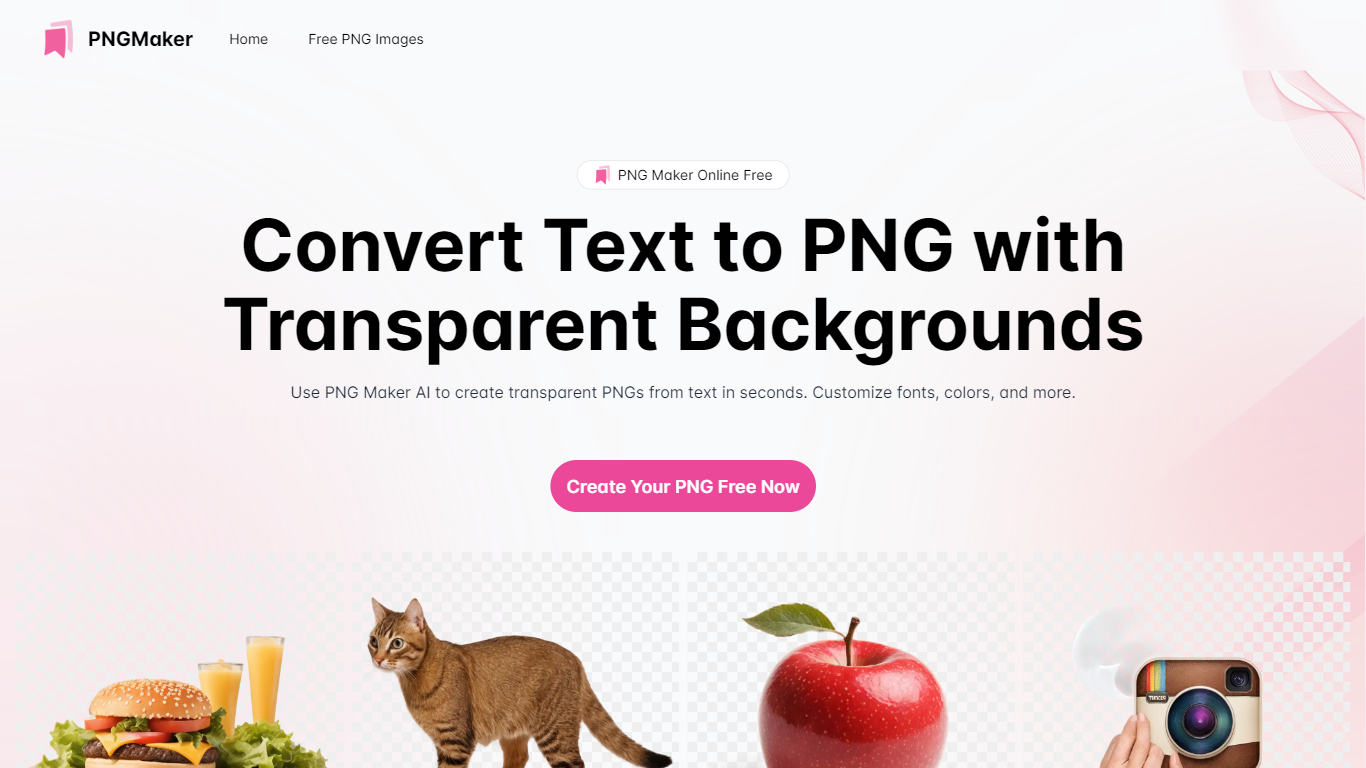

What is PNG Maker?
PNG Maker is an online tool that turns text prompts into PNG images with transparent backgrounds. It targets designers, marketers, and content creators who need clip-art style assets, logos, or graphics without opening desktop editing software.
You type a description of what you want, pick an aspect ratio, and the app generates one or more PNG files you can download. The web app also supports image-to-image generation, so you can upload a reference and refine the output from there. Free users get 9 credits per day; paid plans unlock higher monthly credit limits, batch generation, and private outputs.
The site also organizes outputs by tags and runs a blog with tips for writing better prompts. If you need quick transparent PNGs for slides, social posts, or web layouts, it keeps the workflow in the browser with no install required.
Background Remover - Stockphotos.com
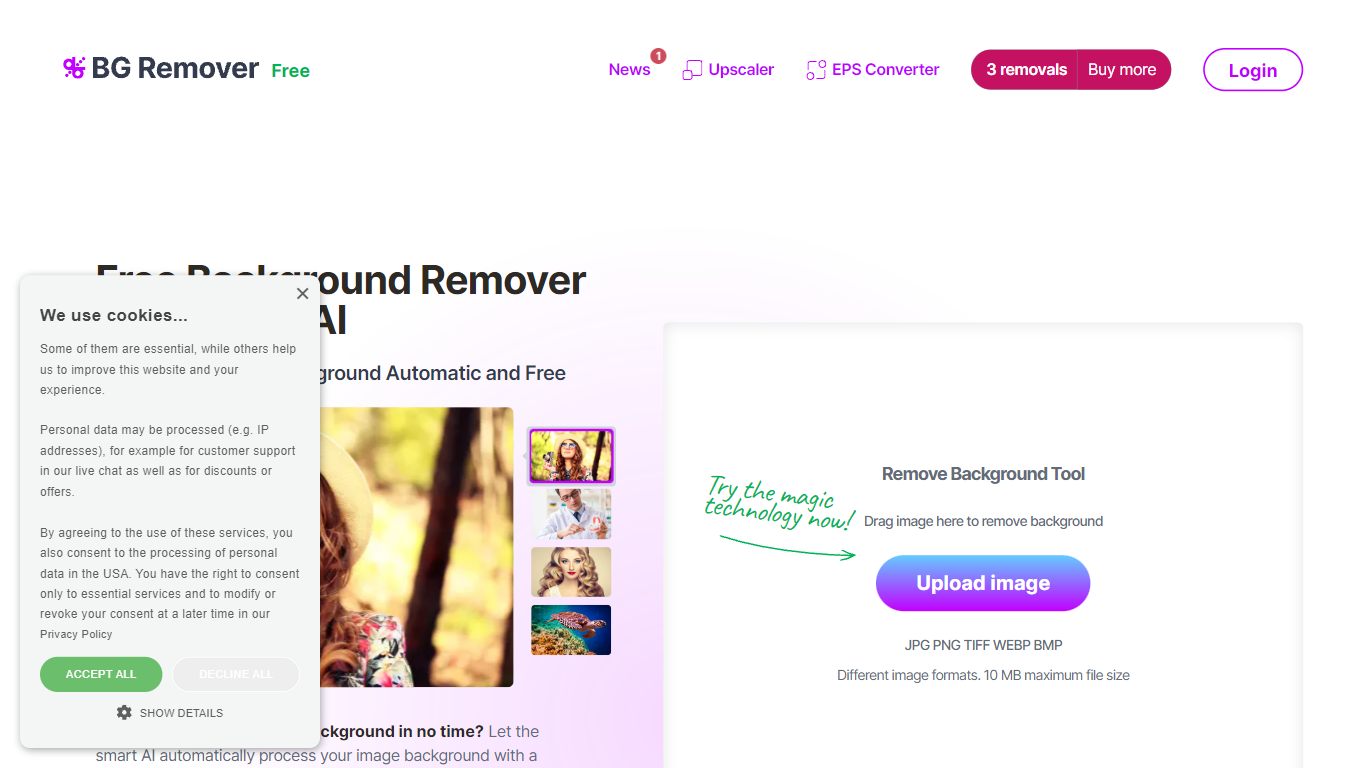
What is Background Remover - Stockphotos.com?
Upload a JPG, PNG, TIFF, WEBP, or BMP file and Stockphotos.com's Background Remover strips the backdrop in about 8 seconds, then lets you download a transparent PNG or drop in a new background. The browser tool handles people, products, animals, and graphics without manual masking, with a 10 MB upload limit per file.
Most background removers push monthly subscriptions, but this one sells one-time removal packs after 3 free credits on signup. You pay when you need more, removals expire on a fixed schedule, and the same Stockphotos API also handles upscaling and EPS conversion for e-commerce workflows.
E-commerce sellers prepping product shots, designers building banners, and developers embedding removal via API are the use cases Stockphotos.com highlights on the site. Free tier caps export at 1200 pixels with slower processing; paid packs unlock 8000-pixel output and priority speed.
Signup includes 3 free removals plus 10 free upscaler credits. Paid packs start at $4.90 for 20 removals or $15 for 100 removals as one-time purchases with no subscription required.
PNG Maker Upvotes
Background Remover - Stockphotos.com Upvotes
PNG Maker Top Features
Turn text prompts into transparent PNG images without desktop software
Switch between text-to-image and image-to-image modes in one web app
Pick aspect ratios like 1:1, 3:2, and 2:3 before generating
Generate up to four images at once on paid plans
Browse community creations organized by tags for prompt inspiration
Background Remover - Stockphotos.com Top Features
Removes backgrounds in about 8 seconds per image with one-click upload
Supports JPG, PNG, TIFF, WEBP, and BMP uploads up to 10 MB per file
3 free removals on signup plus 10 free upscaler credits from Stockphotos.com
Paid packs export up to 8000 pixels with fast, high-priority processing
REST API integrates background removal into apps, plugins, and e-commerce tools
Powered by Bria AI models trained on faces, products, illustrations, and landscapes
PNG Maker Category
- Photo Editing
Background Remover - Stockphotos.com Category
- Photo Editing
PNG Maker Pricing Type
- Freemium
Background Remover - Stockphotos.com Pricing Type
- Freemium