PNG Maker vs EasifyAI
Dive into the comparison of PNG Maker vs EasifyAI and discover which AI Photo Editing tool stands out. We examine alternatives, upvotes, features, reviews, pricing, and beyond.
When comparing PNG Maker and EasifyAI, which one rises above the other?
When we compare PNG Maker and EasifyAI, two exceptional photo editing tools powered by artificial intelligence, and place them side by side, several key similarities and differences come to light. The upvote count shows a clear preference for EasifyAI. The upvote count for EasifyAI is 9, and for PNG Maker it's 6.
Does the result make you go "hmm"? Cast your vote and turn that frown upside down!
PNG Maker
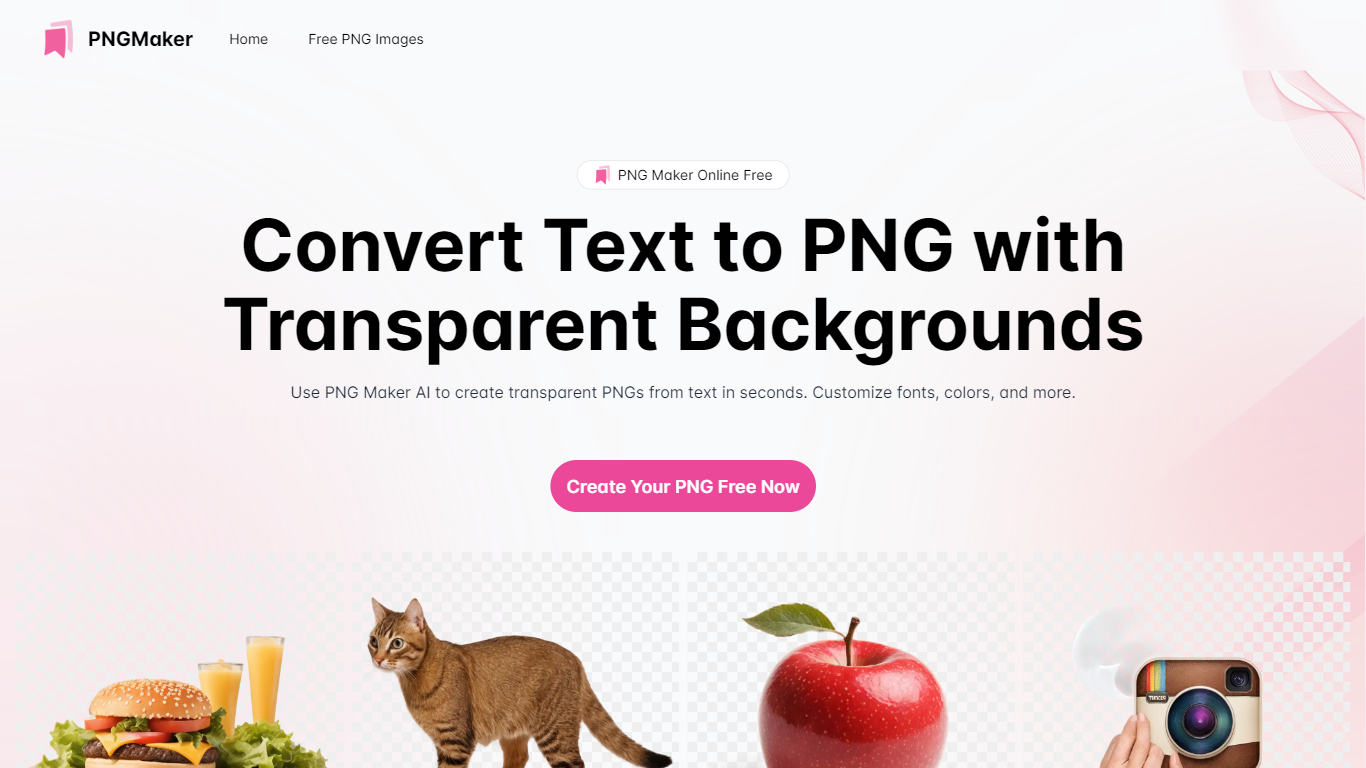

What is PNG Maker?
PNG Maker is an online tool that turns text prompts into PNG images with transparent backgrounds. It targets designers, marketers, and content creators who need clip-art style assets, logos, or graphics without opening desktop editing software.
You type a description of what you want, pick an aspect ratio, and the app generates one or more PNG files you can download. The web app also supports image-to-image generation, so you can upload a reference and refine the output from there. Free users get 9 credits per day; paid plans unlock higher monthly credit limits, batch generation, and private outputs.
The site also organizes outputs by tags and runs a blog with tips for writing better prompts. If you need quick transparent PNGs for slides, social posts, or web layouts, it keeps the workflow in the browser with no install required.
EasifyAI
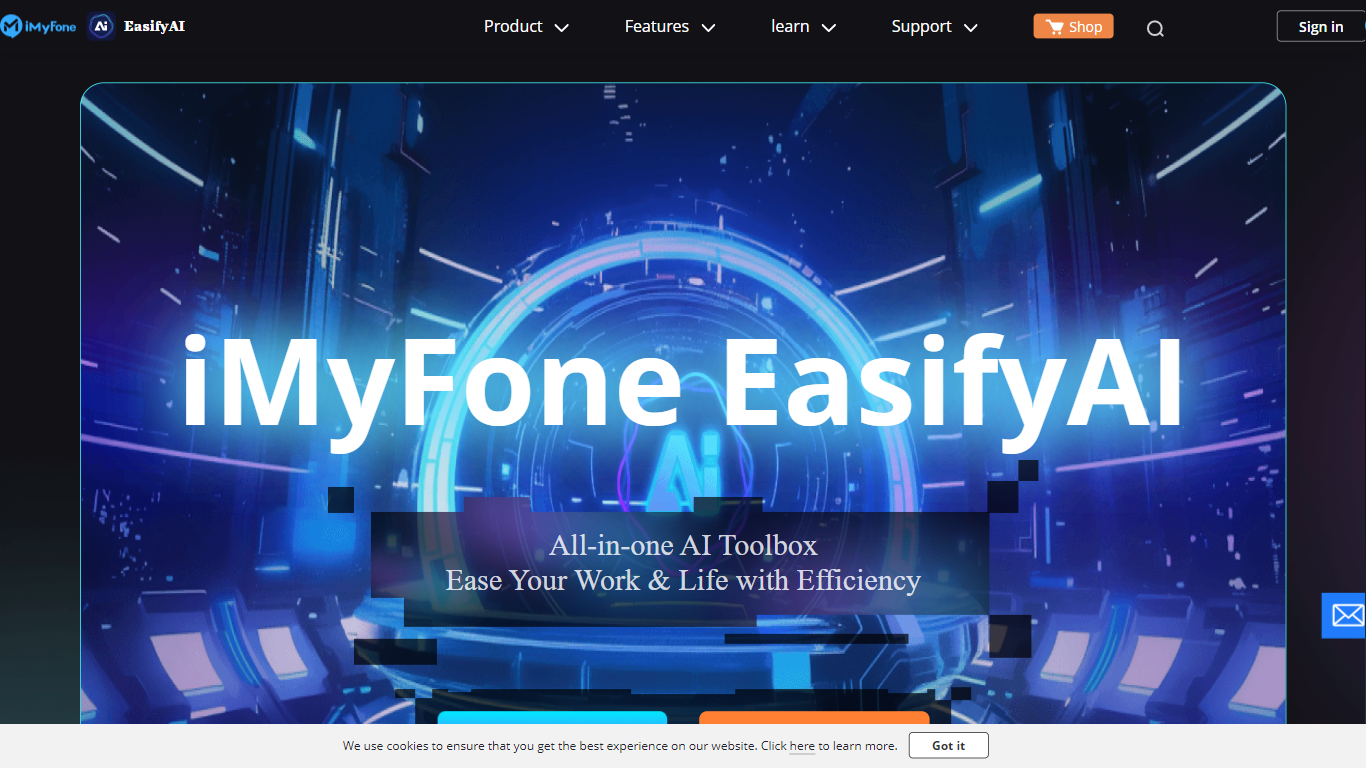
What is EasifyAI?
EasifyAI is a desktop photo editing and AI productivity toolkit from iMyFone. It bundles writing, image, and video tools into one downloadable app so you do not need separate subscriptions for each task. You pick a tool inside the app, wait for it to load on first use, and run jobs like photo enhancement, anime conversion, or story-to-video generation locally.
Where most iMyFone products focus on one job, EasifyAI targets people who want a rotating set of creative utilities in a single install. The trade-off is that each tool loads on demand rather than opening instantly, which suits occasional users more than teams running batch jobs all day.
It fits Windows users who edit photos, turn stories into short videos, rewrite text, or extract and translate text from images. Support docs list free trials for video and rewriting tools, with paid Basic and Toolkit plans for broader access.
PNG Maker Upvotes
EasifyAI Upvotes
PNG Maker Top Features
Turn text prompts into transparent PNG images without desktop software
Switch between text-to-image and image-to-image modes in one web app
Pick aspect ratios like 1:1, 3:2, and 2:3 before generating
Generate up to four images at once on paid plans
Browse community creations organized by tags for prompt inspiration
EasifyAI Top Features
Bundles photo enhancement, anime conversion, uncropping, and colorization in one Windows app
Story-to-video and AI rewriter tools with free trial access before upgrading
Image-to-text supports 18 recognition languages plus post-extraction translation
Exports watermark-free HD images and videos for download
Basic and Toolkit subscription plans with cancel-anytime billing
PNG Maker Category
- Photo Editing
EasifyAI Category
- Photo Editing
PNG Maker Pricing Type
- Freemium
EasifyAI Pricing Type
- Freemium