PNG Maker vs Face Swapper
When comparing PNG Maker vs Face Swapper, which AI Photo Editing tool shines brighter? We look at pricing, alternatives, upvotes, features, reviews, and more.
Between PNG Maker and Face Swapper, which one is superior?
When we put PNG Maker and Face Swapper side by side, both being AI-powered photo editing tools, Face Swapper is the clear winner in terms of upvotes. Face Swapper has 7 upvotes, and PNG Maker has 6 upvotes.
Don't agree with the result? Cast your vote and be a part of the decision-making process!
PNG Maker
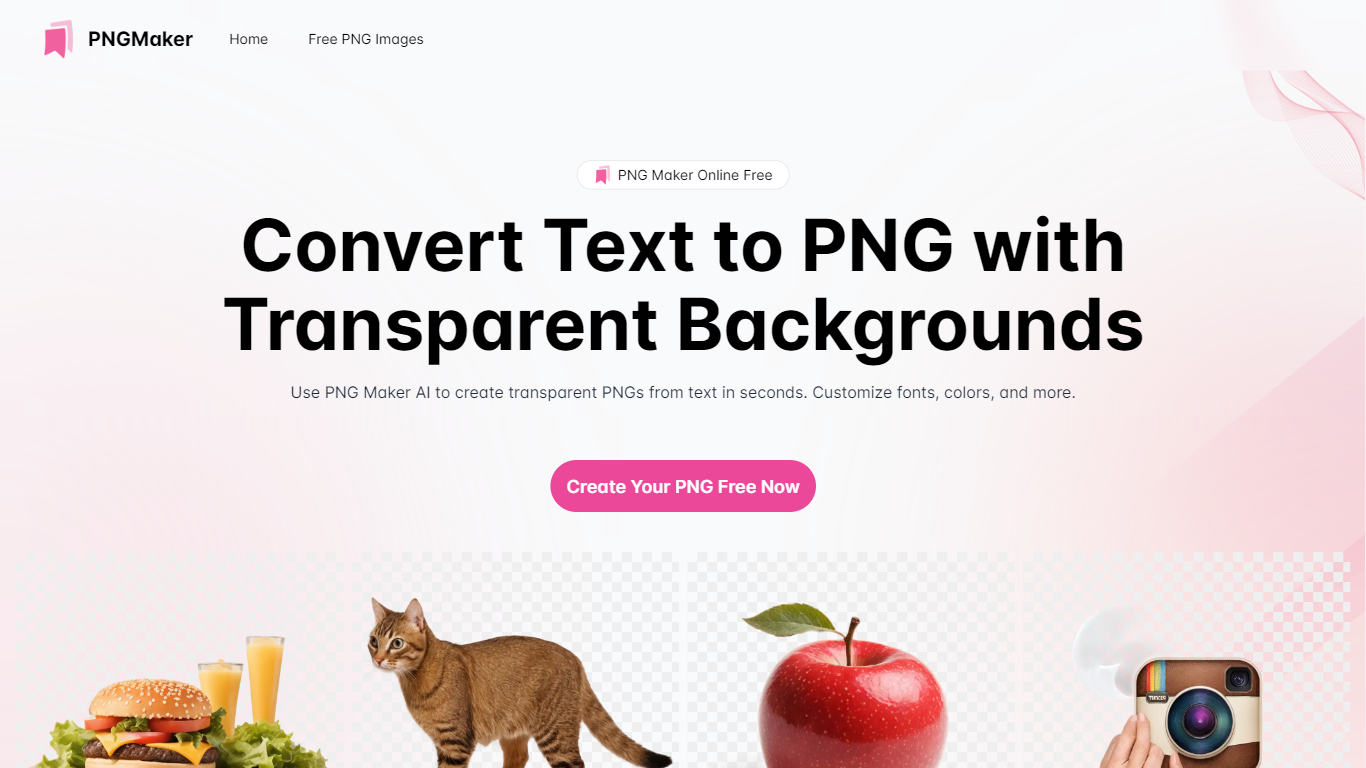

What is PNG Maker?
PNG Maker is an online tool that turns text prompts into PNG images with transparent backgrounds. It targets designers, marketers, and content creators who need clip-art style assets, logos, or graphics without opening desktop editing software.
You type a description of what you want, pick an aspect ratio, and the app generates one or more PNG files you can download. The web app also supports image-to-image generation, so you can upload a reference and refine the output from there. Free users get 9 credits per day; paid plans unlock higher monthly credit limits, batch generation, and private outputs.
The site also organizes outputs by tags and runs a blog with tips for writing better prompts. If you need quick transparent PNGs for slides, social posts, or web layouts, it keeps the workflow in the browser with no install required.
Face Swapper
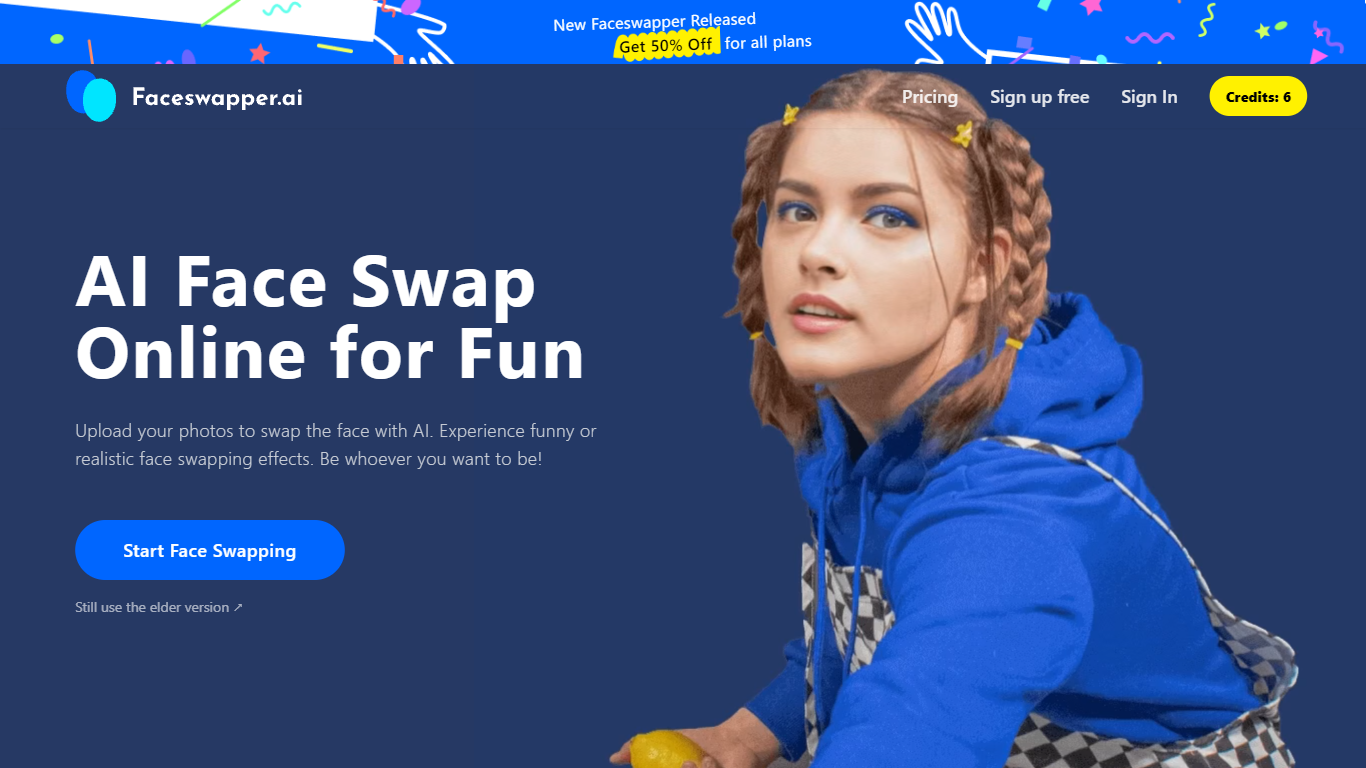
What is Face Swapper?
Face Swapper is a browser-based photo editing site that swaps one person's face onto another in photos, videos, and GIFs. You upload a source image and a target face, then the tool returns a new file in seconds with no account required. It also covers group shots with multiple faces, batch swaps across many photos, and a separate clothes-swap mode for outfit changes.
Most face swap apps stick to still images. Face Swapper bundles photo, video, GIF, batch, and multi-face modes on one homepage, and it runs entirely free with no credits or signup gate. The trade-off is strict content rules: NSFW uploads are banned, and the public pricing page is down even though every listed tool stays free.
Casual editors, meme makers, and short-form creators use it when they want a quick gag photo or a personalized GIF without opening desktop software. Privacy-focused users get uploads purged from servers every 6 hours, which limits how long any file sits on Face Swapper infrastructure.
PNG Maker Upvotes
Face Swapper Upvotes
PNG Maker Top Features
Turn text prompts into transparent PNG images without desktop software
Switch between text-to-image and image-to-image modes in one web app
Pick aspect ratios like 1:1, 3:2, and 2:3 before generating
Generate up to four images at once on paid plans
Browse community creations organized by tags for prompt inspiration
Face Swapper Top Features
Accepts PNG, JPG, and WEBP uploads for photo face swaps
Swaps faces in videos, GIFs, and still images from one dashboard
Multiple Face Swapper handles group photos with several faces at once
Batch mode replaces the same face across multiple photos in one run
Uploaded files are purged every 6 hours per the privacy policy
No signup or credits required for unlimited swaps
PNG Maker Category
- Photo Editing
Face Swapper Category
- Photo Editing
PNG Maker Pricing Type
- Freemium
Face Swapper Pricing Type
- Free