PNG Maker vs Img.Upscaler
In the clash of PNG Maker vs Img.Upscaler, which AI Photo Editing tool emerges victorious? We assess reviews, pricing, alternatives, features, upvotes, and more.
When we put PNG Maker and Img.Upscaler head to head, which one emerges as the victor?
Let's take a closer look at PNG Maker and Img.Upscaler, both of which are AI-driven photo editing tools, and see what sets them apart. Img.Upscaler is the clear winner in terms of upvotes. Img.Upscaler has 7 upvotes, and PNG Maker has 6 upvotes.
Feeling rebellious? Cast your vote and shake things up!
PNG Maker

What is PNG Maker?
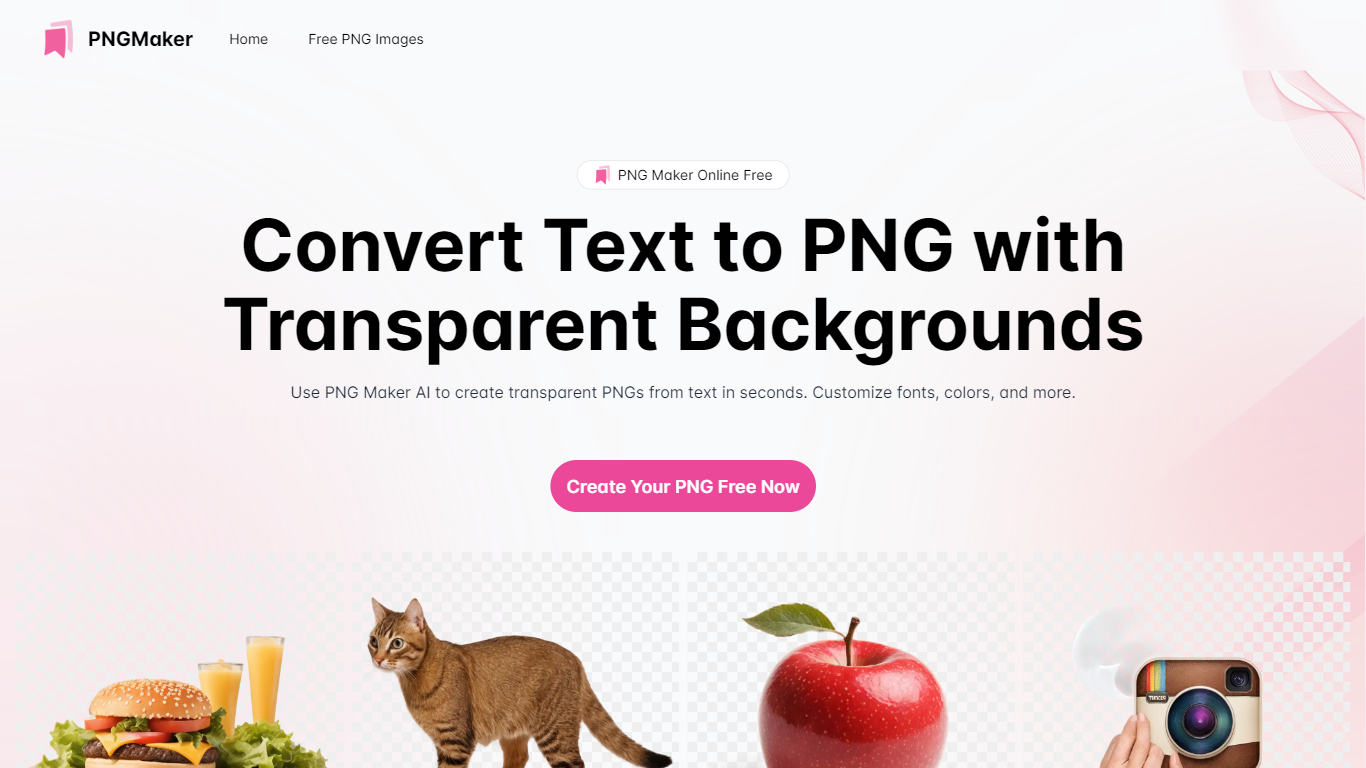
PNG Maker is an online tool that turns text prompts into PNG images with transparent backgrounds. It targets designers, marketers, and content creators who need clip-art style assets, logos, or graphics without opening desktop editing software.
You type a description of what you want, pick an aspect ratio, and the app generates one or more PNG files you can download. The web app also supports image-to-image generation, so you can upload a reference and refine the output from there. Free users get 9 credits per day; paid plans unlock higher monthly credit limits, batch generation, and private outputs.
The site also organizes outputs by tags and runs a blog with tips for writing better prompts. If you need quick transparent PNGs for slides, social posts, or web layouts, it keeps the workflow in the browser with no install required.
Img.Upscaler

What is Img.Upscaler?
Img.Upscaler enlarges and sharpens images in the browser using AI super-resolution. Upload a JPG, PNG, or WebP file, pick 2x or 4x scaling, and download a higher-resolution version with cleaner edges and textures. It handles photos, anime art, product shots, portraits, and scanned old pictures without desktop editing software.
Most upscalers either resize pixels (which blurs detail) or lock batch work behind expensive subscriptions. Img.Upscaler keeps a free tier at 50 credits per month for single-image upscaling, enhancement, and its Reimagine tool, then adds batch processing at $9.90 per month. Uploaded files and results are deleted within 24 hours, which matters when you are working with client or product imagery you do not want sitting on a server.
Creators, ecommerce sellers, marketers, and photo restorers use Img.Upscaler for web assets, marketplace listings, social posts, and print prep. The site also sells a separate desktop app called Upscal on Microsoft Store and Mac App Store for offline batch work, but web subscriptions and app licenses do not cross over.
PNG Maker Upvotes
Img.Upscaler Upvotes
PNG Maker Top Features
Turn text prompts into transparent PNG images without desktop software
Switch between text-to-image and image-to-image modes in one web app
Pick aspect ratios like 1:1, 3:2, and 2:3 before generating
Generate up to four images at once on paid plans
Browse community creations organized by tags for prompt inspiration
Img.Upscaler Top Features
2x and 4x AI super-resolution upscaling for JPG, PNG, and WebP files
Free plan includes 50 credits per month for upscaling, enhancement, and Reimagine
Premium plan at $9.90 per month adds 500 credits and batch processing
Business plan at $19.90 per month removes the credit cap for high-volume workflows
Uploaded images and generated results auto-delete within 24 hours
Personal and commercial use allowed on free and paid plans per site terms
Separate Upscal desktop app on Microsoft Store and Mac App Store for offline batches
PNG Maker Category
- Photo Editing
Img.Upscaler Category
- Photo Editing
PNG Maker Pricing Type
- Freemium
Img.Upscaler Pricing Type
- Freemium