PNG Maker vs NeuralPix
In the clash of PNG Maker vs NeuralPix , which AI Photo Editing tool emerges victorious? We assess reviews, pricing, alternatives, features, upvotes, and more.
When we put PNG Maker and NeuralPix head to head, which one emerges as the victor?
Let's take a closer look at PNG Maker and NeuralPix , both of which are AI-driven photo editing tools, and see what sets them apart. There's no clear winner in terms of upvotes, as both tools have received the same number. Be a part of the decision-making process. Your vote could determine the winner.
You don't agree with the result? Cast your vote to help us decide!
PNG Maker

What is PNG Maker?
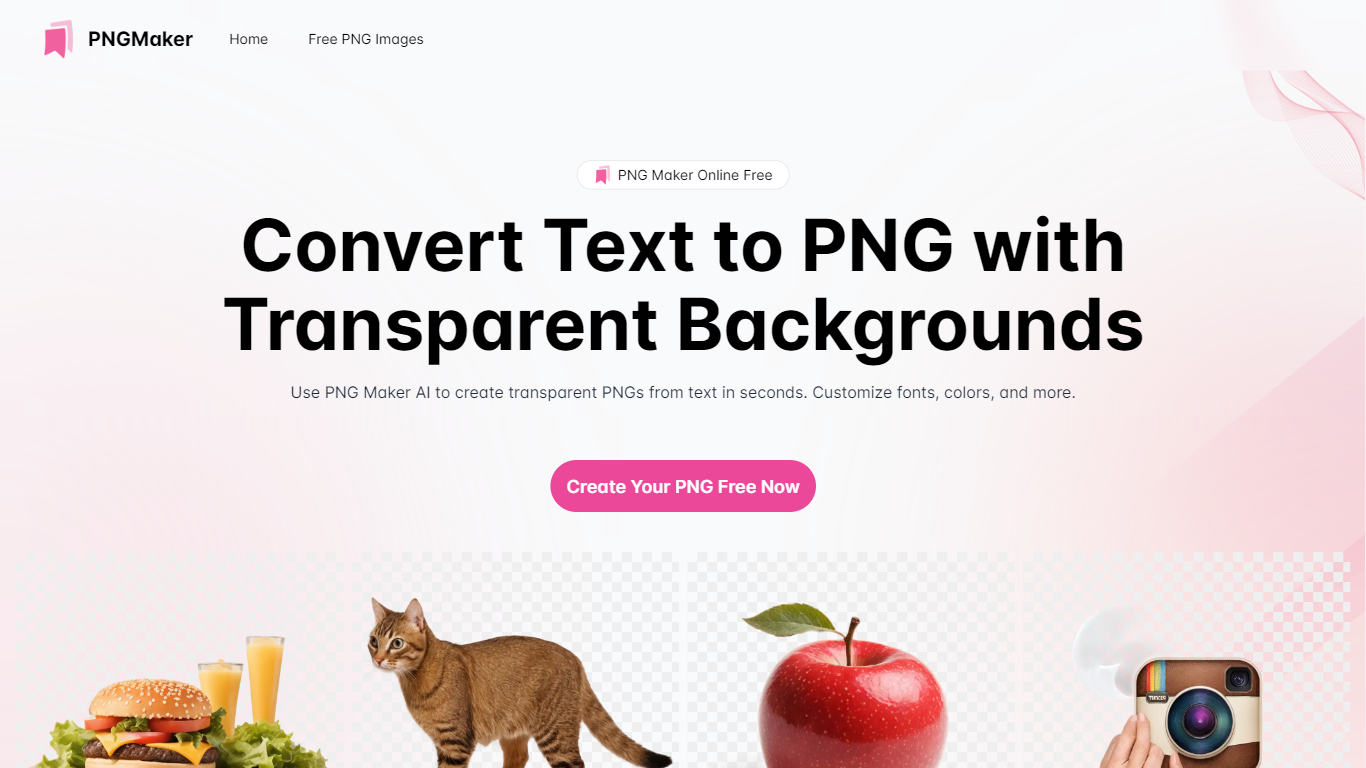
PNG Maker is an online tool that turns text prompts into PNG images with transparent backgrounds. It targets designers, marketers, and content creators who need clip-art style assets, logos, or graphics without opening desktop editing software.
You type a description of what you want, pick an aspect ratio, and the app generates one or more PNG files you can download. The web app also supports image-to-image generation, so you can upload a reference and refine the output from there. Free users get 9 credits per day; paid plans unlock higher monthly credit limits, batch generation, and private outputs.
The site also organizes outputs by tags and runs a blog with tips for writing better prompts. If you need quick transparent PNGs for slides, social posts, or web layouts, it keeps the workflow in the browser with no install required.
NeuralPix
What is NeuralPix ?
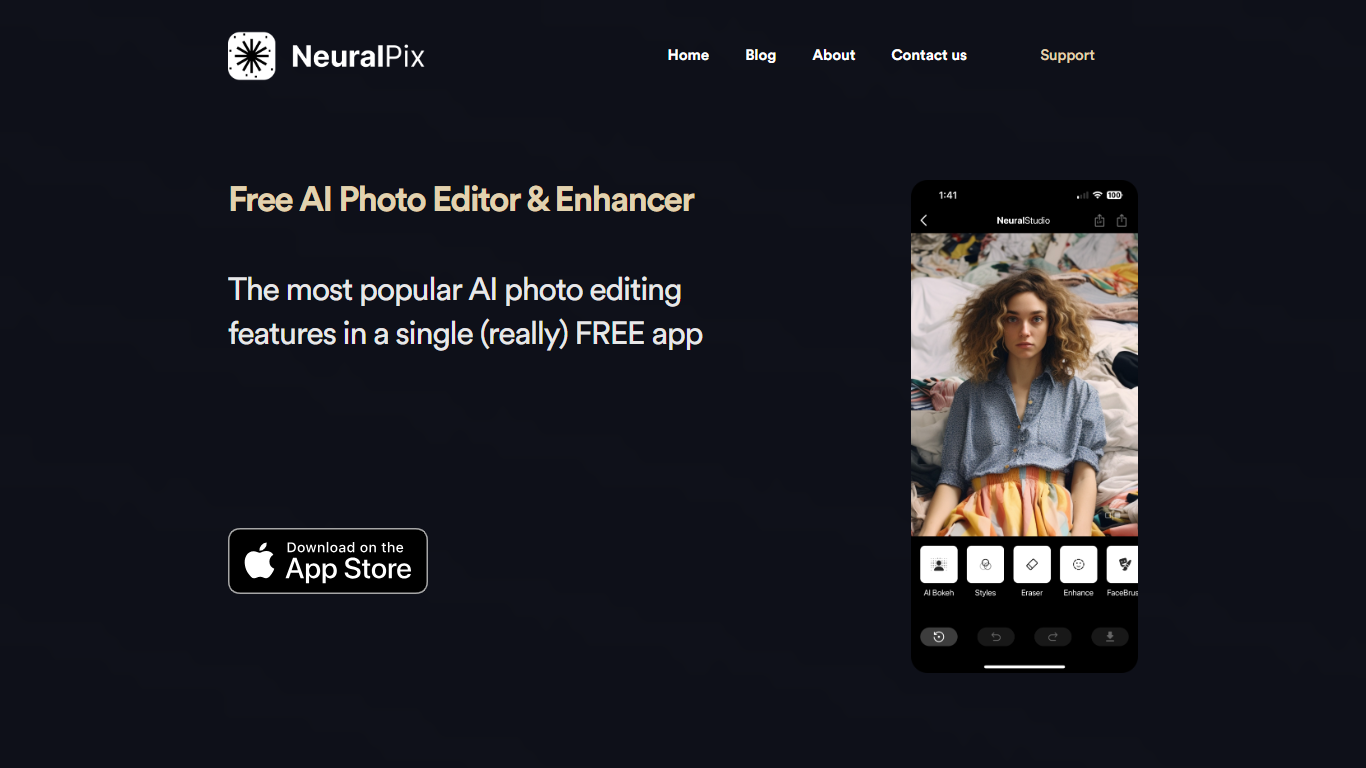
NeuralPix is a free AI photo and video editor from Neural Cam SRL for iPhone, with support on Mac with Apple silicon. You edit photos by typing what you want changed or picking from a curated prompt library, then apply the transformation with one tap. The app can also animate any edit into a short video clip sized for TikTok and Reels.
Eight core AI tools run on-device and work offline, including AI Eraser, background blur and bokeh, upscaling, styles and filters, and more. The prompt library covers pro headshots, object removal, background replacement, art styles, and selfie transformations with before-and-after previews.
The base app is free with no subscription required for the eight permanent AI tools. NeuralPix Pro unlocks advanced features and higher usage limits through an optional in-app subscription.
PNG Maker Upvotes
NeuralPix Upvotes
PNG Maker Top Features
Turn text prompts into transparent PNG images without desktop software
Switch between text-to-image and image-to-image modes in one web app
Pick aspect ratios like 1:1, 3:2, and 2:3 before generating
Generate up to four images at once on paid plans
Browse community creations organized by tags for prompt inspiration
NeuralPix Top Features
Edit photos with text prompts or pick from a curated prompt library with one-tap apply
Animate any photo transformation into 4 to 8 second videos for TikTok and Reels
Eight on-device AI tools free forever, including AI Eraser, blur, bokeh, and upscaling
Prompt library with pro headshots, object removal, background replacement, and art styles
Works offline for core on-device editing tools without an internet connection
PNG Maker Category
- Photo Editing
NeuralPix Category
- Photo Editing
PNG Maker Pricing Type
- Freemium
NeuralPix Pricing Type
- Freemium