PNG Maker vs RemoveBG
Compare PNG Maker vs RemoveBG and see which AI Photo Editing tool is better when we compare features, reviews, pricing, alternatives, upvotes, etc.
Which one is better? PNG Maker or RemoveBG?
When we compare PNG Maker with RemoveBG, which are both AI-powered photo editing tools, In the race for upvotes, RemoveBG takes the trophy. RemoveBG has 11 upvotes, and PNG Maker has 6 upvotes.
Not your cup of tea? Upvote your preferred tool and stir things up!
PNG Maker

What is PNG Maker?
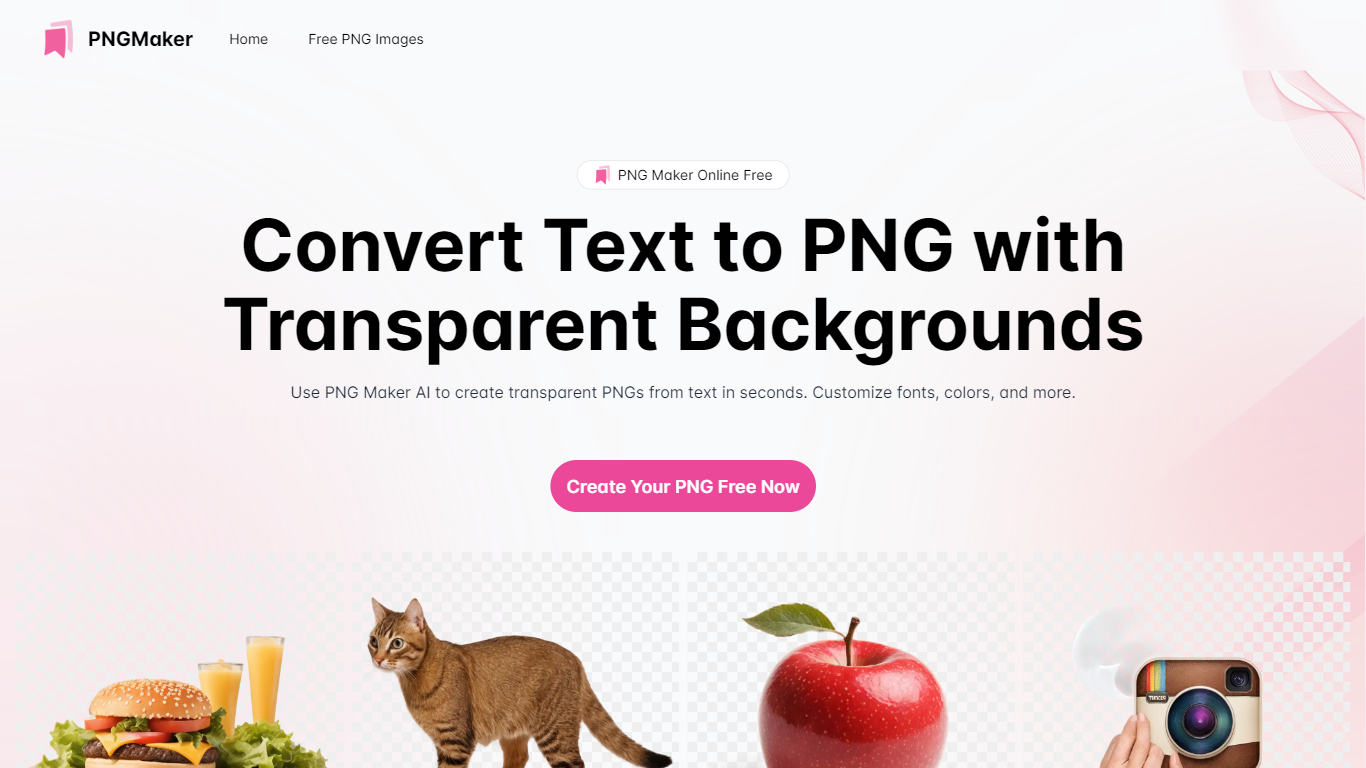
PNG Maker is an online tool that turns text prompts into PNG images with transparent backgrounds. It targets designers, marketers, and content creators who need clip-art style assets, logos, or graphics without opening desktop editing software.
You type a description of what you want, pick an aspect ratio, and the app generates one or more PNG files you can download. The web app also supports image-to-image generation, so you can upload a reference and refine the output from there. Free users get 9 credits per day; paid plans unlock higher monthly credit limits, batch generation, and private outputs.
The site also organizes outputs by tags and runs a blog with tips for writing better prompts. If you need quick transparent PNGs for slides, social posts, or web layouts, it keeps the workflow in the browser with no install required.
RemoveBG

What is RemoveBG?
RemoveBG is a powerful and user-friendly online tool that allows you to remove image backgrounds in seconds, and the best part is, it's completely free! With advanced AI technology, RemoveBG makes background removal a breeze, saving you time and effort. Whether you need to edit images for creative projects, marketing materials, or personal use, RemoveBG has got you covered.
With RemoveBG, the process of removing image backgrounds is as easy as 1-2-3. First, choose the image you want to edit and upload it into the tool. Second, let the advanced AI technology analyze your image and automatically remove the background. Finally, download the new image and use it for any purpose you desire. Say goodbye to background woes and hello to hassle-free image editing with RemoveBG.
PNG Maker Upvotes
RemoveBG Upvotes
PNG Maker Top Features
Turn text prompts into transparent PNG images without desktop software
Switch between text-to-image and image-to-image modes in one web app
Pick aspect ratios like 1:1, 3:2, and 2:3 before generating
Generate up to four images at once on paid plans
Browse community creations organized by tags for prompt inspiration
RemoveBG Top Features
Quick and Easy Background Removal: RemoveBG makes it incredibly simple to remove image backgrounds with just a few clicks. No need for complex editing software or extensive manual work.
Free of Cost: RemoveBG offers its background removal services completely free of charge. Say goodbye to expensive editing tools and hello to cost-effective image editing.
Advanced AI Technology: Powered by advanced AI technology RemoveBG analyzes your images and accurately detects and removes the background ensuring clean and professional results.
Versatile Usage: The images edited with RemoveBG can be used for a wide range of purposes including creative projects marketing materials or personal use. The possibilities are endless.
User-Friendly Interface: RemoveBG's user-friendly interface makes it easy for anyone to use regardless of their level of expertise in image editing. No technical skills required.
PNG Maker Category
- Photo Editing
RemoveBG Category
- Photo Editing
PNG Maker Pricing Type
- Freemium
RemoveBG Pricing Type
- Free