Podnotes vs Video To Blog
When comparing Podnotes vs Video To Blog, which AI Content Creation tool shines brighter? We look at pricing, alternatives, upvotes, features, reviews, and more.
In a comparison between Podnotes and Video To Blog, which one comes out on top?
When we put Podnotes and Video To Blog side by side, both being AI-powered content creation tools, The upvote count reveals a draw, with both tools earning the same number of upvotes. You can help us determine the winner by casting your vote and tipping the scales in favor of one of the tools.
Does the result make you go "hmm"? Cast your vote and turn that frown upside down!
Podnotes

What is Podnotes?
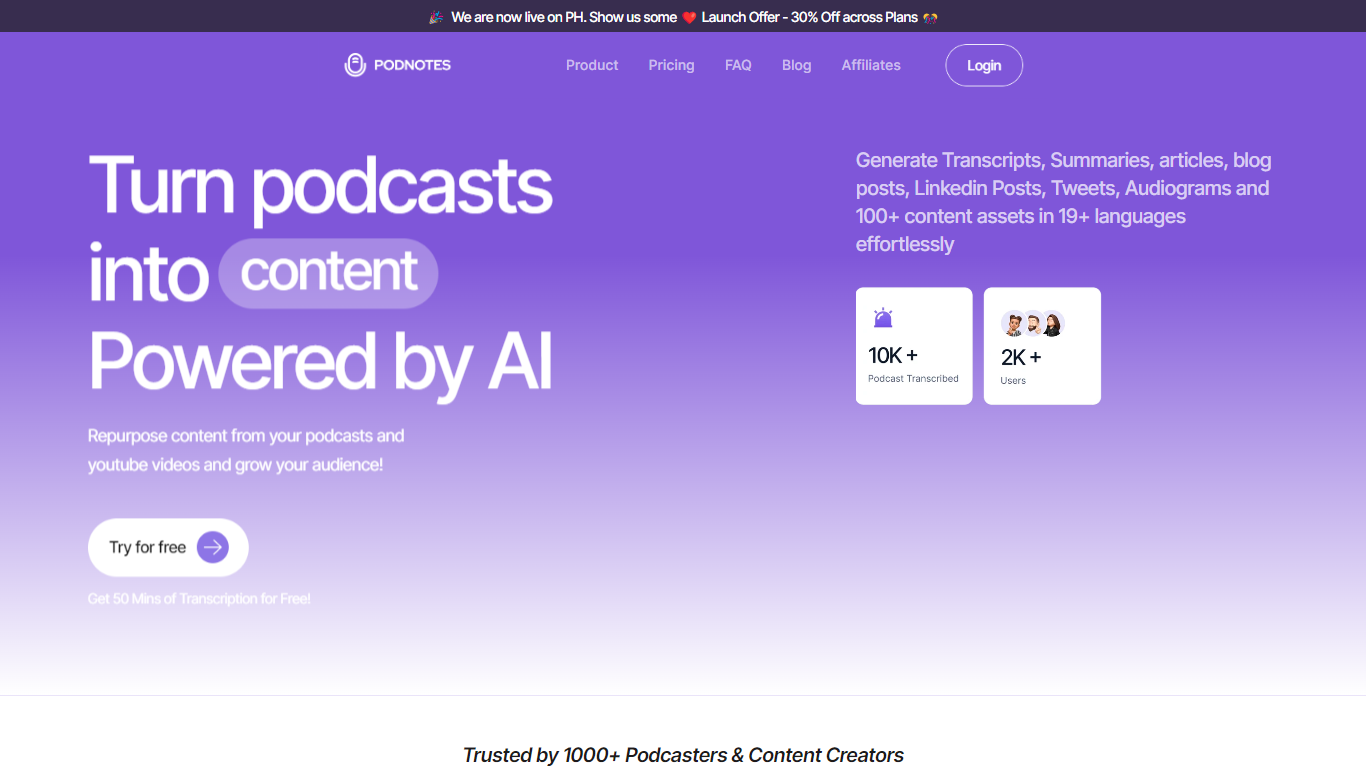
Podnotes helps podcasters and video creators transform their audio and video content into written and visual materials. Users can upload files, paste YouTube URLs, or select episodes from RSS feeds to generate transcripts, summaries, chapters, and speaker-separated transcripts. It supports over 19 languages for both input and output, enabling creators to reach diverse audiences.
What sets Podnotes apart is its combination of transcription and content repurposing tools. Beyond generating transcripts, it creates social media posts, newsletters, SEO-friendly blogs, and audiograms, streamlining content creation workflows. The platform also features Magic Chat for interactive content generation, podcast organization with folders and tags, shareable podcast pages, and integrations with tools like Notion.
Podnotes offers flexible subscription plans with varying transcription minutes and advanced features such as audio diarization, content calendars, and guest research tools. This range of options caters to solo podcasters, marketing teams, agencies, and enterprises seeking to maximize their podcast's reach and efficiency.
By combining transcription accuracy with diverse content generation capabilities and multilingual support, Podnotes enables creators to efficiently expand their audience and repurpose content across multiple platforms.
Video To Blog

What is Video To Blog?
Video To Blog turns spoken video and audio into publish-ready blog articles. Paste a YouTube link, upload a file, drop in a transcript, record audio, or connect a channel, and the service outputs structured posts with headings, screenshots, smart links, metadata, and calls to action you can send to a website, newsletter, or download as HTML, Markdown, PDF, or Word.
Transcript-to-ChatGPT workflows still leave you stitching screenshots, links, and publishing steps by hand. Video To Blog bundles those production tasks: auto screenshots from the source video, reusable CTA blocks, SEO and GEO formatting, YouTube upload automations, and a built-in Publications feature for hosting a blog plus email newsletter on a custom domain. The homepage cites 500,000+ articles created and a 4.8 average across 500+ reviews on Trustpilot, G2, and Capterra.
YouTube creators, podcasters, agencies, and teams publishing sermons or webinars are the target users. Pricing starts free with one monthly upload, scales to Business at $69 per month (yearly billing) for 50 videos, and every paid tier adds publications, website integrations, and longer runtime limits.
Podnotes Upvotes
Video To Blog Upvotes
Podnotes Top Features
🎙️ Magic Chat: Chat with your podcasts to generate tailored articles and social posts.
🌐 Multilingual Support: Create transcripts and content in over 19 languages.
📝 Comprehensive Transcription: Upload files or use YouTube/RSS links for accurate transcripts with speaker separation.
📅 Content Calendar: Plan and schedule your podcast content and growth activities.
🔗 Integrations: Connect with tools like Notion to streamline your workflow.
💬 Custom Prompts: Choose and customize from 100+ style prompts for unique content generation.
💸 Flexible Pricing: Plans range from $29 to $199 per month with transcription minutes from 350 to 3200 and custom enterprise options.
Video To Blog Top Features
Imports YouTube links, uploaded video/audio, transcripts, Google Drive files, and channel automations
Auto screenshots pull key visual moments from source videos into each article
Smart links and reusable CTA blocks insert internal and external links automatically
Publications host a blog, email newsletter, and custom domain without extra services
Free plan includes 1 monthly upload for videos up to 30 minutes with no credit card
Pro plan ($39/mo yearly) allows 15 monthly uploads up to 1.5 hours with 3 team members
Exports finished posts as HTML, Markdown, PDF, or Word and publishes to connected websites
Podnotes Category
- Content Creation
Video To Blog Category
- Content Creation
Podnotes Pricing Type
- Freemium
Video To Blog Pricing Type
- Freemium