Ponder vs AI Screen Writer
In the contest of Ponder vs AI Screen Writer, which AI Writing Assistant tool is the champion? We evaluate pricing, alternatives, upvotes, features, reviews, and more.
If you had to choose between Ponder and AI Screen Writer, which one would you go for?
When we examine Ponder and AI Screen Writer, both of which are AI-enabled writing assistant tools, what unique characteristics do we discover? Ponder is the clear winner in terms of upvotes. Ponder has been upvoted 7 times by aitools.fyi users, and AI Screen Writer has been upvoted 6 times.
Does the result make you go "hmm"? Cast your vote and turn that frown upside down!
Ponder

What is Ponder?
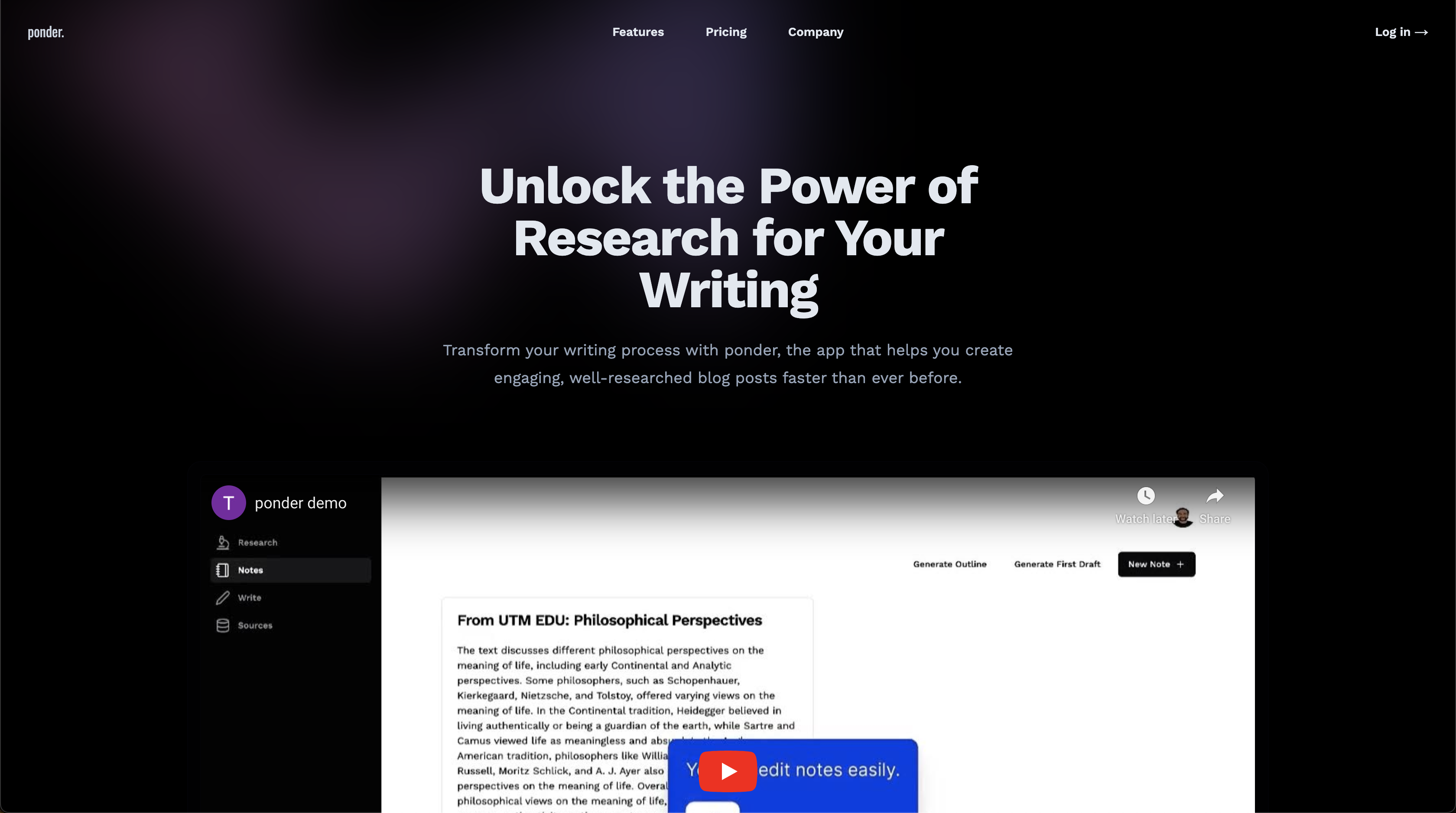
Ponder is an all-in-one knowledge workspace for research, writing, and deep thinking. Instead of forcing ideas into linear documents or chat threads, it gives you an infinite canvas where notes, sources, and AI conversations connect as your thinking evolves.
Upload PDFs, videos, web pages, and text, then explore them on a visual map with Ponder Agent alongside you. The platform supports literature review, cross-source comparison, structured exports to reports or Markdown, and team collaboration for researchers, analysts, students, and knowledge workers.
It fits anyone who needs to synthesize large volumes of information into defensible insights rather than quick one-off AI answers.
AI Screen Writer
What is AI Screen Writer?
AI Screen Writer is a writing assistant for screenplays, story outlines, and character sheets. The web app walks you through character sheets, story outlines, and individual film scenes, with an editor that lets you revise generated script text instead of treating the output as final.
General-purpose writing tools can draft prose, but they rarely structure a screenplay workflow around character sheets, beat outlines, and scene generation in one project. AI Screen Writer also adds realtime output, in-app human support, and eight interface languages (Spanish, French, German, Portuguese, Tamil, Hindi, Standard Chinese, and Russian). GlassFrog Productions built it in-house; the team cites credits on Avatar, District 9, Mad Max, The Lego Movie, Cyberpunk 2077, and Total Recall.
Screenwriters, indie filmmakers, and YouTube scriptwriters are the core audience. Access runs on monthly token credits with a 10,000-token free trial, and generated content is treated as user-owned per the FAQ. Projects stay on AI Screen Writer servers while your account is active, with downloads recommended for backup.
Ponder Upvotes
AI Screen Writer Upvotes
Ponder Top Features
Infinite canvas for branching ideas, knowledge maps, and visual note organization
Import PDFs, videos, web pages, and text to research directly alongside your sources
Ponder Agent for follow-up questions, blind-spot checks, and cross-source comparison
Export thinking as structured reports, mind maps, slides, or clean Markdown files
Credit-based plans with daily refreshes, advanced model access, and unlimited uploads on paid tiers
AI Screen Writer Top Features
Character sheet, story outline, and film scene generators in one project workflow
Edit generated screenplay, script, or character sheet text after AI output
Realtime Output streams content as the model generates it
Interface supports 8 languages including Spanish, French, German, and Hindi
Free trial includes 10,000 tokens (roughly 7,500 generated words per FAQ)
Paid plans from $10 to $50 per month with 100,000 to 500,000 monthly tokens
In-app human support without leaving the writing workspace
Ponder Category
- Writing Assistant
AI Screen Writer Category
- Writing Assistant
Ponder Pricing Type
- Freemium
AI Screen Writer Pricing Type
- Freemium