PostSpark vs PicTools AI
In the battle of PostSpark vs PicTools AI, which AI Image Editing tool comes out on top? We compare reviews, pricing, alternatives, upvotes, features, and more.
Between PostSpark and PicTools AI, which one is superior?
Upon comparing PostSpark with PicTools AI, which are both AI-powered image editing tools, The community has spoken, PicTools AI leads with more upvotes. PicTools AI has garnered 7 upvotes, and PostSpark has garnered 6 upvotes.
Disagree with the result? Upvote your favorite tool and help it win!
PostSpark
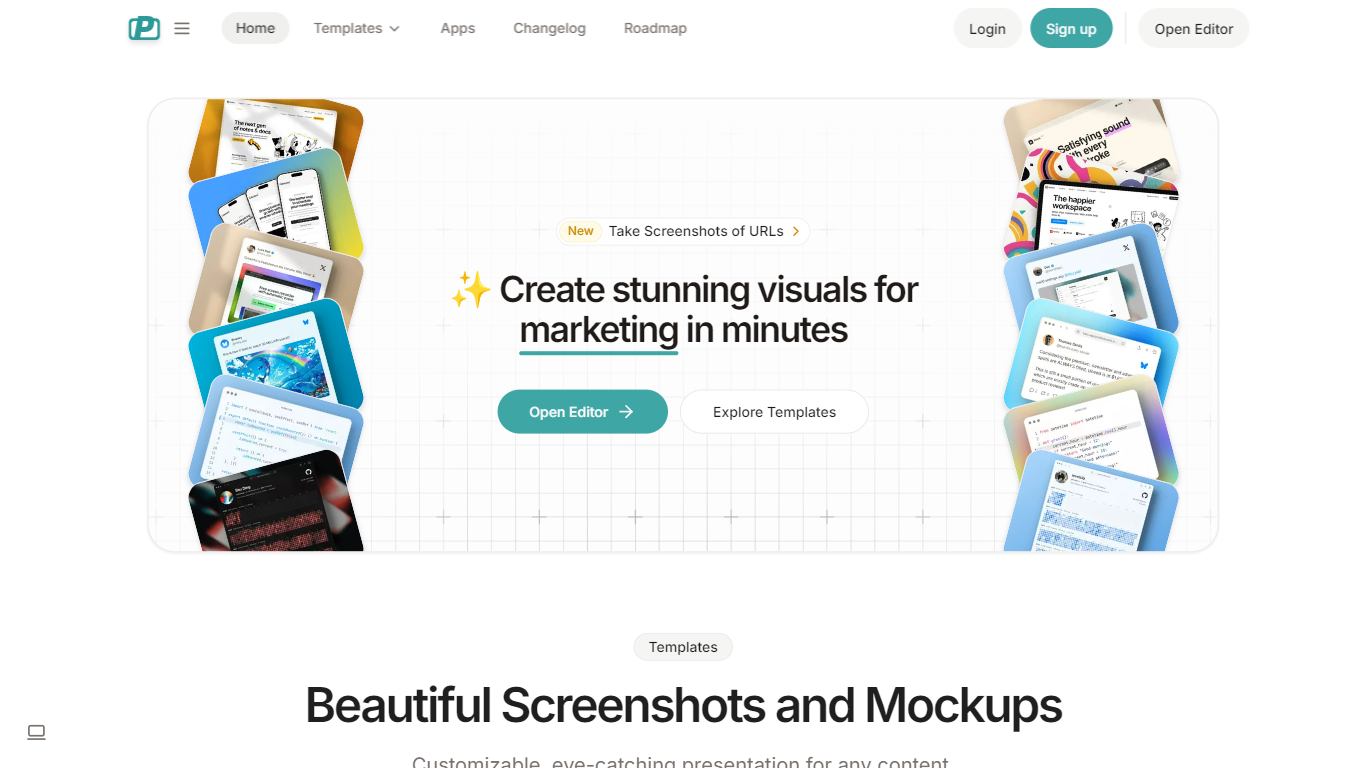

What is PostSpark?
PostSpark is a versatile tool designed for creating visually appealing images tailored for social media platforms. It offers a comprehensive suite of features that enable users to generate stunning screenshots, mockups, and other visual content with ease. The core functionality revolves around a powerful editor that allows for customization of themes, backgrounds, and layouts, ensuring that users can produce content that aligns with their branding and aesthetic preferences.
Targeted primarily at creators, developers, and marketers, PostSpark caters to individuals and teams looking to enhance their online presence through high-quality visuals. Its unique value proposition lies in its user-friendly interface combined with advanced editing capabilities, making it accessible for both novice and experienced users. The tool stands out in the market by providing a one-stop solution for all visual content needs, eliminating the need for multiple applications.
Key differentiators include the ability to capture website screenshots directly, customizable theme presets, and a library of beautiful backgrounds sourced from Unsplash. Additionally, the tool supports various export formats and aspect ratios, ensuring that images are optimized for any social media platform. With features like keyboard shortcuts and quick export options, PostSpark streamlines the design process, allowing users to create professional visuals in just a few clicks.
PicTools AI
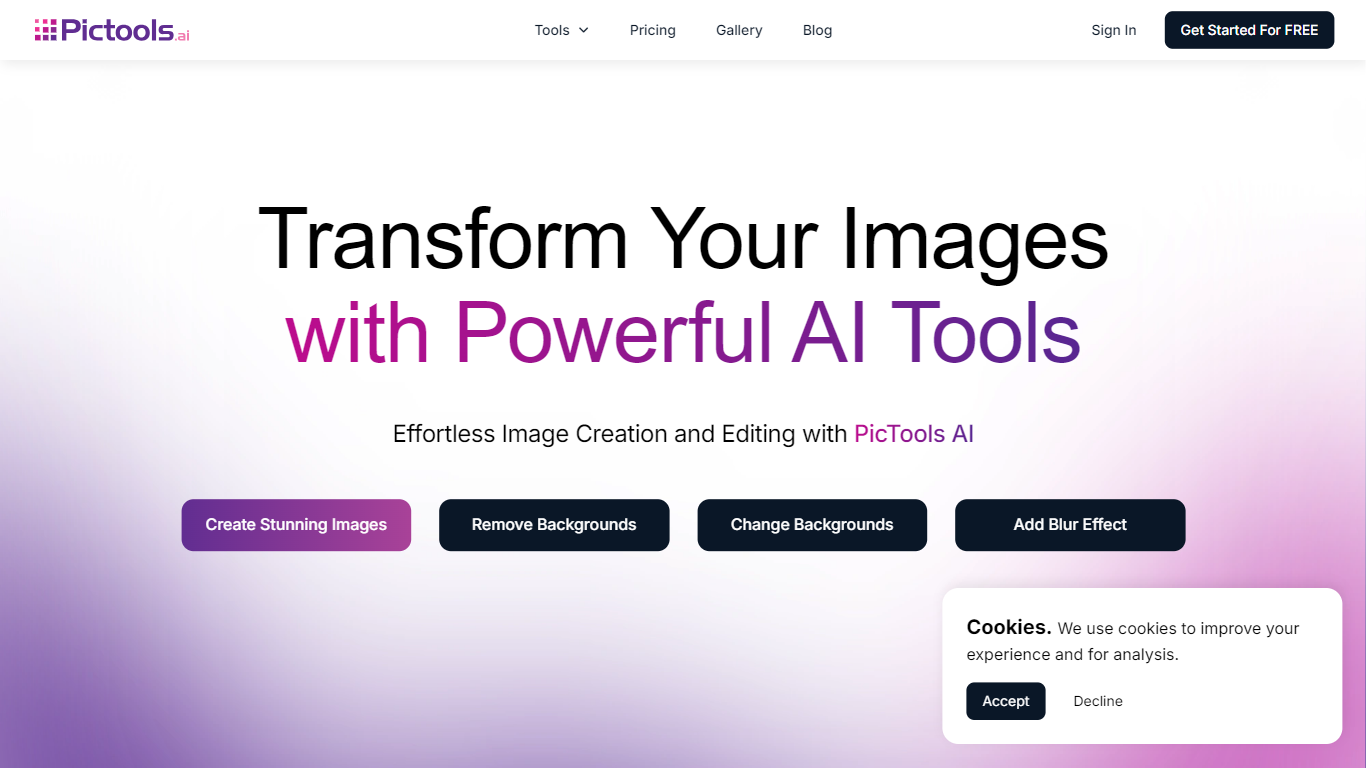
What is PicTools AI?
PicTools AI is an online AI image editor that lets you upload photos and edit them using text prompts or one-click filters. You can remove backgrounds, change outfits, add smiles, restore old photos, and apply over 100 AI filters in seconds without needing design skills. It serves a wide audience including photographers, small business owners, marketers, and content creators who want fast, professional photo edits.
The platform also supports creating new images from text prompts, enhancing creativity and productivity. PicTools AI stands out by combining ease of use with powerful AI features like object removal, background changes, outfit swaps, and photo restoration, all accessible through a simple interface. Privacy is a priority; your images remain private and are never used to train AI models or shared externally.
PostSpark Upvotes
PicTools AI Upvotes
PostSpark Top Features
Powerful & Easy to Use Editor: A user-friendly interface that allows for quick customization of designs, saving time with presets and ensuring images are optimized for social media.
Customizable Theme Presets: Users can save their settings and create reusable themes that match their brand identity, enhancing consistency across visual content.
Website Screenshots: Users can enter any URL to capture perfectly optimized screenshots of websites, streamlining the process of creating visual content.
Aspect Ratios: The tool allows for exporting images in perfectly sized formats for any popular social media platform, ensuring that visuals are displayed correctly.
Quick Export Options: Users can copy images to the clipboard or download them in various formats (PNG, JPEG, WebP) with a single click, facilitating easy sharing and usage.
PicTools AI Top Features
🖼️ AI Photo Editing: Upload photos and edit with simple text prompts instantly
🎨 100+ AI Filters: Apply styles like Anime, Studio Ghibli, and Vintage with one click
✂️ Background Removal: Remove or change backgrounds precisely without manual work
👗 Outfit Changes: Swap clothes or try new looks easily using AI
🔄 Photo Restoration: Enhance old or damaged photos by restoring details and colors
PostSpark Category
- Image Editing
PicTools AI Category
- Image Editing
PostSpark Pricing Type
- Freemium
PicTools AI Pricing Type
- Freemium