Potion vs Clipchamp
Compare Potion vs Clipchamp and see which AI Video Editing tool is better when we compare features, reviews, pricing, alternatives, upvotes, etc.
Which one is better? Potion or Clipchamp?
When we compare Potion with Clipchamp, which are both AI-powered video editing tools, The upvote count is neck and neck for both Potion and Clipchamp. You can help us determine the winner by casting your vote and tipping the scales in favor of one of the tools.
Does the result make you go "hmm"? Cast your vote and turn that frown upside down!
Potion
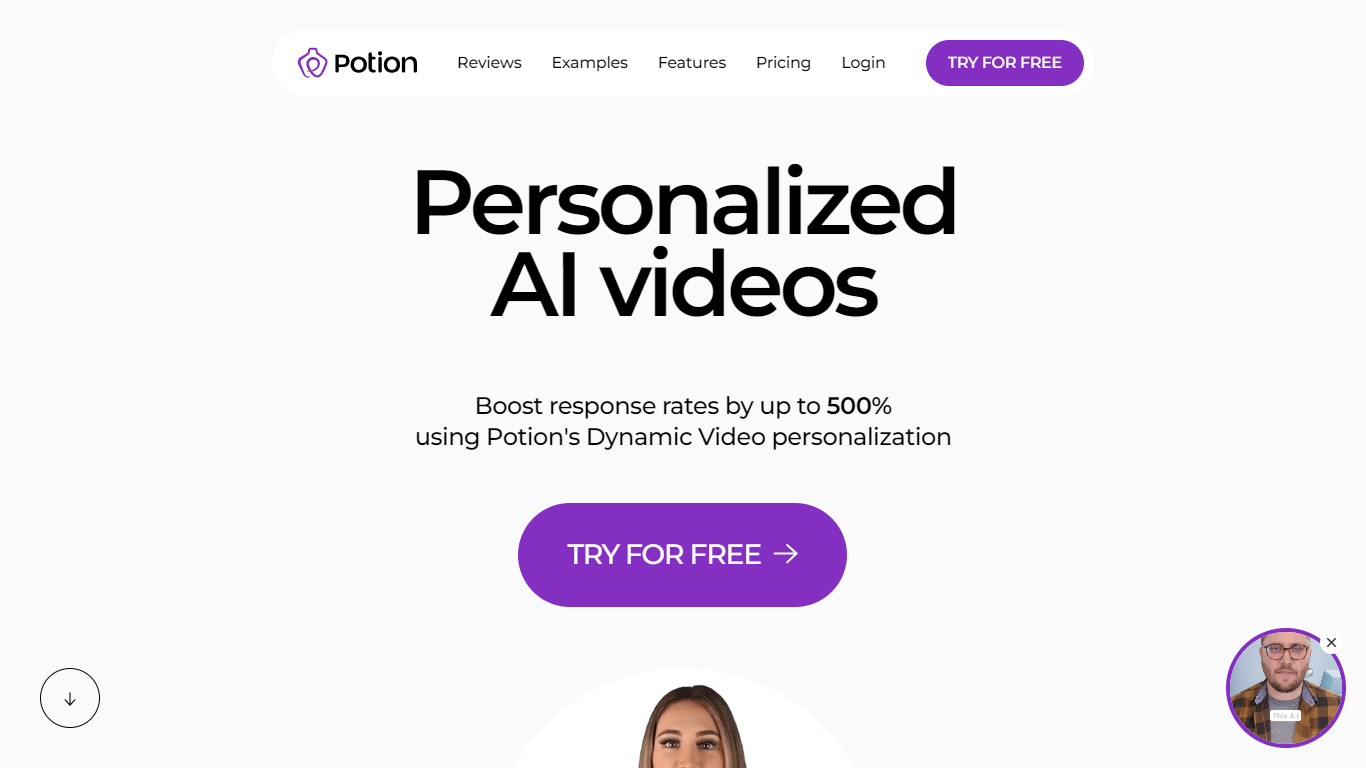

What is Potion?
Potion lets sales, marketing, and support teams generate personalized videos in their own face, voice, and gestures without filming each message. You train the system on a short recording (about four minutes), then type a script or reuse a template to produce lip-synced clips at scale.
Most video AI products hand you stock avatars or generic presenters. Potion clones the actual rep, including gestures and expressions, then layers dynamic fields like prospect names, greetings, and scrolling website backgrounds into each output. Its CRM integrations are export-less, meaning videos push straight into HubSpot, Outreach, Apollo, and Salesloft without downloading files first.
The product targets B2B teams sending high-volume outreach where plain text underperforms. Case studies on the site cite SAP, Orum, and Grow Pronto using Potion for prospecting and follow-up. Plans run from a Starter tier capped at 750 dynamic videos per month to a Professional tier with unlimited generation, plus a 7-day free trial on paid plans.
Potion supports 29 languages, full AI videos up to five minutes long, and branded landing pages with custom domains, calendar embeds, and viewer analytics. Bulk workflows accept CSV uploads, and the platform is SOC2 Type I compliant.
Clipchamp
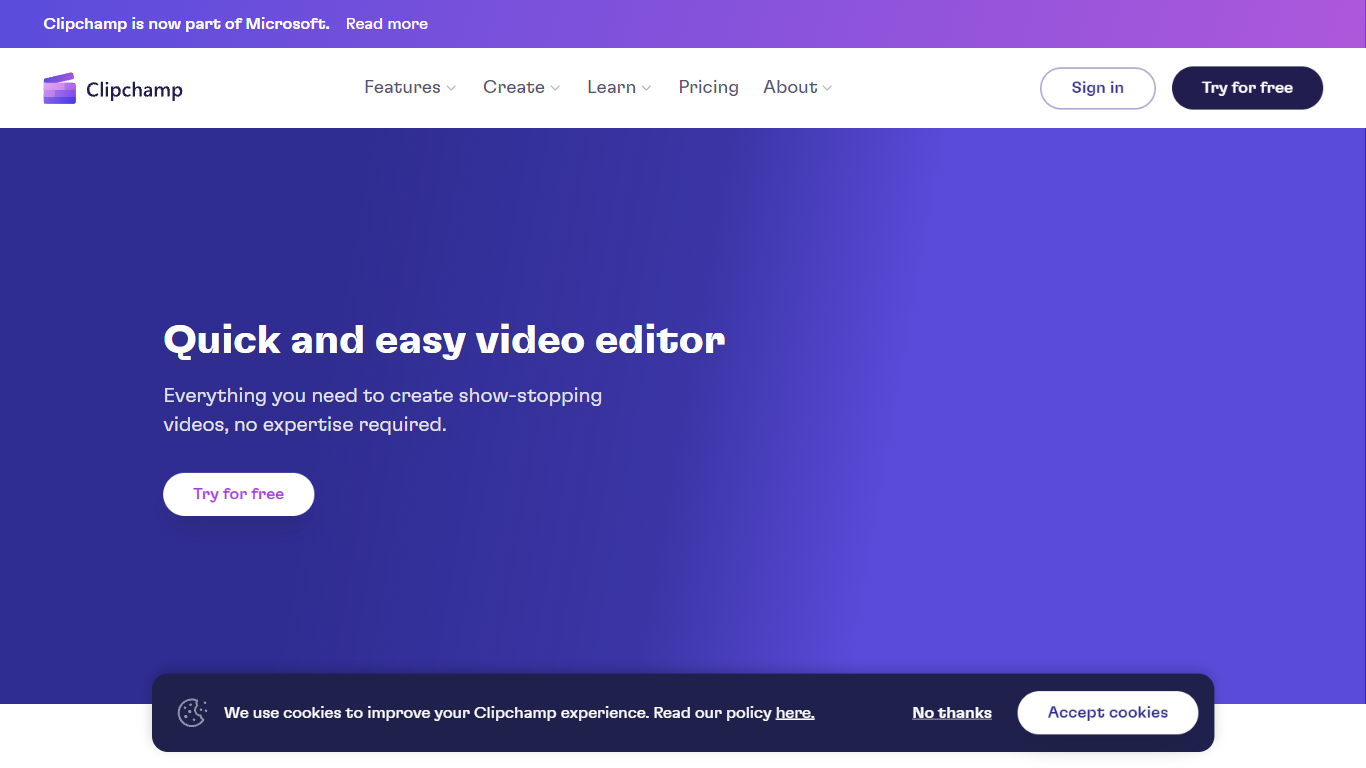
What is Clipchamp?
Clipchamp enables users to record, edit, and share high-definition videos directly from their web browser or Windows app. It offers tools for creating videos with webcam, screen, and voice recordings, combined with AI-powered editing features like noise suppression and automatic subtitle generation.
What distinguishes Clipchamp from other video editors is its integration of advanced AI tools such as a natural voiceover generator with over 400 voices and an AI silence remover that automatically cuts long pauses. It also provides customizable color and gradient backgrounds and supports exporting videos up to 4K resolution without watermarks for premium users.
Clipchamp's content library includes royalty-free stock videos, images, music, and templates tailored for social media, education, and business use. Its privacy-first approach ensures all recordings remain on the user's device unless shared, making it a secure choice for video creation.
With features like multi-item editing, grouping, and a flexible video resizer supporting multiple aspect ratios, Clipchamp offers a comprehensive editing experience suitable for creators of all skill levels. It works seamlessly in Microsoft Edge and Google Chrome browsers, with an optional Windows app available for enhanced performance.
Potion Upvotes
Clipchamp Upvotes
Potion Top Features
Clone face, voice, and gestures from a training session that takes about four minutes
Generate full AI videos up to five minutes long with lip-sync from a typed script or reusable template
Personalize names, greetings, and backgrounds dynamically, including scrolling prospect websites as video backgrounds
Push videos into 50+ CRM and outreach tools (HubSpot, Outreach, Apollo, Salesloft) with export-less integrations
Host clips on branded landing pages with custom domains, calendar embeds, CTAs, and viewer analytics
Bulk-create thousands of videos from CSV uploads in 29 supported languages
Clipchamp Top Features
🎤 Natural AI voiceover generator with 400+ voices and adjustable pitch and pace
📝 AI subtitle generator creating accurate captions in 80+ languages with editable styles
📹 Screen and webcam recorder with unlimited retakes and no watermarks
🔇 AI silence remover to automatically cut long pauses and silences from videos
🎨 Custom color and gradient video backgrounds with HSV and HEX color picker
📺 Video exports up to 4K resolution available with premium subscription
🎬 Multi-item editing and grouping tools for efficient workflow
Potion Category
- Video Editing
Clipchamp Category
- Video Editing
Potion Pricing Type
- Freemium
Clipchamp Pricing Type
- Freemium